Ask ten security company owners at what headcount they moved off spreadsheets and phone check-ins, and you’ll get ten different numbers, because headcount was never the actual trigger. The trigger is a specific moment: the point where a single supervisor can no longer hold the status of every post in their head at once, and starts finding out about a problem after it’s already gone wrong instead of while it’s still small enough to fix. Security guard software for small security business owners earns its place exactly at that moment, not at a headcount someone picked out of a sales deck. That moment can happen at a dozen officers running a demanding mix of sites, or it can not happen at fifty running a simple, stable one.
Why security guard software for small security business owners isn’t a headcount decision
A supervisor running spreadsheets and phone check-ins is doing something genuinely impressive: holding a mental model of who’s where, who’s late, who called out, and which client is expecting a report by end of day — all without a system that tracks any of it automatically. That works, for a while, because the human brain is a decent tracker of a small, stable set of facts. It stops working the moment the set of facts grows past what one person can hold, and the failure isn’t gradual. It’s a missed clock-in nobody notices until the client calls, or two officers double-booked on the same shift because two different people scheduled around a text-message thread instead of a shared record.
The mental-tracking method that worked at the old level of complexity simply stops working at the new one, and no headcount threshold predicts when that happens. Two owners running the same number of officers can be on opposite sides of that line, because one runs a handful of stable, low-turnover posts and the other runs a rotating mix of one-off event coverage, seasonal contracts and a client base that calls constantly for schedule changes. The second owner needs a real system well before the first one does, even with an identical roster count on paper.
The signals that actually show up first
A supervisor who’s always one step behind
The clearest early signal isn’t a single dramatic failure — it’s a supervisor who used to know a problem was coming and now finds out about it from the client. A missed shift that used to get caught by a supervisor’s own memory of who was scheduled where now gets caught, if it’s caught at all, by a property manager noticing the post is empty. That reversal — from catching problems internally to hearing about them externally — is the tell, and it happens well before anyone decides to sit down and count officers.
Attendance disputes that used to be rare
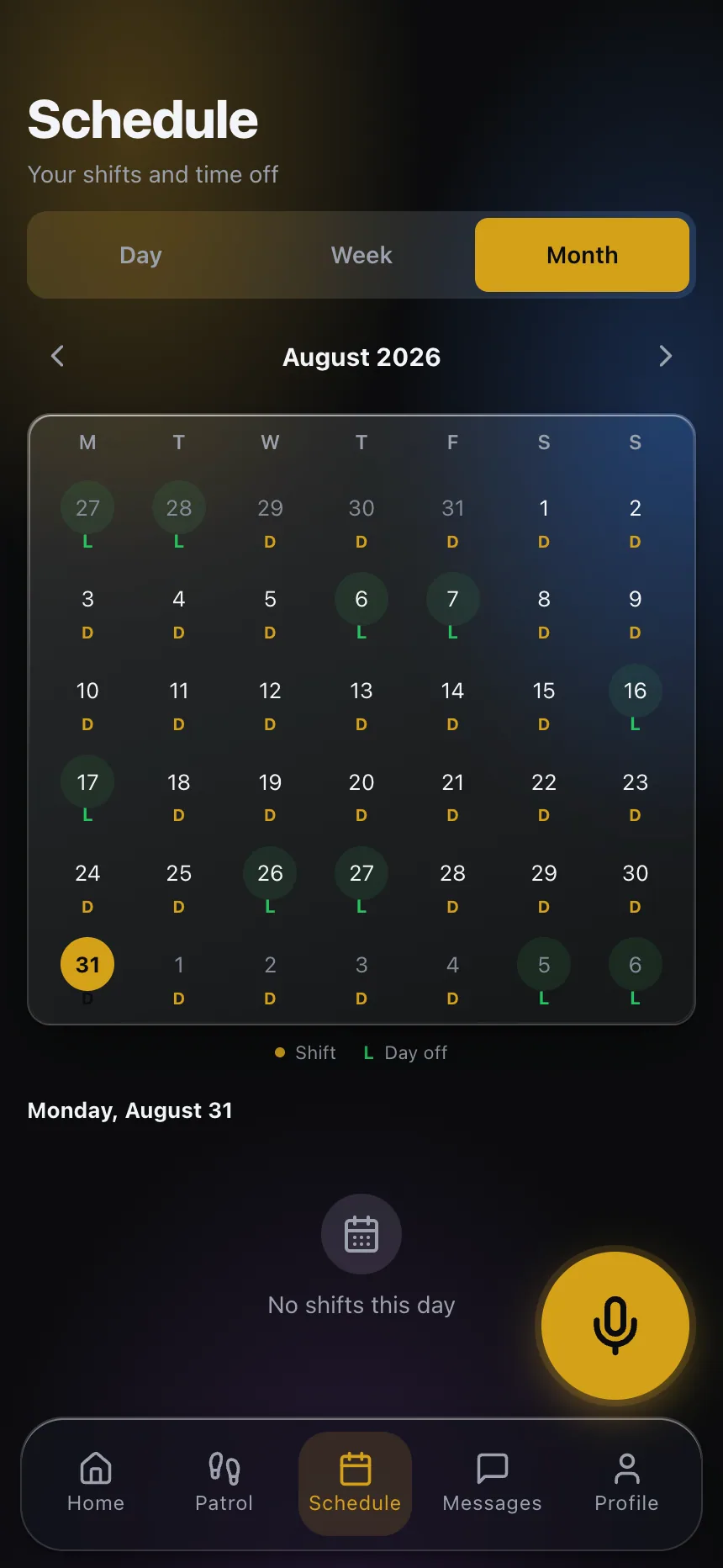
Phone check-ins and a paper sign-in sheet work fine when a dispute is unusual enough that a supervisor can resolve it by asking the officer directly and trusting the answer. Once disputes over what time someone actually arrived start happening regularly enough that they cost real time to untangle, that’s a sign the manual method has outgrown its own reliability, not just its convenience. Geofenced clock-in doesn’t make officers more honest — it removes the argument entirely by recording where and when the clock-in actually happened, which is a different problem than the one most owners think they’re solving when they first look at time-tracking software.
Scheduling that requires one specific person
If the schedule only exists correctly in one supervisor’s head, or in a spreadsheet only they know how to update, the business has a single point of failure that has nothing to do with officer headcount. A supervisor’s vacation, illness, or turnover shouldn’t be able to break the schedule for every post at once, and if it can, that’s the signal to fix — regardless of how many officers are on the roster.
Reports that only exist in a group text
A less obvious signal is where the daily record of what happened actually lives. If “what happened at Site B last night” can only be answered by scrolling back through a group text thread or asking whichever officer worked the shift, the business has no real record — it has a conversation that happens to contain the information, buried among everything else sent to that thread that week. That’s fine when there are three posts and everyone’s in the same group chat. It stops being fine the moment a client asks for last Tuesday’s activity and the answer requires someone to scroll.
What actually changes when a crew moves off manual tracking
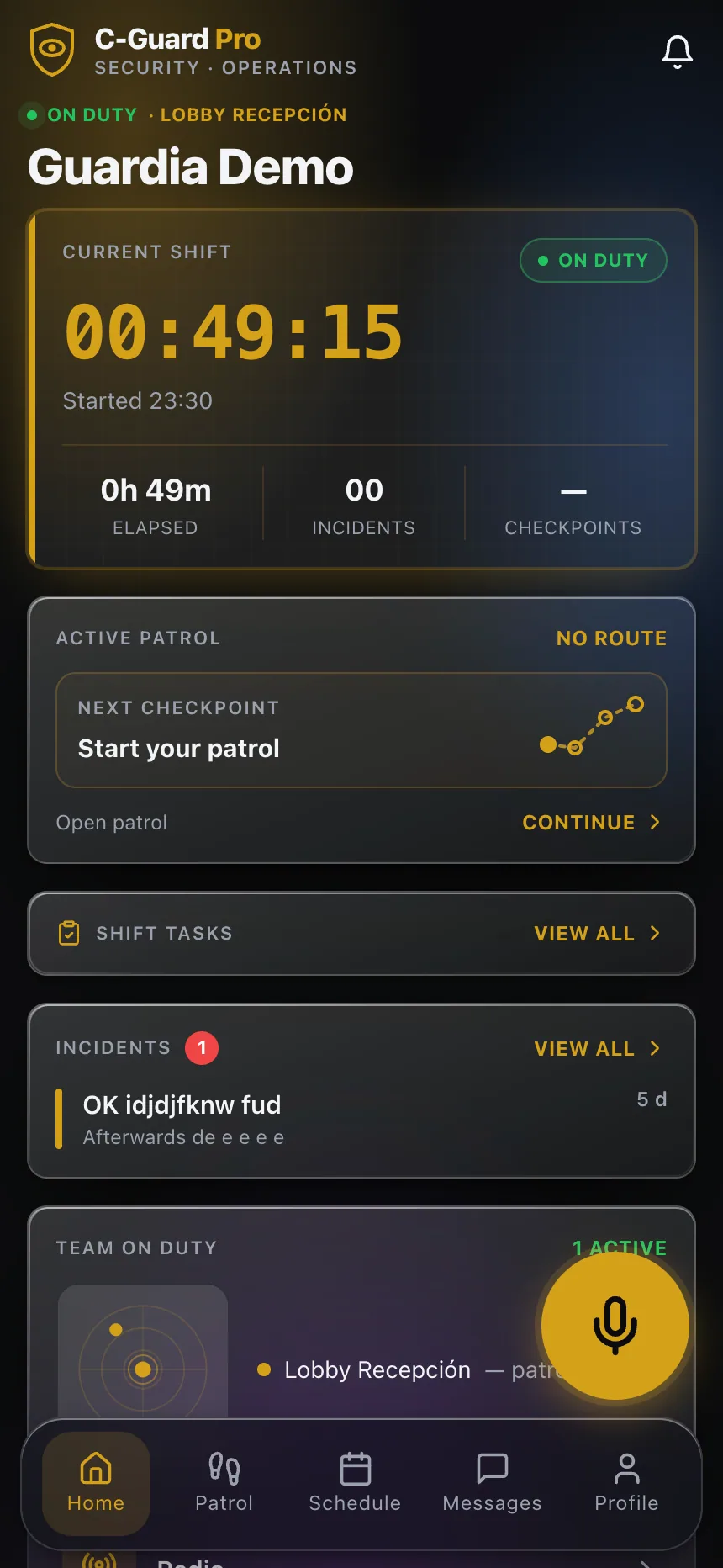
The honest case for moving off spreadsheets and phone check-ins isn’t that it makes a small crew look more professional to clients, though it does. It’s that it turns knowledge that lived in one supervisor’s head into a record anyone on the team can check — who’s on shift right now, who clocked in late, which client is asking for a report that hasn’t been filed yet. That shift matters most exactly when the company is small enough that losing the one person who holds all of it would actually hurt.
It also changes what growth costs. A manual system that works at a dozen officers doesn’t scale by adding more manual effort in proportion — it scales by adding more chances for something to fall through, because a supervisor’s attention doesn’t grow with the roster. A system that tracks attendance, scheduling and reporting automatically absorbs the next ten officers without a proportional increase in the risk of something getting missed, which is the actual argument for making the change before growth forces it.
Recognizing the moment instead of waiting for a number
There’s no headcount where every company should switch, because the trigger isn’t a number — it’s whether one person’s memory is still a reliable system of record for the business. If a supervisor is already finding out about problems from clients instead of catching them first, or spending real time untangling attendance disputes that used to resolve themselves, the crew has already outgrown manual tracking, whatever the roster count says.
If you want to see what moving that knowledge out of one person’s head and into a shared system looks like, explore CGuardPro or check the cost against where your crew is right now.