From “please check the door”
to a task with a name and a time
Clients ask for things all the time — lock this gate tonight, check that leak, escort a delivery. CGuardPro turns those requests into tasks on the officer’s shift, with an approval step, a deadline and a record of who completed them.
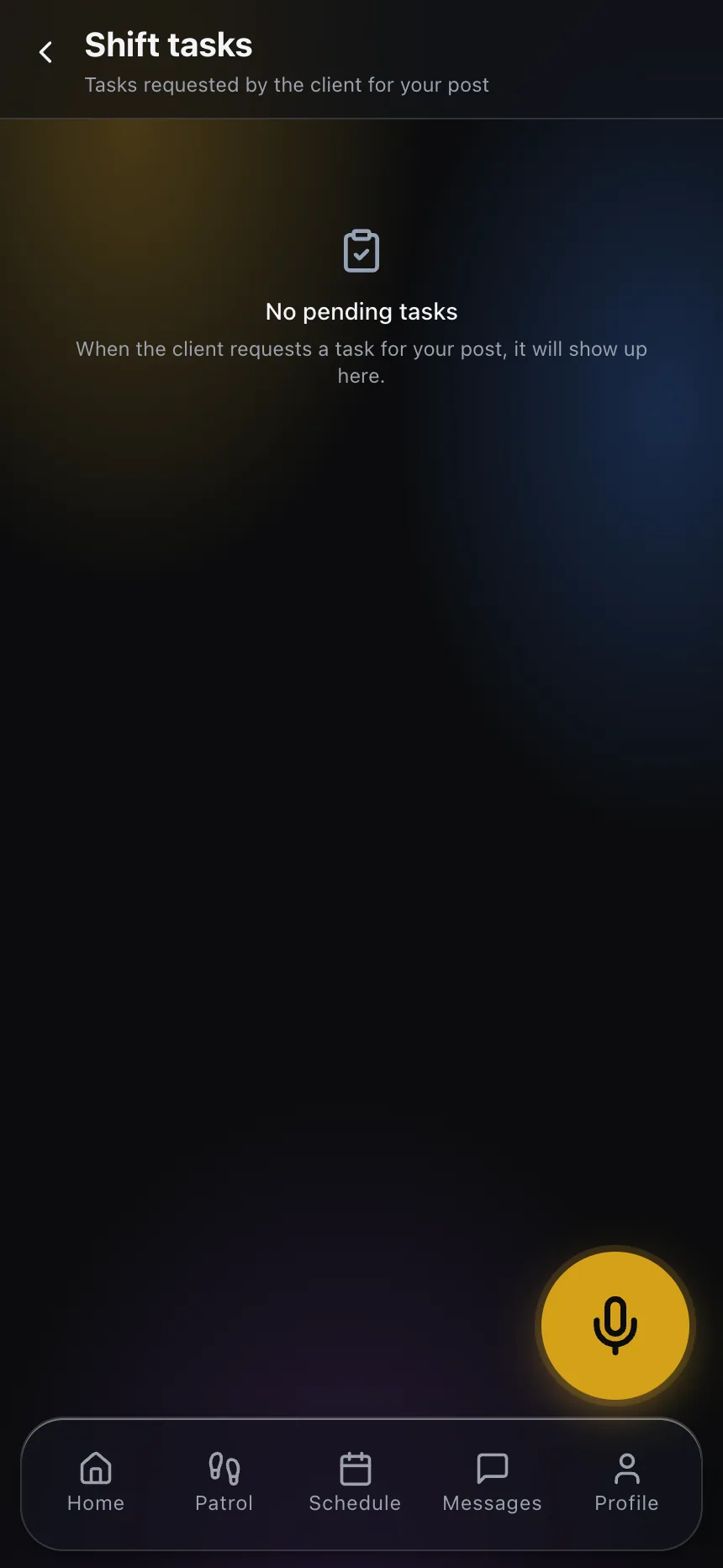
Real product screenshots
Short answer
Task management for security guards assigns specific jobs to a post or shift and tracks completion. In CGuardPro tasks can come from the office, from a shift pass-down, or from the client in their app. Client requests wait for office approval, then appear on the officer’s shift with their deadline. When the officer completes a task in the guard app, the office and the client are notified.
At a glance
- Sources
- Office, client request, shift pass-down
- Approval
- Client requests are approved or rejected by the office
- On the shift
- Tasks appear in the guard app with deadline and priority
- Notifications
- Push and email at each step
Where requests get lost
Requested by WhatsApp
A client texts the account manager, who forwards it to a supervisor, who calls the post. Nobody confirms back.
No proof it was done
When the client asks whether the gate was locked, the answer depends on who you ask.
Everything is urgent
Without priority and deadline, the officer cannot tell the critical request from the routine one.
How tasks move
Created where the need is
The office assigns a task, the client requests one from their app, or a pass-down instruction becomes one.
Approved by the office
Client requests wait for approval, so nothing reaches the post that the company has not agreed to.
Done by the officer
The task appears in the guard app on the right shift, with its deadline; the officer marks it complete.
Everyone is told
Completion notifies the office and, for client tasks, the client.
What changes
- Client requests arrive through one channel, not five
- An approval step protects what the contract covers
- Deadlines and priorities on the officer’s phone
- A named officer and a time for each completed task
- Clients see their requests closed without calling
Frequently asked questions
Can clients create tasks? +
Yes, from their client app. Each request waits for the office to approve or reject it before it reaches the post.
Where does the officer see tasks? +
On their shift in the guard app, with deadline and priority.
Is the client notified when a task is done? +
Yes. Completion of a client-requested task notifies the client.
Do pass-down instructions become tasks? +
Yes. Each instruction left at a shift handover becomes a task for the next officer.
Also in CGuardPro
Close the loop on every request
Book a demo and follow one client request from their app to the officer and back.