The night shift knew.
The day shift finds out at clock-in
A pass-down log is how one security officer tells the next what happened and what still needs doing. In CGuardPro it is part of clocking out: the outgoing officer writes the notes, lists instructions with a priority, and the officer who relieves that post receives them automatically.
Real product screenshots
Short answer
Shift pass-down (or shift handover) software replaces the paper pass-down book at a post. In CGuardPro the outgoing officer files the handover from the guard app when clocking out — notes, photos and instructions marked high, medium or low priority. The next officer at the same post receives it at the start of the shift, each instruction becomes a task to complete, and the office sees every handover in one list.
At a glance
- Filed when
- At clock-out, from the guard app
- Contains
- Notes, photos, prioritized instructions, or “nothing to report”
- Delivered to
- The next officer on the same post
- Instructions
- Become tasks with completion tracking
- Office view
- Pass-downs page in the web command center
Why the pass-down book fails
Nobody reads the binder
The relief signs the book and walks the post. The broken gate latch written on page 14 surfaces again when the client calls about it.
Instructions have no owner
“Keep an eye on the loading dock” is not a task. Nobody can say later whether it was done, by whom, or when.
The office learns last
Managers hear about what happened overnight when a client complains, not when the officer wrote it down.
How the handover works
Clock-out becomes the handover
Before the shift closes, the officer records what happened — by typing or dictating — and attaches photos if something needs to be seen.
Instructions carry a priority
Each item for the next shift is marked high, medium or low, so the relief knows what to handle first.
The relief receives it automatically
The next officer who clocks in at that post gets the open handover. No searching, no phone call to the previous guard.
Tasks close the loop
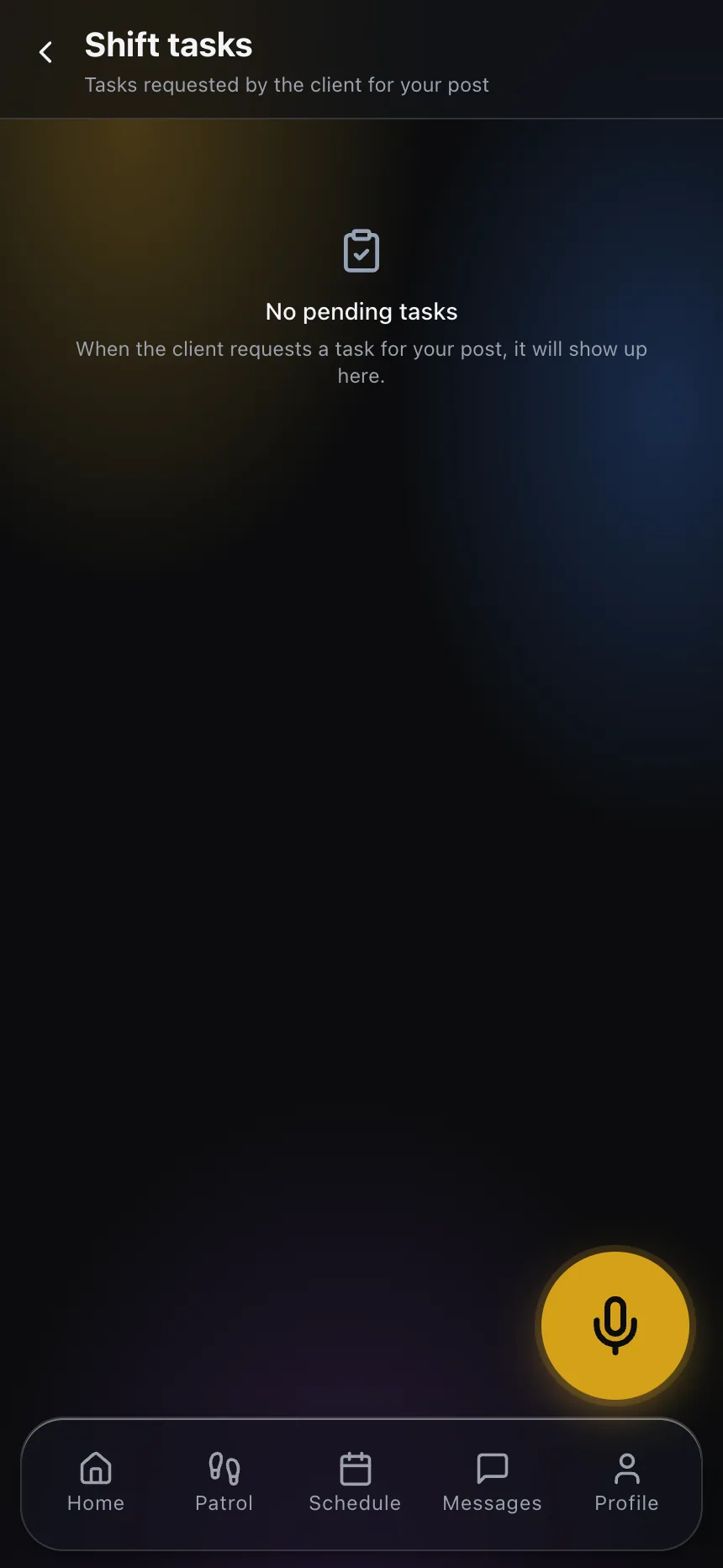
Every instruction becomes a task on the relief’s shift; the office sees which ones were completed and which are still open.
What changes on the post
- Every shift change leaves a written, timestamped handover
- Instructions turn into tasks with a named person who completed them
- “Nothing to report” is recorded explicitly, not assumed
- Photos travel with the note that needs them
- One list of all handovers by post, officer and date
- Works with the incident reports and DARs already filed that shift
Frequently asked questions
What is a shift pass-down log? +
A pass-down log is the record one officer leaves for the next at a shift change: what happened on the post, what is pending and any special instructions. It is the handover between shifts, traditionally kept in a binder at the post.
Who receives the pass-down? +
The next officer who clocks in at the same post within the relief window receives it. An officer does not receive their own handover.
Can the officer say there was nothing to report? +
Yes. “Nothing to report” is an explicit option, so a quiet shift is documented as quiet instead of looking like a missing entry.
Can managers see pass-downs? +
Yes. The web command center lists every handover with the post, outgoing officer, shift, notes, photos and the status of each instruction.
How is this different from a daily activity report? +
A DAR describes the shift for the client and the company. The pass-down is addressed to the next officer and is about what they need to do. Both are filed from the same app.
Make every shift change count
Book a demo and we walk a full handover with you: clock-out, notes, instructions and the relief receiving them.