Know the cost of the schedule
before the payroll arrives
Overtime is usually discovered on payday, when it is too late to rearrange anything. CGuardPro calculates the cost of a schedule from your own pay rules — regular hours, overtime, night differential and holidays — so you can change it while it is still a draft.
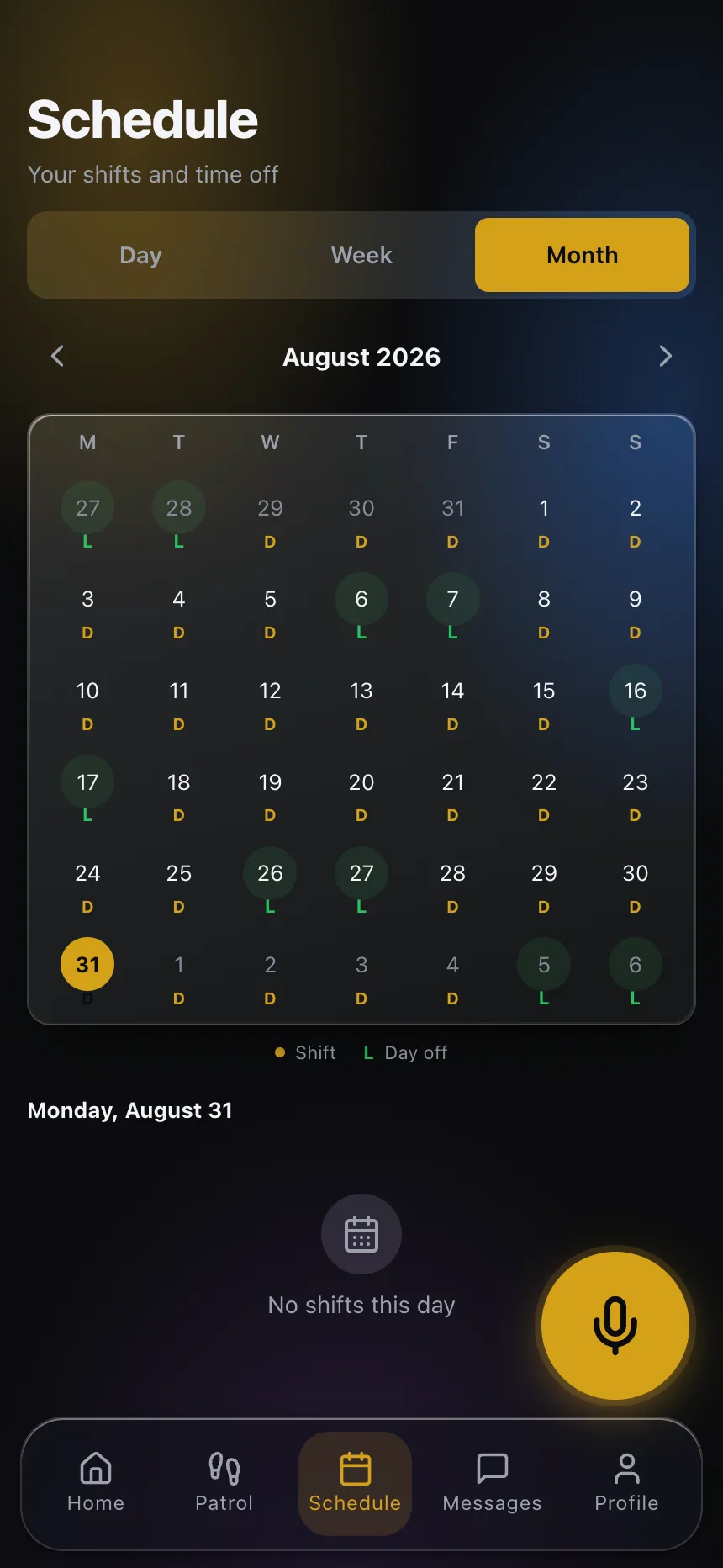
Real product screenshots
Short answer
Schedule labor cost forecasting estimates what a guard schedule will cost in wages before it is worked. CGuardPro computes regular and overtime hours for each officer using your overtime threshold and multiplier, adds the night differential for the hours you define as night, accounts for holidays, and applies each officer’s own pay rate when one is set. Without rates configured, it reports hours only.
At a glance
- Calculates
- Regular hours, overtime hours, night hours
- Rules from
- Your payroll settings: threshold, multiplier, night window
- Rates
- Company default and per-officer overrides
- Holidays
- From your company calendar
Where margins disappear
Overtime found on payday
The schedule looked full and fine. The payroll shows three officers past the threshold.
Night hours forgotten
Night differential is paid but never priced into the schedule or the bill rate.
Estimates by spreadsheet
Someone rebuilds the math by hand every time the schedule changes.
How the cost is calculated
Your rules, once
Set the overtime threshold, multiplier, night window and night differential in payroll settings.
Rates per officer
Use a company default and override it for individual officers.
Hours split automatically
Each shift is split into regular, overtime and night hours, with holidays applied.
A number you can explain
The total is a sum of hours times rates, not a guess, so you can see where it comes from.
What you gain
- Overtime visible while the schedule can still change
- Night and holiday hours priced in
- Per-officer rates instead of a single average
- A cost figure you can defend line by line
- Better bill-rate decisions for new contracts
Guides on this topic
Forecasting Overtime Before It Happens
Overtime is not controlled at payroll close. It is controlled on Wednesday. How to read accrued hours against the plan and price a fill before you make the call.
Controlling Overtime in a Security Guard Company
Security guard overtime rarely comes from bad intentions. Here is where it actually comes from, and the scheduling levers that cut it safely.
Building the True Burdened Cost of a Guard
The true cost of a security guard labor burden rate is not a single multiplier you look up — it is built line by line before you set any bill rate.
Frequently asked questions
Which overtime rule does it use? +
The threshold and multiplier you configure in payroll settings, so it follows your jurisdiction and your policy.
What if pay rates are not set? +
The model still reports regular, overtime and night hours; it adds dollar amounts once rates are configured.
Does it include night differential? +
Yes. Define the night window and the percentage, and night hours are priced accordingly.
Does it replace payroll? +
No. It forecasts the cost of a schedule. Payroll runs from the verified attendance records.
Price the schedule before you publish it
Book a demo and we calculate the cost of a sample schedule with your own pay rules.