Church security software
for safety teams and contracted officers
Church security software should help a congregation stay welcoming and watchful at the same time. Whether your safety ministry is made up of volunteers, contracted security officers or both, CGuardPro gives each person their instructions for the post they are standing, a calm way to record what happened during a service, a panic button that reaches the right people, and rounds of the building that are verified rather than assumed. Trusted by 600+ security companies worldwide.
Real product screenshots
Short answer
Church security software has to help a safety team stay welcoming and watchful: clear instructions per post, verified building rounds, incident records and a way to call for help. CGuardPro works for volunteer safety ministries and contracted officers alike, giving each person post instructions on their phone, QR or NFC lock-up rounds recorded with time and position, incident reports with photos, and a panic button that alerts the leaders you choose.
At a glance
- Who uses it
- Volunteer safety teams, contracted officers, or both
- Typical posts
- Main entrance, parking lot, children's wing hallway, roving
- Key records
- Lock-up rounds, incident reports with photos, service schedule
- Hardware
- None installed; printed QR codes or NFC tags and own phones
- Not included
- Children's check-in or pick-up
What makes a house of worship different
The doors are open to everyone, on purpose
A church cannot screen its way to safety without stopping being a church. What a team can do is know who is standing where, what each post is responsible for, and how to call for help quietly when something does not feel right.
The team changes from one service to the next
Volunteers rotate, a contracted officer covers a special event, a new member joins the ministry. Instructions passed along in a hallway are the first thing lost when the person who usually does it is not there.
Nothing written down after a difficult Sunday
A medical emergency in the sanctuary, a disruptive visitor, a door found unlocked on Monday. If it is not recorded, the leadership cannot learn from it and the next team starts from nothing.
How a safety team works with CGuardPro
Instructions for each post, not a binder
The main entrance, the parking lot, the children's wing hallway and the roving position each get their own orders and contacts. Whoever is scheduled there opens them on their phone when they start, including someone who has never stood that post before.
Rounds of the building before and after
QR checkpoints — or NFC tags — at the exterior doors, the fellowship hall, the offices and the parking areas, so the lock-up walk after the last service is recorded with the time, the position and the person who did it.
A calm record of what happened
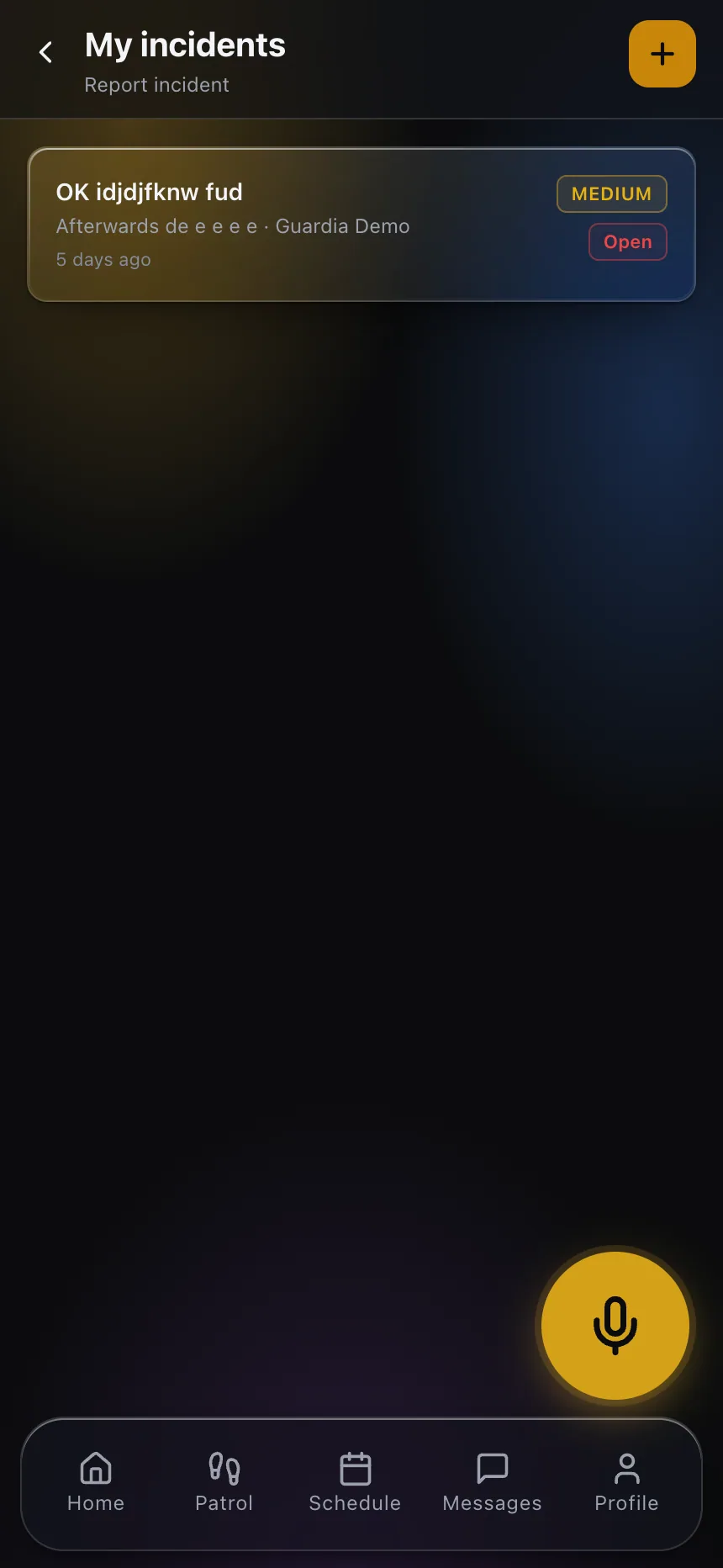
Incidents are filed from the phone with photos, category and severity: a medical call, a suspicious package, a vehicle broken into during the service. The record exists the same day, not only in someone's memory.
Help reaches the right people
The panic button opens an alarm with the person identified and located, alerts the team leaders you choose and stays open as a case until someone closes it.
What the congregation's leadership gets
- Post-by-post instructions that every team member can open on their phone
- Recorded lock-up rounds with time, position and the person who walked them
- Incident reports with photos, category and severity
- A panic button that alerts the people you choose and stays open until closed
- A schedule that shows who is serving on which post at which service
- A history the leadership can review, instead of stories retold on Monday
Frequently asked questions
Is this for volunteer safety teams or for contracted guards? +
Both. The platform was built for security companies, and the same tools work for a church that runs its own safety ministry: each team member is a user with the app on their own phone. Many congregations combine the two — volunteers on most Sundays and contracted officers for larger events — and both can work from the same posts and instructions.
What does it cost for a small team? +
Billing is per user per month, so a team of a handful of people pays for a handful of people. Nothing in the product assumes a large operation.
Does it handle children's check-in? +
No. CGuardPro is not a children's check-in or pick-up system. What it can do is give the officer or volunteer posted at the children's wing their own instructions and contacts, and record any incident there like anywhere else.
What happens when someone presses the panic button? +
An alarm opens with the person identified and located, the leaders or monitoring contacts you chose are notified, and the alert stays open as a case until someone closes it. It needs a live connection to reach them, so it is worth checking coverage in basements and inner rooms.
Do we need to install anything in the building? +
No. Checkpoints are printed QR codes or NFC tags, and team members use their own phones. Nothing has to be wired into the building.
Who can see the incident reports? +
You decide. Roles control what each person sees, so a team leader can review everything while a volunteer sees only their own posts, and every action is written to an activity log with a name and a time.
Set up one Sunday with us
Book a demo and we set up the posts for one service — entrance, parking lot and roving — with their instructions, a lock-up round and the way an incident would be recorded.