Vacation requests
that reach the schedule
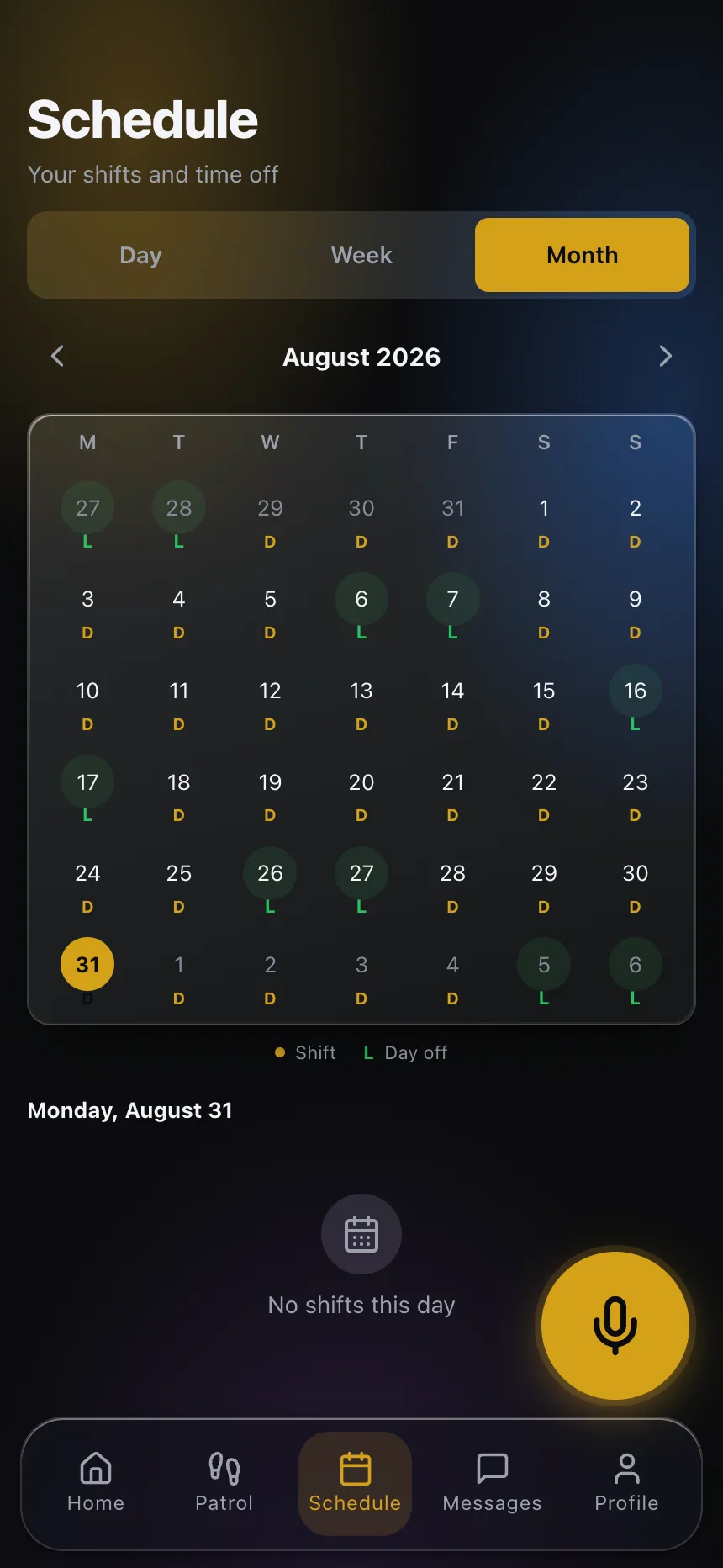
A time-off request on paper or by text gets approved by one person and forgotten by the scheduler. In CGuardPro the officer requests it from the app, it goes to the right manager, and once approved the days are marked on the schedule where coverage is planned.
Real product screenshots
Short answer
Time-off request software lets officers ask for vacation or leave and routes the request for approval. In CGuardPro the officer submits the request from the guard app, it is sent to the manager of their department (or to HR when there is none), and the officer is notified of the decision. Approved days are applied to the schedule so the post’s coverage can be arranged in advance.
At a glance
- Requested from
- Guard app and supervisor app
- Routed to
- The department manager, or HR as fallback
- Decision
- Approve or reject, officer notified
- Schedule
- Approved days applied automatically
What goes wrong with leave today
Approved but not scheduled
The manager said yes in a hallway; the officer is still on the schedule for those days.
Nobody knows who approves
Requests circle between supervisors and HR until the date has passed.
Coverage arranged the night before
A vacation known for a month becomes a 5 a.m. call-off problem.
How a request flows
Requested in the app
The officer picks the dates and the type of leave from their phone.
Sent to the right person
The request goes to the manager of the officer’s department, with HR as the fallback.
Decided and notified
The approver accepts or rejects it, and the officer is told immediately.
Reflected on the schedule
Approved days are applied to the schedule so the office can plan relief in advance.
What changes
- One channel for every leave request
- Clear ownership of approvals by department
- The schedule always shows approved leave
- Coverage planned days ahead, not hours
- A history of requests and decisions per officer
Frequently asked questions
Who approves time-off requests? +
The manager of the officer’s department. If the officer has no department manager, the request goes to HR roles.
Is the officer notified? +
Yes, when the request is approved or rejected.
Does approval change the schedule? +
Yes. Approved days are applied to the officer’s schedule.
Can supervisors request time off too? +
Yes, from the supervisor app.
Plan leave before it becomes a call-off
Book a demo and follow a request from the officer’s phone to the schedule.