Mobile patrol company software
with proof at every stop
A mobile patrol company sells visits: a car that reaches a dozen accounts a night, at agreed times, and leaves a record at each one. The officer is alone, the route crosses town, and the client is asleep. CGuardPro plans the route as a list of stops, verifies each arrival on the officer's phone, alerts dispatch when a stop is late or skipped, and gives every client its own visit history.
Real product screenshots
Short answer
Mobile patrol company software plans patrol routes across many client sites and proves each visit. In CGuardPro, a route is built from stops with frequency, hours and late tolerance. The officer scans a QR or NFC checkpoint at each stop, and the server records time and position, with optional photo or note. Dispatch gets alerts for missed or late stops, and each client sees its own visits in the portal.
At a glance
- Routes
- Stops across sites, with frequency, hours and late tolerance
- Proof per stop
- QR or NFC scan, server time and position, optional photo or note
- Alerts
- Missed or late stops while the shift is running
- Supervisors
- Own app with inspection checklists per post
- Clients
- Visit history for their own sites in the portal
Where mobile patrol companies lose the argument
The client never sees the car
A patrol happens at 1 a.m. and 4 a.m., when nobody at the property is awake. Without a record per stop, the client only learns about the patrol when something goes wrong, and then the question is whether anyone came at all.
One late stop pushes the whole night
A traffic stop, a long alarm response or a talkative manager and the route slides. Dispatch finds out at the end of the shift, when nothing can be done about the stops that were skipped.
A signature sheet in the glovebox proves nothing
A patrol log filled in at the end of the night looks the same as one filled in stop by stop. It does not show where the officer was or when.
How a patrol route runs in CGuardPro
Build the route from its stops
Pick the client sites the route covers, the order, how often each one is due, the active hours and the late tolerance. Mount a QR or NFC checkpoint at each stop where the officer has to prove arrival.
The officer works it from the phone
The guard app shows the active patrol and the next stop due. The officer scans the checkpoint on arrival, adds a photo or note if something is wrong, and files an incident report from the same screen.
Dispatch sees gaps as they happen
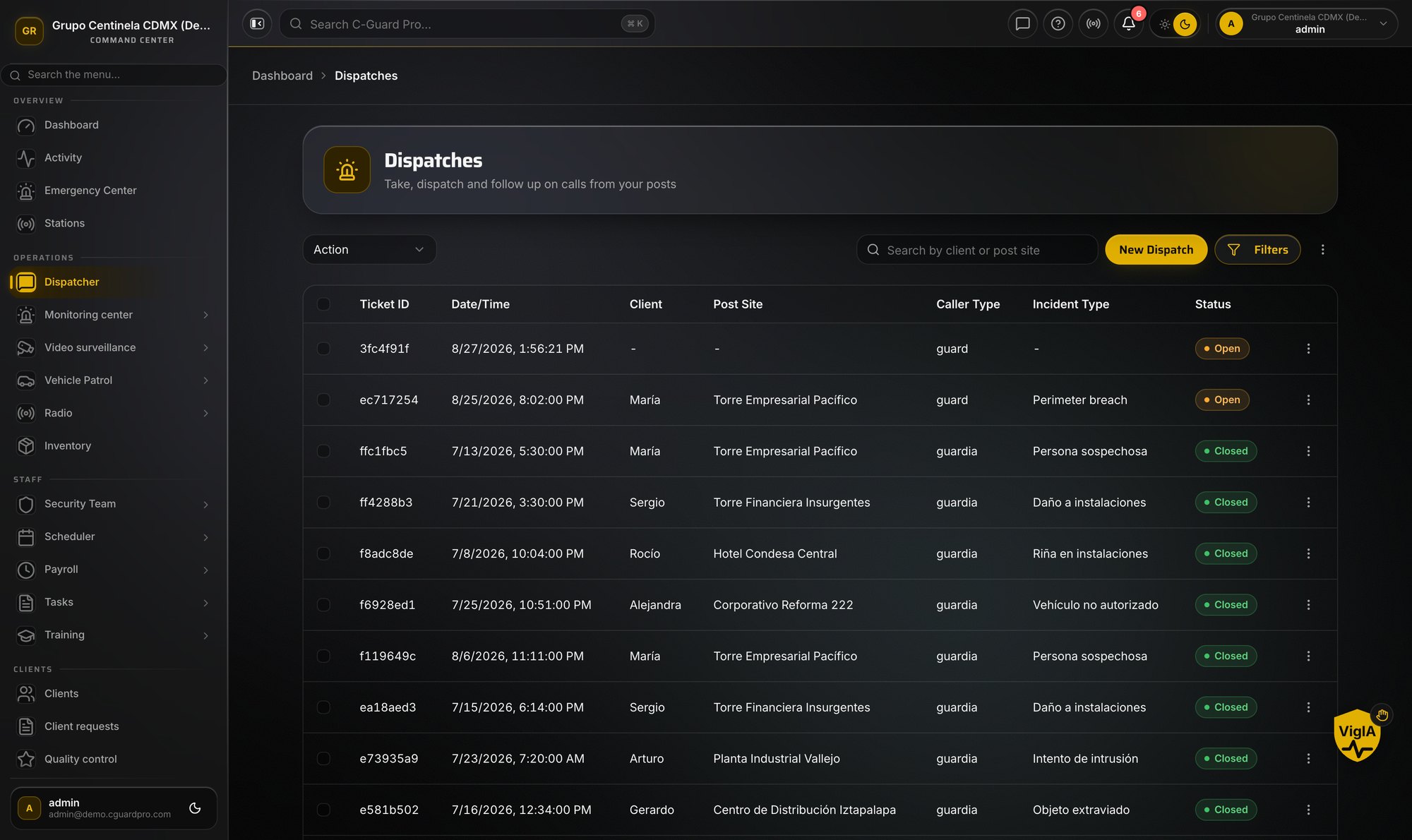
Officers are on the live map with their status. A stop that runs late or is missed raises an alert during the shift, while the car can still be redirected or another unit sent.
Supervisors inspect, clients read
Field supervisors complete inspection checklists at each stop of their own route in the supervisor app. Each client sees the visits, reports and incidents at its own sites in the client portal.
What a mobile patrol company gets
- Multi-site routes with frequency, active hours and late tolerance per stop
- QR or NFC checkpoints, each scan verified by server time and position
- Missed and late stop alerts while the shift is still running
- Live map of officers with their status, and route history by date
- Supervisor app with inspection checklists, photos and notes per post
- Incident reports with photos and a panic button in the same guard app
- Push-to-talk radio between officers, supervisors and dispatch
- A visit history per client, exportable and visible in their portal
Frequently asked questions
What is mobile patrol company software? +
It is software that plans patrol routes across many client sites and records each visit as it happens. CGuardPro builds routes from stops with frequency, hours and late tolerance, verifies each arrival with a QR or NFC checkpoint scan recorded with server time and position, and alerts dispatch when a stop is missed or late.
How does the client know the patrol actually came? +
Each stop leaves a scan with the time, the position and the officer who made it, plus any photo or note. The client sees the visits at its own sites in the client portal, and you can export the history for any period.
What happens at a stop with no cell signal? +
The guard app can queue tour activity when the connection drops and send it when the signal returns. A checkpoint scanned without connection is stamped when it reaches the server, so plan routes so the officer passes through coverage, and use notes to explain delays. Clock-in itself needs a live connection.
Can supervisors run their own route? +
Yes. Supervisors use the supervisor app to complete inspection checklists at each stop of their route, with photos and notes. Dispatch follows routes in progress and can add, reorder or skip stops, and every visit is kept in a supervision history by post, supervisor and date.
Which checkpoint types are supported? +
QR codes and NFC tags, scanned with the officer's phone. CGuardPro does not use Bluetooth beacons or virtual (GPS-only) checkpoints for tours.
How much does it cost? +
$5 per user per month, where a user is anyone with a login, with every feature in one plan. There is a one-time $299.99 implementation fee and a 7-day free trial.
Put one route on it
Book a demo with one real patrol route. We set up the stops, the checkpoints and the client's view, and you see the night from dispatch.