“Post 4, report.”
Recorded, transcribed and filed
The nightly radio check — calling each post to confirm the officer is awake and the site is quiet — usually leaves no trace. CGuardPro runs the roll call through the guard app and turns the answers into a written report.
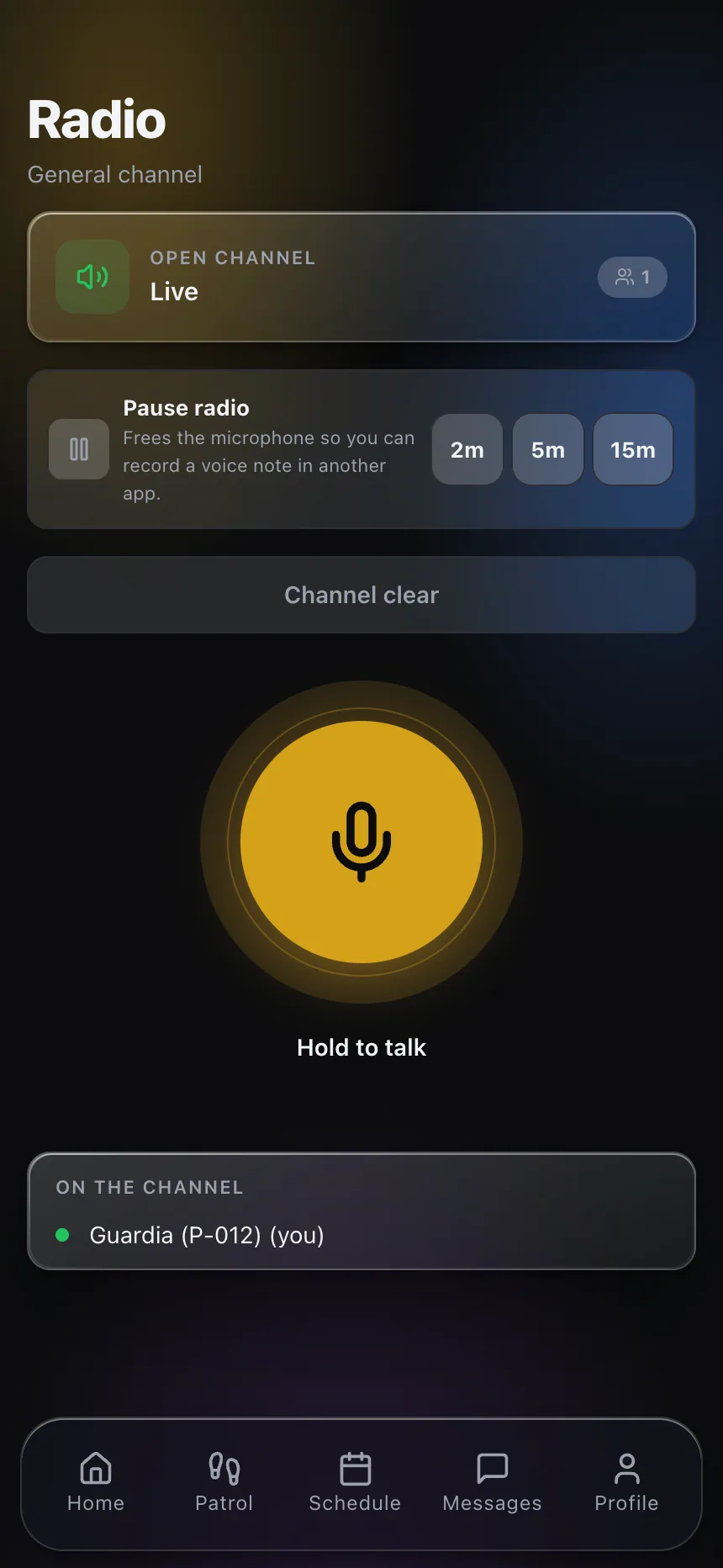
Real product screenshots
Short answer
A radio roll call (or post check-in) is when dispatch calls every post in turn and each officer reports their status. In CGuardPro the roll call runs on a schedule or on demand: each on-duty officer receives the call on the guard app and answers with a voice clip, a text, or “all clear.” Voice answers are transcribed, unanswered posts are marked, and the session is saved as a written report in the history.
At a glance
- Triggers
- Recurring schedule or manual, all posts or one
- Answers
- Voice clip, text, or “all clear”
- Voice
- Automatically transcribed
- Result
- Written summary saved in the history
- Console
- Live grid of posts and their latest status
Why the radio check proves nothing today
Spoken and gone
The officer answered at 3:00; nobody can show it a week later.
Silence goes unnoticed
A post that did not answer is easy to forget when the next one does.
An hour of dispatcher time
Calling twenty posts one by one eats the night.
How the roll call works
Start it or schedule it
Run a roll call for all posts or one, now or on a recurring schedule.
Officers answer in the app
A voice clip, a short text or “all clear,” from the guard app.
Answers are transcribed
Voice answers become text, so they can be read and searched.
A report is saved
The session closes with a written summary: who answered, what was reported, who did not.
What dispatch gains
- Proof that every post was checked
- Unanswered posts marked, not forgotten
- Voice reports readable as text
- A live console of post status
- Dispatchers freed from manual calling
Frequently asked questions
Do officers need a separate radio? +
No. The roll call runs on the guard app on the officer’s phone.
Can it run automatically? +
Yes. Set a recurring roll call, or start one manually for all posts or a single post.
Are voice answers kept? +
Yes. The clip stays playable and its transcription is stored with it.
Is this the same as push-to-talk? +
No. Push-to-talk is live voice; the roll call is a structured check with a written record. Both are included.
Turn the radio check into a record
Book a demo and we run a roll call across sample posts so you see the report it produces.