When your client is in danger,
one button reaches everyone
Clients call the account manager’s cell phone in an emergency and hope someone answers. With CGuardPro your clients have an SOS button in their own app that triggers your full emergency response at once.
Real product screenshots
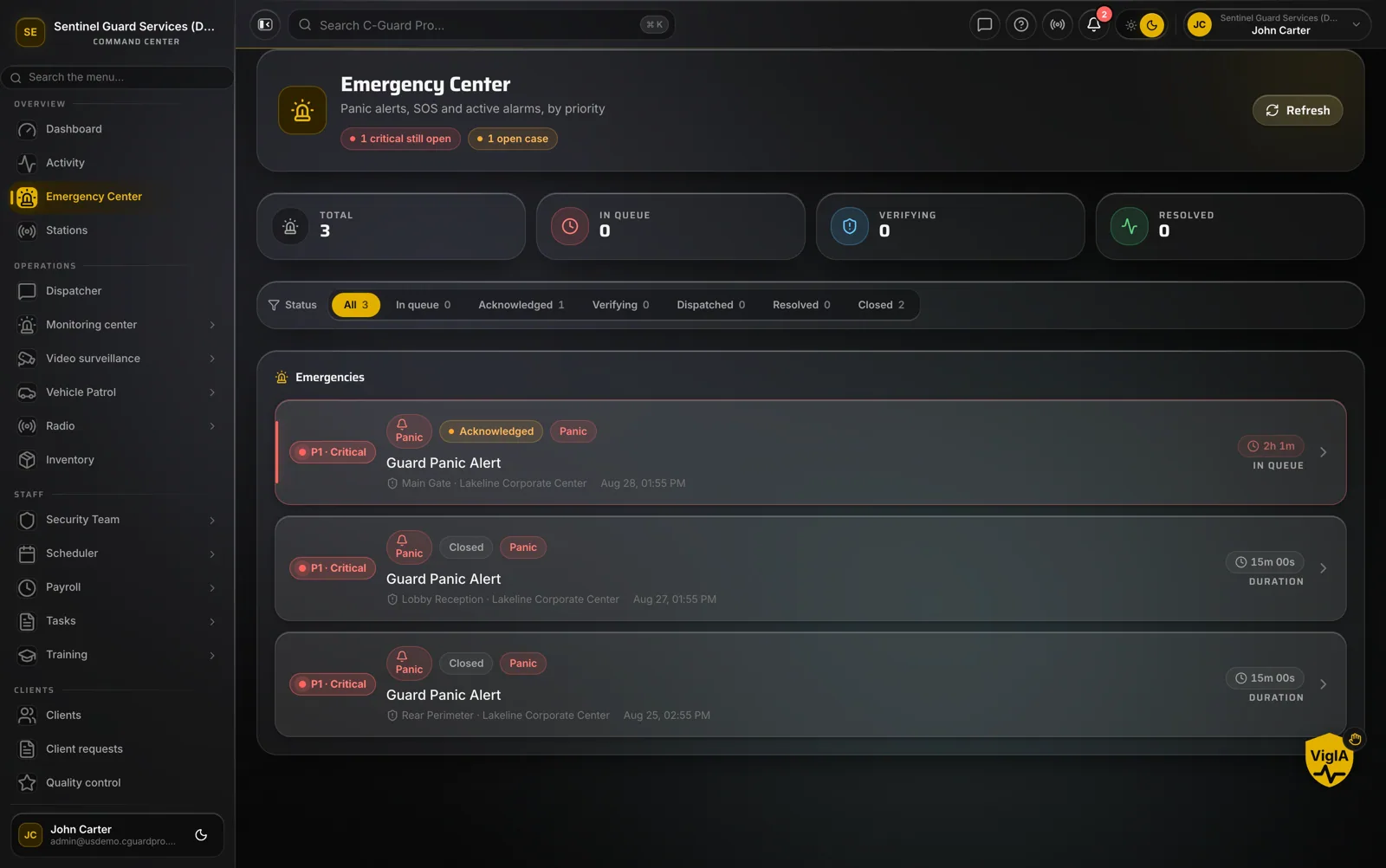
Short answer
A client SOS button lets the people you protect raise an emergency directly with their security company. In CGuardPro, pressing SOS in the client app opens a high-priority incident for that client’s site, shows a full-screen alarm with siren in your command center, creates a case in the alarm queue that operators acknowledge, dispatch and resolve, and sends a push alert to the officers on duty at that post.
At a glance
- Pressed from
- The client app
- Creates
- High-priority incident and an alarm queue case
- Command center
- Full-screen alert with siren
- On site
- Push alert to the post’s officers
- Includes
- Site, address, phone and location
How client emergencies get lost
One phone number
The client calls the one person they know; that person is asleep.
The officer on site hears last
The guard twenty meters away learns of the emergency after the office does.
No record of the response
Afterwards, nobody can say when the call came in and who did what.
What happens when a client presses SOS
An incident opens
A high-priority incident is created for the client’s site, with address and location.
The command center sounds
Every open console shows a full-screen client SOS alert with a siren.
A case is queued
The SOS becomes a case in the alarm queue, so it is handled even if no one had a console open.
Officers are alerted
The officers on duty at that site receive a push alert.
What it means for your clients
- A direct line to your whole emergency response
- On-site officers alerted immediately
- Every SOS tracked to resolution
- A timeline you can share with the client afterwards
- A visible reason to keep your service
Frequently asked questions
Where does the client press SOS? +
In the CGuardPro client app, from their phone.
Who is alerted? +
Your command center (full-screen alert and siren), the alarm queue, and the officers on duty at that client’s site.
What if nobody is watching the console? +
The SOS is also saved as a case in the alarm queue, so it waits for acknowledgment instead of disappearing.
Is it the same as the guard panic button? +
It uses the same emergency path, marked as coming from the client.
Give your clients a direct line
Book a demo and we trigger a test SOS so you see every screen it reaches.