A security guard software QuickBooks integration on a vendor spec sheet reads like a solved problem: guards clock in and out on the app, hours flow to QuickBooks, checks go out on payday. Ask the office manager six months into that “integration” what she actually does every Friday morning, though, and you get a different picture — a spreadsheet open next to the export, a highlighter, and a running list of pay codes she still has to fix by hand.
That gap between what “integration” is sold as and what it delivers is the real question behind any security guard software QuickBooks integration, and it matters more for a guard company than for almost any other kind of employer, because pay rates here are unusually unstable. Vendors advertise a security guard software QuickBooks integration as if it were one feature; in practice it’s several, and only some of them are actually automatic. The same officer can bill at one rate on a standard post, a different rate on a holiday, and a third rate covering a supervisor’s shift on short notice — sometimes all in the same week.
What a security guard software QuickBooks integration usually means on a spec sheet
When a vendor says the scheduling and time-and-attendance system “integrates with QuickBooks” — or ADP, Paychex, Gusto, whichever payroll platform a client company already runs — what typically moves is hours worked, tied to a job or cost code that maps to a client site. That’s a real and useful sync. It eliminates the step where someone retypes punch data from one system into another, which is where a lot of payroll errors start in the first place.
What it does not typically mean is that the payroll platform now understands your business the way your scheduling system does. Pay rates, rate differentials, deduction rules, and the shift patterns that trigger overtime live in policy and in contract terms that a generic accounting integration was never built to hold.
The fields that move automatically
Total hours by job code is the reliable part. If a guard worked a shift assigned to a specific post, that time and that code should land in the payroll export without anyone re-keying it. Most systems that advertise an integration get this piece right, and it’s worth confirming during a demo rather than taking on faith — ask to see an actual exported file, not a slide describing one.
Beyond raw hours, some platforms also pass along a shift’s start and end time and the site it was worked at, which is useful for a client dispute later (“your guard says he left at 11, our camera log says 10:40”) but has nothing to do with payroll itself.
The fields that still land in a spreadsheet
This is where owners get surprised, usually during the first billing cycle that includes a holiday or an emergency callout.
Pay rate changes. A raise, a shift differential for a specific post, or a temporary rate for someone covering a supervisor’s route rarely flows through an hours-only integration. Someone still has to update the rate in the payroll system directly, and if that update lags the schedule change, the guard gets paid at the old rate.
Overtime treatment. Overtime rules depend on the contract, the state, and sometimes the specific classification of the role, and they are not something a generic hours export calculates correctly on its own. Even when a system flags overtime hours, whether those hours are paid at a premium, and how that premium is computed, still has to be verified against your actual pay policy — this is not a place to trust default settings.
Deductions and benefits. Health insurance contributions, garnishments, and voluntary deductions live in the payroll platform’s own records, not in a guard-scheduling export. An hours sync has nothing to say about them.
PTO and accrual balances. If your paid-time-off accrues by hours worked, someone needs to confirm that the accrual math in payroll matches the actual hours reported by the field system, especially after a pay-period correction.
None of this makes the integration worthless — it removes real manual work, specifically re-keying hours. It just means “integration” is not a synonym for “hands-off,” and any operator planning headcount around a fully automated payroll run is planning around a feature that doesn’t fully exist yet in this industry.
A concrete example: the holiday pay problem
Here’s how this usually surfaces for real. A client site runs a holiday shift that carries a contractual premium. The hours-and-job-code sync does exactly what it’s supposed to do — it reports that the officer worked eight hours on that post, on that date. What it doesn’t know, because nobody told it, is that those eight hours should be paid at a different rate than a Tuesday shift at the same post. Unless someone in payroll specifically flags that date and that post before running checks, the officer gets paid at the standard rate, the discrepancy surfaces when the officer calls asking where the holiday pay went, and now someone is issuing a correction days later instead of getting it right the first time.
The same pattern repeats around emergency callouts, temporary rate changes for a guard covering a supervisor’s route, and any client account with a bill rate structure that doesn’t map cleanly to a single hourly number. None of these are integration failures in the sense of something being broken — the sync moved exactly the data it was built to move. The failure is organizational: nobody built a checklist for the office manager to review before the export runs, so the exceptions get caught after the fact instead of before it.
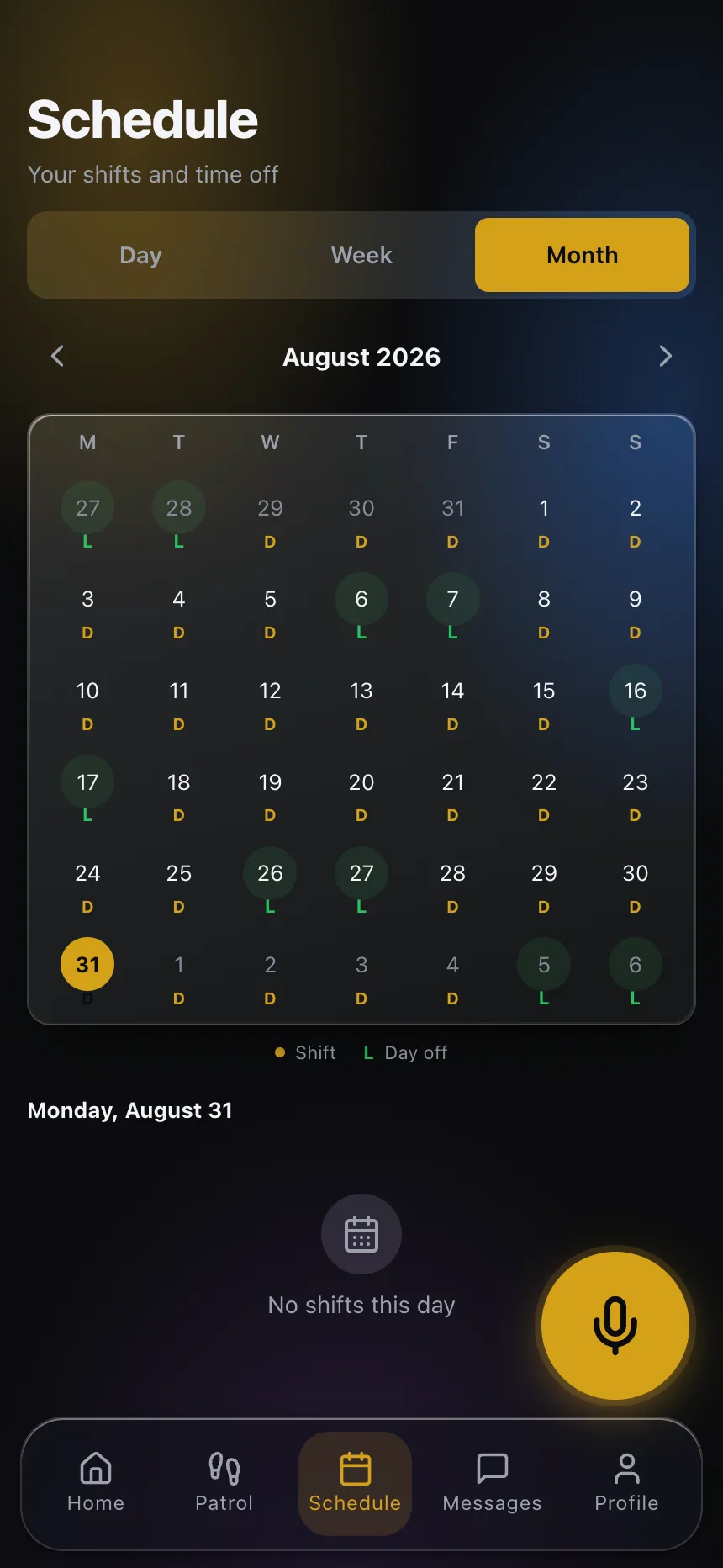
A dashboard that surfaces which shifts fall on a holiday, which posts carry a differential, and which officers picked up a short-notice callout that week gives the person running payroll something to check against before hitting send, rather than relying on memory or a sticky note on the monitor.

Questions to ask before you count on it
Before you tell your controller that a new system will cut payroll processing time, get specific answers to a short list of questions, ideally with the vendor showing you the actual output rather than describing it.
Does the export include job or cost codes mapped to client sites, or just raw totals? Can a rate change made mid-week be reflected before the next export runs, and who has to make that change? What happens to a shift that was edited after the fact — a corrected clock-in, a supervisor override — does the correction flow through, or does it require a second manual pass? And does the system flag anomalies, like a shift with no matching post order or a punch outside the scheduled window, before the export goes out, or only after payroll has already been run?
A dispatch team living with a system daily will know the honest answer to these faster than a sales rep will, so if you can talk to a reference account’s office manager, do that instead of relying on the demo.
What a good integration actually buys you
The realistic value of a payroll integration isn’t a payroll department that does nothing — it’s a payroll department that spends its time on judgment calls (does this differential apply, is this dispute legitimate) instead of transcription. If your current process has someone manually copying hours from a paper timesheet or a separate app into your payroll platform, an hours-and-job-code sync removes a genuine source of both wasted time and error, even without touching rates or deductions.
Judge any guard management platform you’re evaluating on that basis: not whether it claims full payroll automation, but whether it reliably connects scheduling, attendance and billing data, and is honest about the piece that still needs a person to check it.
If you want to see how scheduling, time and attendance, and billing data connect inside CGuardPro, explore CGuardPro or get in touch.