A field supervisor pulls up the live map, sees an officer’s dot sitting in the parking lot instead of the lobby they’re supposed to be standing in, and calls to check in — only to find the officer has been at their post the whole time. This happens often enough at multi-story and below-grade properties that it’s worth answering directly: does guard GPS tracking work indoors? Mostly not the way it works outside, and understanding why keeps a supervisor from treating a fuzzy dot as evidence of anything.
Does guard GPS tracking work indoors, and why the answer is “it depends on the building”
GPS works by triangulating an officer’s phone against satellite signals, and that triangulation needs a relatively clear line of sight to enough satellites overhead. Standing in an open parking lot or on a rooftop, that’s easy. Standing three floors below grade in a parking structure, or in the center of a steel-framed office building with a concrete floor overhead and concrete floors below, the signal has to pass through material it was never designed to penetrate cleanly, and accuracy degrades in a very specific and predictable direction: the dot doesn’t disappear, it drifts, sometimes by a building’s width or more, and sometimes it snaps to the last position it could get a confident fix on and stays there even as the officer keeps moving.
This isn’t a defect in any particular app. It’s the same physics that makes cell signal weaker in a stairwell and radio range shorter behind a load-bearing wall — the material between the device and the source of the signal it needs attenuates it, and dense construction attenuates GPS more than open sky. A hospital basement, a parking garage level, a warehouse with a metal roof, and the interior core of a high-rise all produce the same fuzzy-dot problem for the same underlying reason.
Where it gets worse, and where it barely matters
Single-story retail, office lobbies near windows, and outdoor perimeter patrols rarely show meaningful drift — there’s enough open sky and light construction that the signal gets through reasonably clean. The problem concentrates in exactly the properties that already have the hardest patrol routes: multi-level parking structures, below-grade mechanical rooms, hospital interiors, warehouse floors under steel roofing, and the deep interior of large office buildings far from any exterior wall. Those are also, not coincidentally, the sites where a client is most likely to ask “where exactly was the officer at 2 a.m.” after something goes wrong — which is the worst possible place for the tracking data to be the least reliable.
Why the fix isn’t a better GPS chip
It’s tempting to treat this as a hardware problem — newer phones, better antennas, some future GPS technology that solves indoor accuracy. Some of that helps at the margins, but the underlying physics doesn’t go away because the phone is newer; a concrete floor attenuates the signal from a flagship phone almost as much as it attenuates the signal from a budget one. Treating this as purely a technology problem to be solved by better hardware means waiting indefinitely for something that isn’t coming, while the actual gap in coverage sits there unaddressed in the meantime.
The realistic fix is procedural, and it’s the same answer that solves several other indoor-visibility problems at once: verified checkpoints instead of a live dot. A GPS position is a passive, continuous estimate with no officer action involved — useful for a general sense of where someone has been over a shift, weak as proof of where they were at a specific moment. A checkpoint scan is a deliberate, timestamped action tied to a specific known location — the NFC tag or QR code is bolted to a specific spot, so a scan there is proof the officer was physically at that spot, regardless of what the GPS dot was doing at the same moment.
Designing indoor routes around the limitation instead of ignoring it
Once you accept that the live map will be fuzzy indoors, the practical response is to place checkpoints more densely in exactly the areas where GPS is weakest — the below-grade garage levels, the interior stairwells, the core of the building far from windows — rather than spacing them the same way you would on an open perimeter where the GPS trail already fills in the gaps between scans. Outdoors, GPS drift is a minor accuracy question. Indoors, checkpoint density is doing most of the work that GPS can’t, and the route should be built with that division of labor in mind rather than assuming one system covers the whole site equally well.
The push-to-talk fallback that matters more indoors
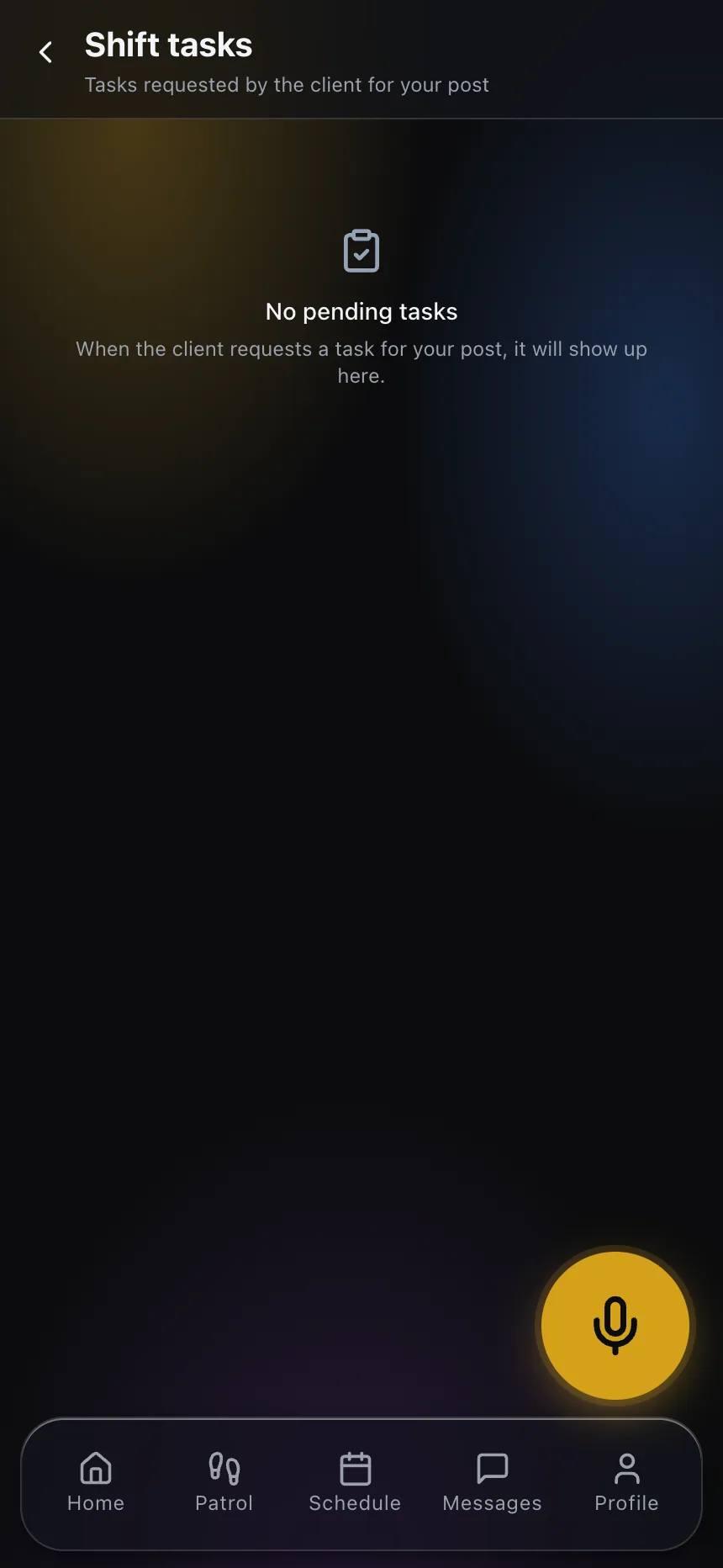
When GPS position is unreliable, voice contact becomes the more trustworthy way to confirm an officer’s status and rough location — a quick radio call answers “where are you right now” far more reliably than a dot that might be drifting a floor off. Push-to-talk built into the same app the officer already carries removes the excuse of a separate device sitting in a locker, and it’s worth treating that channel as the primary way a dispatcher confirms an officer’s status in buildings where the map is known to be unreliable, rather than defaulting to the live position and only calling when the dot looks wrong.
What to tell a client who asks why the dot looked wrong
This is worth having a straight answer for, because clients who watch a live map closely will notice drift eventually, especially at parking structures and hospitals. The honest explanation — GPS accuracy degrades predictably inside dense construction, which is why the patrol route relies on checkpoint scans at fixed, verified locations rather than the live position alone for anything that matters — holds up much better than pretending the dot is always accurate, and it sets the right expectation before an incident forces the conversation.
The live map is still genuinely useful for what it’s good at: outdoor perimeters, multi-site roving patrols between properties, and a general real-time sense of where an officer is on a large open site. It’s simply the wrong tool to lean on as the record of record inside a concrete building, and knowing which situations call for which record is what keeps a fuzzy indoor dot from turning into a credibility problem with a client.
If you want to see how checkpoint verification and live tracking work together across a mixed indoor and outdoor site, explore CGuardPro or get in touch.