Search “best security guard app for android” and you’ll find comparisons of features — checkpoint scans, GPS tracking, incident reporting — as though the app is the only variable that decides whether guard tech works in the field. It isn’t. The same app installed on a flagship phone and on the cheapest Android handset a distributor could source in bulk will behave differently, and the differences show up exactly when you can least afford them: mid-shift, mid-incident, with no one around to fix it.
The GPS chip is not the same chip
Budget Android phones cut costs somewhere, and the GPS radio is a common place to cut it. A weaker chip takes longer to get an initial fix, loses lock more easily indoors or near tall structures, and reports position with more drift — which matters enormously for a job that depends on GPS to confirm an officer actually walked a route or is actually at the post they’re clocked in at. An officer standing at the correct gate on a cheap phone can show up on the map thirty feet away, and that’s not a software bug in whatever GPS tracking tool you’re running — it’s the hardware underneath it doing the best it can with a weaker antenna.
Background tracking needs memory the phone doesn’t have
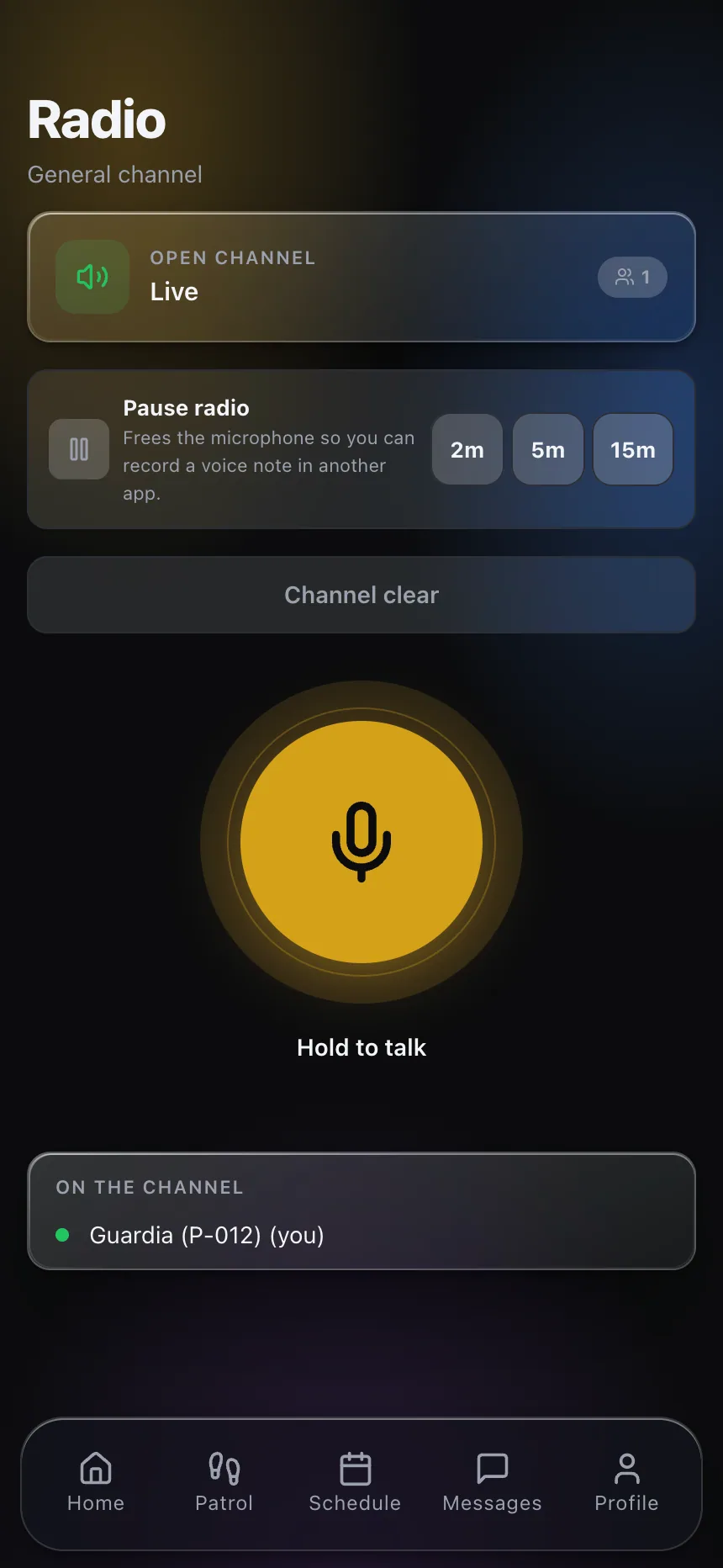
Every Android manufacturer has its own aggressive battery-management behavior that kills background apps to save power, and budget phones — with less RAM and manufacturers even more aggressive about squeezing battery life out of a cheap processor — kill background processes more readily than a flagship does. A guard app that’s supposed to be logging location and staying reachable for a radio call can get silently suspended by the phone’s own operating system, and the officer has no idea it happened until dispatch can’t reach them or a tour shows gaps that shouldn’t be there. This isn’t a hypothetical edge case; it’s one of the most common causes of “the app just stopped working” complaints on fleets of budget devices.
Old Android versions run out of runway
A phone sold cheap today is often cheap because it shipped with an Android version that’s already a couple of releases behind, and it may get one or zero more OS updates before the manufacturer stops supporting it entirely. An app that needs a reasonably current OS to use newer location or notification APIs correctly will degrade on a phone stuck on an old version, sometimes gradually and sometimes all at once when an update to the app assumes a baseline the phone can’t meet. A device fleet bought cheap today is a fleet with a shorter usable life than the up-front price suggests, and that shortened life should be part of the actual cost comparison against a mid-range phone, not an afterthought discovered at the worst time.
Camera and storage cut corners too
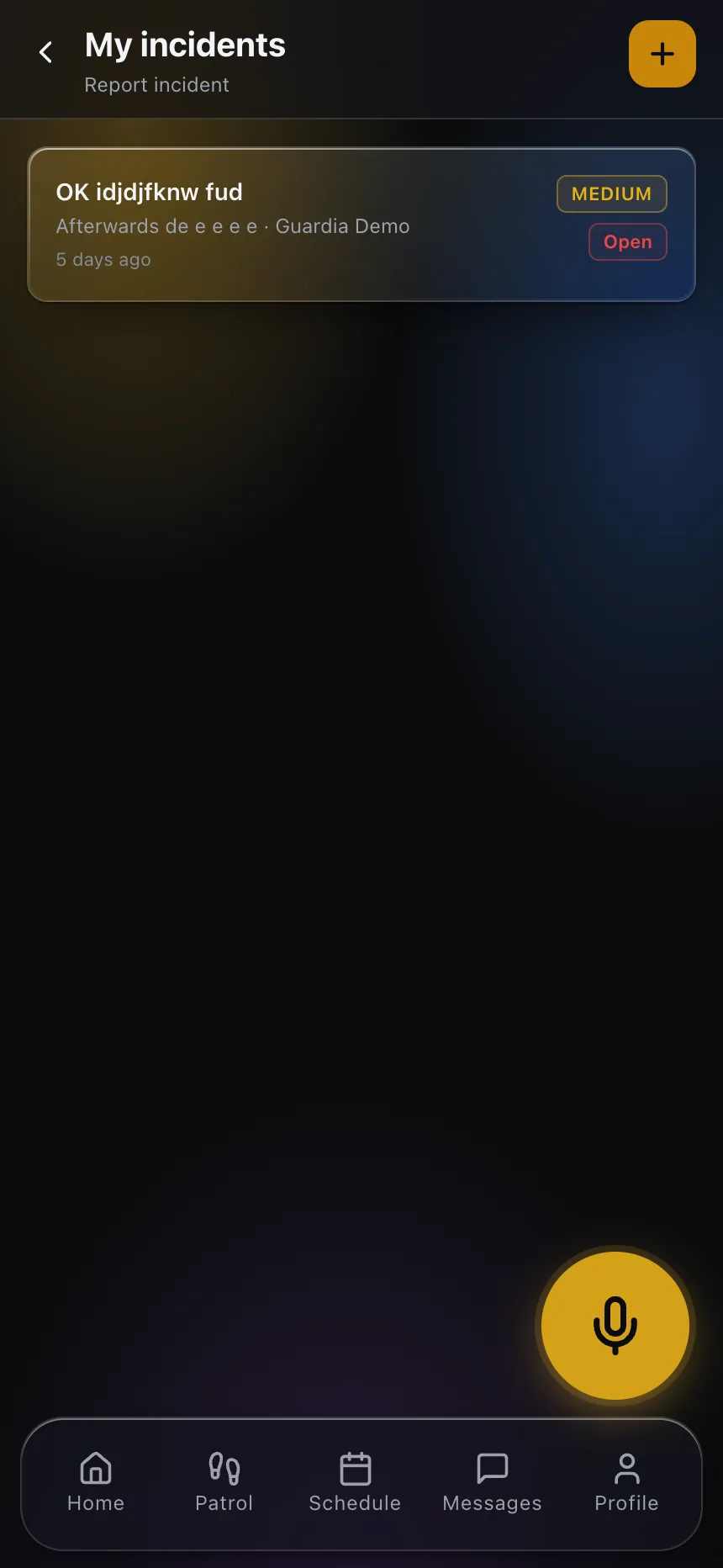
Incident documentation depends on a phone’s camera actually producing a usable photo in low light — a parking lot at 2 a.m., a dim stairwell — and budget camera sensors struggle exactly there, producing grainy, hard-to-use images right when the incident matters most. Limited on-device storage can also silently cap how many photos an officer can attach to an incident report before the app or the phone starts complaining, which an officer discovers mid-incident rather than during a calm afternoon.
Bring-your-own-device saves money on paper and costs it back in support calls
Letting officers use whatever Android phone they already own looks like a straightforward savings — no device budget line, nothing for the company to purchase or maintain. What it actually creates is a fleet with no two devices behaving the same way, which means every reliability problem gets diagnosed from scratch instead of once. A supervisor fielding “the app isn’t tracking me” has to work out, case by case, whether it’s a settings issue, a specific phone model’s quirk, or a device old enough that it’s simply past what the app can reliably support — time that a small, known list of approved devices would have saved by ruling most of that out immediately.
Vetting devices belongs in the rollout, not left to whoever owns a phone
The easiest way to end up with this problem is to let a bring-your-own-device policy, or a bulk purchase of the cheapest available handset, decide what your officers carry, without ever testing how the app actually behaves on that specific device in the field. A rollout plan should include picking a small number of approved models — tested for GPS accuracy, background reliability and camera performance in conditions close to what your posts actually look like — rather than assuming any phone that runs the app will run it well. This doesn’t mean every officer needs a flagship device; it means “cheap” and “adequate” aren’t automatically the same thing, and the gap between them is exactly where a good guard app on paper turns into an unreliable one in the field.
The best security guard app for Android is only as good as the phone under it
The best security guard app for Android is only as good as the hardware carrying it, and a company that spends real effort choosing the software while leaving device selection to chance is optimizing the wrong variable. Price out device reliability the same way you’d price out any other operational risk: what does a missed radio call, an unreadable incident photo, or a phantom gap in a tour log actually cost you with a client, and does the savings on a cheaper handset actually beat that risk over the life of the device.
A short device checklist before the next bulk purchase
Before the next batch of phones gets ordered for a new contract, run a short check rather than defaulting to the cheapest available model: confirm the manufacturer still supports the OS version it ships with, test GPS accuracy in an actual outdoor walk on the property type you’re staffing, leave the app running in the background for a full shift to see if the phone kills it, and take a few low-light photos to see whether the camera holds up for incident documentation. None of that takes more than an afternoon, and it’s a far cheaper way to find a bad device than finding out from a supervisor fielding complaints three weeks into a new contract.
If you want to see how the app performs across the kind of conditions your officers actually work in, explore CGuardPro or get in touch.