Most crowd-control failures at events don’t start with too few officers on the roster. They start with a floor plan nobody walked before the doors opened. The checklist gets printed off a template from the last event, the gate count gets filled in from memory, and by the time the line wraps around the block, the officer standing at Gate B has no idea whether that’s normal or a sign the whole entry plan needs to flex. A crowd control checklist for event security has to do more than list tasks — it has to tie officer positions to how many people each entry point can actually process, and it has to give every position a radio call sign before the first guest shows up.
Why the checklist fails at the gate, not on the floor
Interior crowd management — spotting a surge toward a stage, keeping an aisle clear — gets the training attention. Entry management gets a clipboard. That’s backward. Almost every event that goes sideways does so because the front door couldn’t keep pace with arrivals, not because the interior team missed a cue. A single-lane entry with one bag check and one wanding station has a ceiling on how many people it can move through per minute, no matter how many officers you post there. Add a second officer to a bottleneck that’s actually a physical constraint — one metal detector, one door width — and you’ve spent labor without moving the ceiling.
The fix isn’t more staff at the door. It’s matching officer count and search-lane count to the entry point’s real throughput, then giving the team a trigger for when the line outside crosses from “normal for doors-open” into “we need to open the overflow gate or slow admission.” That trigger belongs on the checklist as a specific line item — line length or wait time at which a supervisor gets called — not as a judgment call left to whoever’s standing there.
Building the entry-point map before doors open
Walk the site with the actual floor plan, not the venue’s generic diagram, and mark every point where people can get in: the main gate, the staff and vendor entrance, any emergency exit that could get propped open from outside, will-call, ADA access. Each one gets an officer assignment, a call sign, and a stated capacity — how many guests per minute that lane can realistically process at the search level required for this specific event. A general-admission concert and a checkpoint requiring ID verification against a will-call list are not the same throughput problem, even at the same gate.
This is also where a guard scheduling plan for the event needs to account for relief. An officer running bag checks for four straight hours loses attention well before the shift ends, and the checklist should build in a rotation off that lane, not just a rotation off the site.
Call signs before flow, not after
The second failure mode shows up on the radio, not at the gate. Positions get assigned informally — “you’re on the east door” — and nobody agrees on what to call that position over the air until something’s already going wrong. By the time an officer needs to call for backup because a line is turning hostile, precious seconds go to “which one is the east door again” instead of dispatch already knowing who’s there and what they can see.
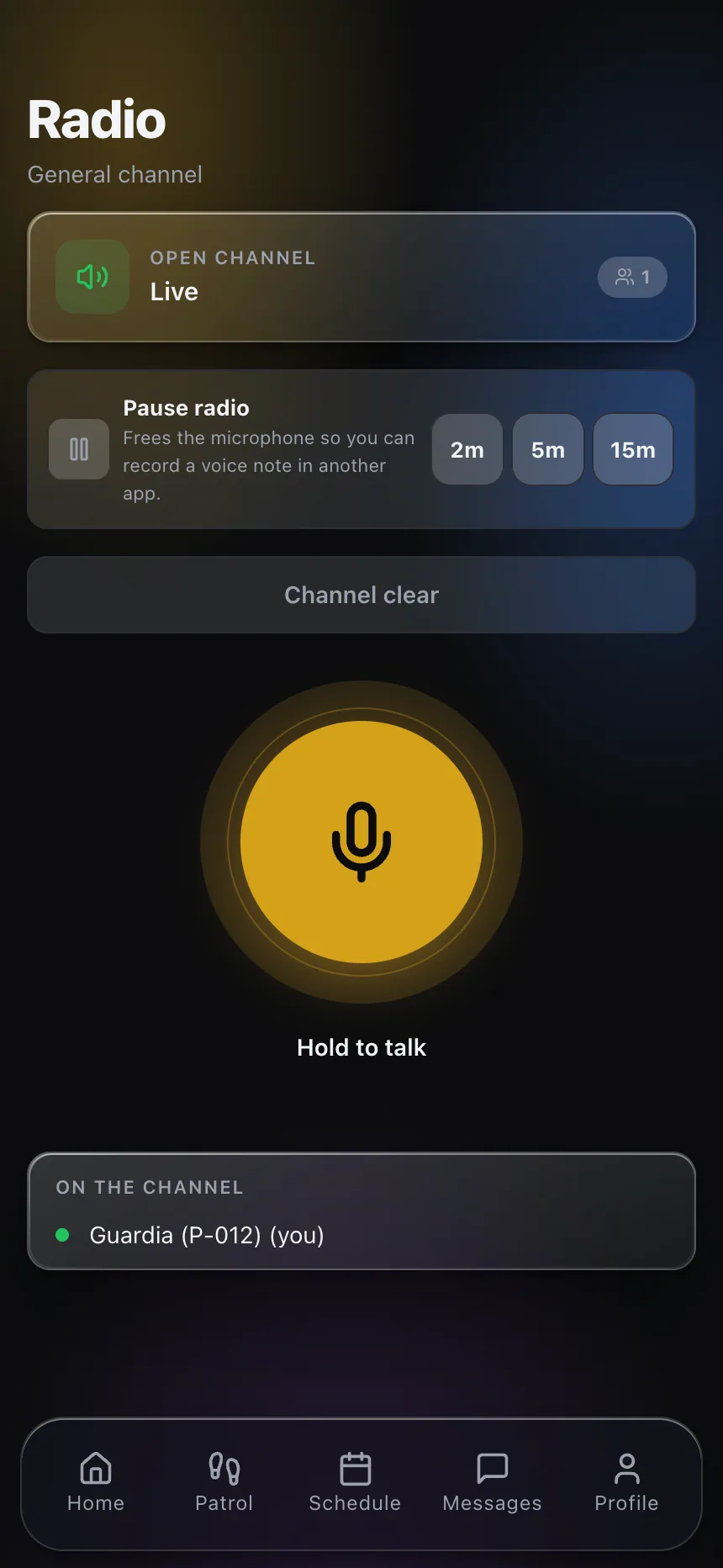
Assign call signs to positions, not to people, and publish them before the event: Gate 1, Gate 2, Interior North, Interior South, Roving. A push-to-talk radio setup that channels event traffic separately from routine site traffic keeps the crowd-control net from getting buried under unrelated chatter, and it means a field supervisor monitoring one channel hears every gate report without switching feeds mid-incident.
The checklist should specify a check-in cadence too — not just “report anything unusual,” but a scheduled radio check at set intervals so a quiet channel reads as normal, not as a dead position nobody’s monitoring. Silence on a crowd-control net is ambiguous. A scheduled check-in removes the ambiguity.
What Actually Goes on a Crowd Control Checklist for Event Security
A crowd control checklist for event security that holds up under a real crowd has a specific structure, not a generic list of duties:
- Every entry and exit point mapped with its assigned officer, call sign, and estimated throughput ceiling
- A named trigger — line length, wait time, or a specific complaint volume — for calling a supervisor
- A relief schedule for search-lane positions separate from the general shift rotation
- Radio call signs published and confirmed in the pre-shift briefing, not assigned on the fly
- A scheduled check-in interval per position, so silence gets noticed immediately
- Who has authority to slow admission, close a lane, or reroute to overflow, and at what threshold
That last line matters more than it looks. If closing a lane requires a call up the chain that takes several minutes to resolve, the line has already backed up past the point where closing it helps. Build the authority into the position, with a defined threshold, so the officer at the gate isn’t waiting on a decision that should already be made.
Egress and re-entry are part of the same problem
Entry gets all the planning attention because it’s the part everyone pictures — a line outside, a search lane, a gate count. Egress gets treated as an afterthought, and that’s a mistake, because a poorly planned exit creates its own crowd-control failure late in the event when fatigue and impatience are both highest. A single-exit venue that funnels everyone toward one door at closing time recreates the same bottleneck the entry plan spent so much effort avoiding, just at the moment officers are most tired and the crowd is least patient.
Re-entry is a related problem that’s easy to miss in planning: smoke breaks, guests stepping out to take a call, anyone who leaves and expects to come back in. If the checklist doesn’t specify whether re-entry is allowed at all, and if so, through which gate and under what verification, officers end up making that call individually at each gate — which means two different gates can end up enforcing two different policies on the same event, and guests notice immediately when the rules seem to depend on which officer they happen to ask. Write the re-entry policy into the same checklist as the entry plan, not as a separate afterthought decided at the door.
The record, after the fact
Once doors close, the checklist’s job isn’t finished. A daily activity log covering the event should note where the line backed up, when overflow gates opened, and any point where the plan didn’t match what actually happened at the gate. That record is what makes next event’s floor plan better than a copy of this one’s. If anything crossed from a flow problem into an actual incident — a confrontation at the door, a medical situation in line — it gets its own incident report rather than a line item buried in the general log.
Post orders for a one-day event don’t need the depth of a permanent site’s post orders, but the position-to-throughput mapping and the radio plan deserve to be written down and handed out before the crew arrives, not explained verbally at the pre-shift huddle where half of it gets forgotten by the first entry surge.
If you want to see how post assignments, radio channels and shift records come together for one-off events as well as permanent posts, explore CGuardPro or get in touch.