The moment something goes wrong on your property is the worst possible time to discover that nobody knows who to call, in what order, or what the guard is actually allowed to do. When you build an emergency plan with your security company, you turn a fire drill into a rehearsed routine, and you turn your guard from a warm body at the door into the first, informed link in a chain that actually works.
Most buyers treat the emergency plan as a document. Your provider hands you a binder during onboarding, you skim it, and it sits in a drawer until the day you need it. By then, the phone numbers are stale, the assigned people have left, and the guard on shift has never read it. A plan you file away is not a plan. It is paperwork.
Why the plan has to be joint, not handed over
Your security company knows guarding. You know your building, your tenants, your operations, and your real vulnerabilities. Neither of you can write a good emergency plan alone. The provider does not know that your loading dock is unlocked between 6 and 7 a.m., or that your night manager is the only person who can shut off the sprinkler valve. You do not know how their control room escalates a panic alert or what their guards are trained to do before police arrive.
Sit down together and build it as a shared document. That conversation alone surfaces gaps you would never have caught on your own: a fire exit that is chained after hours, a contact who retired last year, a scenario nobody had assigned an owner to.
 A shared live view means you and your provider are looking at the same picture during an incident, not comparing notes afterward.
The building blocks of a plan worth having
A workable emergency plan for a guarded site usually covers a handful of concrete elements. Keep it specific to your property, not a generic template.
- Scenarios that actually apply to you. Medical emergency, fire, intruder or trespasser, violent incident, severe weather, power loss, and a suspicious package or vehicle. Skip the scenarios that do not fit your site and go deep on the ones that do.
- A clear escalation ladder. For each scenario: what the guard does first, when they call the provider’s control room, when they call you, and when they call emergency services. Ambiguity here costs minutes you do not have.
- A contact tree with roles, not just names. “Facility manager on duty,” “after-hours maintenance,” “tenant liaison.” Names change; roles do not. Attach current phone numbers and review them on a schedule.
- What the guard is and is not authorized to do. Detain, pursue, administer first aid, unlock doors for responders, evacuate a floor. Buyers are often surprised how limited a guard’s authority is, and that limit belongs in the plan, not in a lawsuit later.
- Communication paths. How does the guard reach the control room if the phone lines are down? How do you get a single, accurate status update instead of ten panicked calls?
Panic alerts turn seconds into the right response
A written escalation ladder is only as fast as the tools behind it. This is where you should press your provider on technology. A panic button on the guard’s phone that instantly flags the control room and shares the guard’s location closes the gap between “something is happening” and “someone knowledgeable is responding.” Ask your provider to demonstrate exactly what happens on their end when that button is pressed at your site, and have it wired into the plan you rehearse.
Rehearse it, or it does not exist
A plan you have never practiced is a hypothesis. The first time the contact tree gets tested should not be during a real fire.
Run tabletop exercises. Pick a scenario, walk through it out loud with your provider, and time the escalation. You will find the dead ends fast: the number that rings a disconnected line, the guard who was never told about the sprinkler valve, the assumption that “the control room will handle it” when the control room was never looped in. Fix those, then run it again a quarter later.
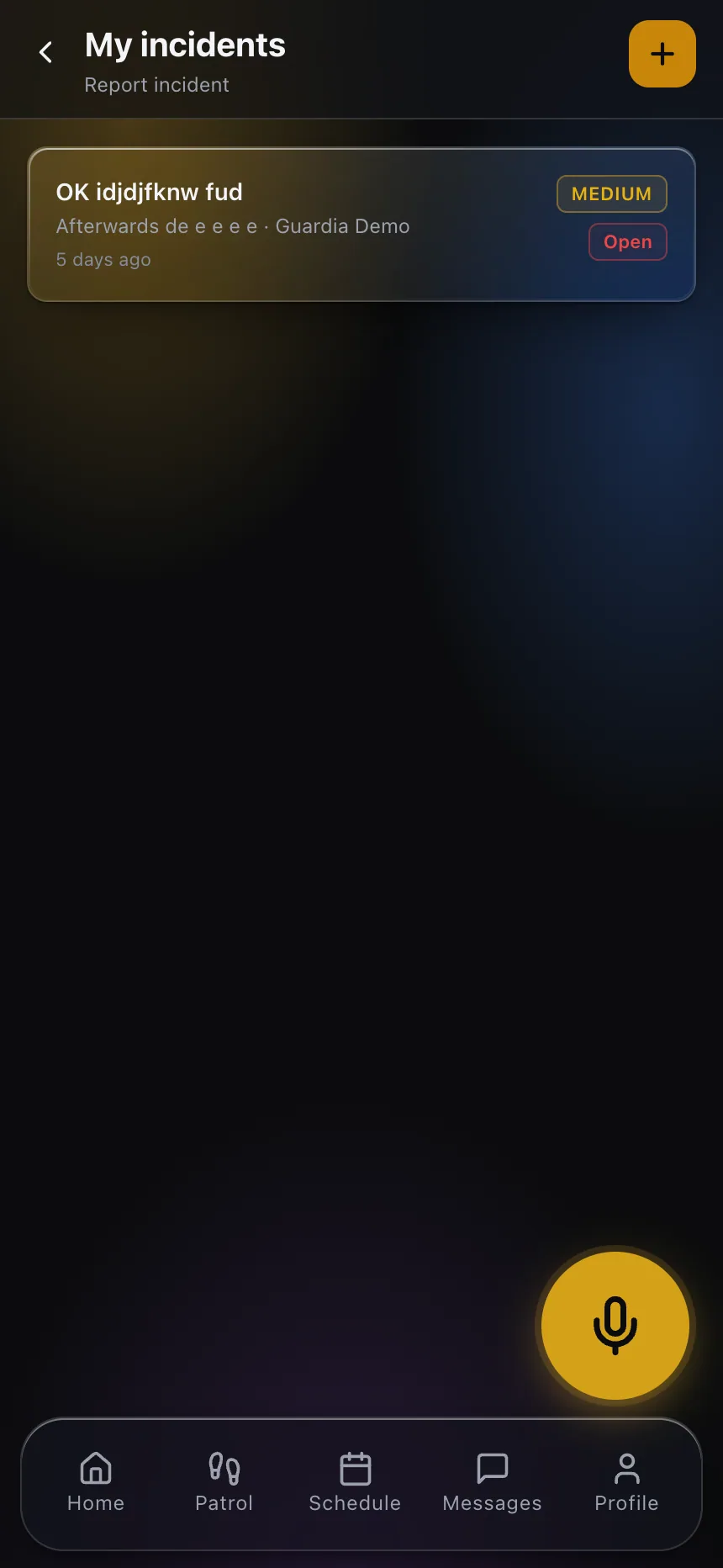 During a rehearsal, the same reporting flow a guard uses in a real incident becomes your dry run, complete with timestamps and location.
Rehearsal also settles a quieter question: does the guard actually know the plan exists? Turnover is real. A post that changes guards every few weeks needs the plan reinforced at every handover, and your provider should be able to show you that new guards are briefed before their first shift, not after their first emergency.
Keep the plan alive with proof and review
An emergency plan decays the moment you stop looking at it. The two habits that keep it useful are visibility and review.
Insist on a way to see, in near real time, that guards are where they should be and that patrols are being completed. If a shift goes uncovered on an ordinary Tuesday, you want to know before it becomes the shift where something happens. A live client portal gives you that visibility without waiting for a monthly report, and it becomes the same window you and your provider watch during an actual incident.
Set a recurring review, quarterly is a sensible default, to refresh contacts, incorporate lessons from any real events, and re-run at least one tabletop scenario. Treat every actual incident, however minor, as free training: what worked, what stalled, what the plan missed.
What to ask for before you sign
If you are shopping providers or renewing, make the emergency plan part of the conversation, not an afterthought. Ask a prospective security company to walk you through how they co-build the plan, how a panic alert reaches their control room, how quickly they can confirm a guard’s location and status, and how often they rehearse with clients. A provider that has good answers has clearly done this before. A provider that improvises is telling you something.
When you build an emergency plan with your security company as a shared, rehearsed, living thing, you get something a binder never delivers: a calm, coordinated response on the worst day, because everyone already knew their part.
Want to see the kind of live visibility and instant alerting worth demanding from your provider? Explore the CGuardPro client portal and see what an emergency-ready partnership looks like.