Open last month’s report from your guard company and ask yourself one question: if there had been a serious problem on your property, would this document have shown it? For most buyers the honest answer is no. What they get is a page or two of round numbers and cheerful summaries — “all patrols completed, no incidents to report” — that could describe your site or any other, any month. A real security guard monthly report is a different thing entirely: specific, verifiable, and useful enough to act on.
The monthly report is the main window most clients have into a service they can’t watch directly. If it’s padded or vague, you’re effectively flying blind and paying for the privilege. Here’s what belongs in a report worth reading, how to spot one that’s been dressed up, and why the best providers barely rely on the monthly PDF at all.
What a useful monthly report contains
A report earns its place when it lets you understand what actually happened and decide whether the service is holding up. At minimum, expect:
- Coverage summary. Scheduled hours versus hours actually staffed, with any gaps, late starts or unfilled shifts named — not averaged into invisibility.
- Patrol completion. How many rounds were scheduled, how many were completed, and ideally the checkpoint-level detail behind the number.
- Incident log. Every incident with date, time, location, what happened, and how it was handled — specific enough that you could reconstruct the event.
- Notable observations. The maintenance issues, safety hazards and near-misses your guards noticed. This is where an alert provider adds real value beyond just standing post.
- Trends and recommendations. What’s changing on your site over time, and what the provider suggests doing about it.
Notice what’s missing from that list: reassurance. A good report isn’t there to make you feel good. It’s there to tell you the truth, including the inconvenient parts.
 A report should be a snapshot of data you could already see live — not the only view you ever get of your own service.
How to spot a padded report
Once you know what a real report looks like, the padded ones become easy to recognise. Watch for these tells:
Suspiciously clean numbers. “100% patrol completion, zero incidents” every single month, forever. Real sites have hiccups — a late relief, a maintenance issue, a false alarm. Perfection month after month usually means nobody’s really measuring.
Copy-paste language. If this month’s report reads word-for-word like last month’s, with only the date changed, it’s a template, not an account of what happened. Keep a couple of old reports and compare.
Vague incident entries. “Handled a disturbance in the parking area.” When? Which area? Who was involved? What was done? Specifics are hard to fake; generalities are what you write when you didn’t really track it.
No proof behind the patrol number. A completion percentage with nothing underneath it is just an assertion. Ask what evidence backs it. A QR guard tour produces a time-stamped record at each checkpoint; a signed clipboard produces a signature.
It arrives weeks late. A report about problems you can no longer do anything about isn’t management, it’s an obituary.
Why live data beats a monthly PDF
Here’s the deeper issue: even a perfect monthly report is a rear-view mirror. It tells you about a month that’s already gone. The best providers still produce it — for the record, for trends, for anyone who wants the digest — but they don’t make it your only window.
Instead, they give you a client portal where the same information is live. You see patrols as they complete, incidents as they’re logged, coverage as guards clock in. The monthly report becomes a summary of things you could already check any day, not a monthly reveal of a mystery.
That flips the relationship. A missed patrol shows up the next morning while you can still raise it, instead of surfacing in a report four weeks later. And because the report is generated from the same live data you can see, there’s no gap for padding to hide in — the numbers on the PDF match the ones on your screen because they’re the same numbers.
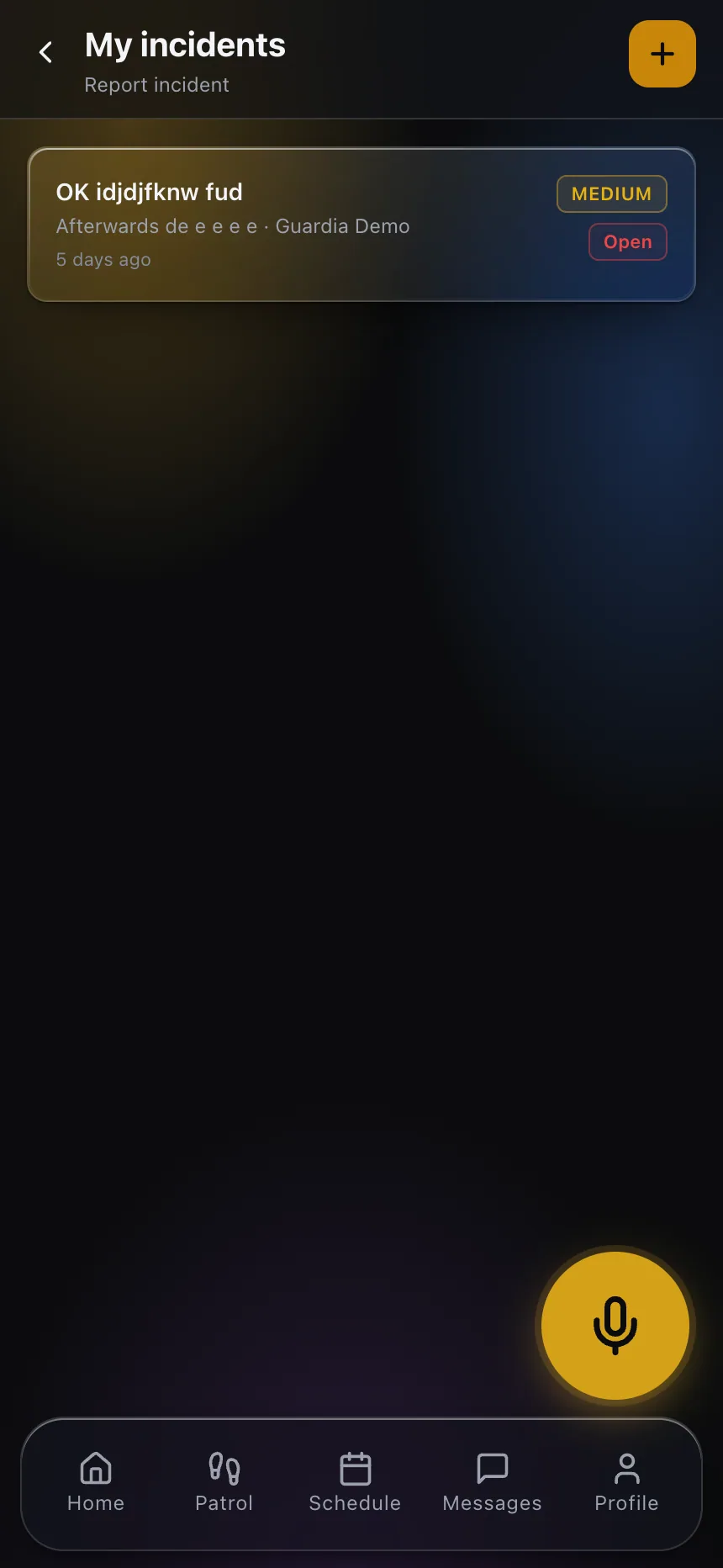 Incidents logged on the spot, with time, location and detail — the raw material of an honest report, captured as it happens rather than written up later.
Questions to ask about your reporting
When you evaluate a provider — or push your current one to do better — put these on the table:
- “What’s in your standard monthly report? Can I see a real example?”
- “What proof sits behind your patrol completion numbers?”
- “Can I see this information live, or only once a month?”
- “How quickly after month-end does the report arrive?”
The answers separate a provider who reports because they’re accountable from one who reports because it looks professional.
Demand the report you can actually use
The security guard monthly report your provider owes you is specific, verifiable and honest — coverage, patrols with proof, real incident detail, and observations that add value. If yours is a page of round numbers and copy-paste comfort, you’re not being informed; you’re being managed.
The strongest fix is to stop depending on the monthly PDF altogether and demand live visibility, with the report as a bonus summary on top. To see what that looks like from the buyer’s side, explore the client portal a modern provider should be able to give you.