Comparing guard scheduling platforms is the easy part. Every vendor demo looks clean, every feature list covers roughly the same ground, and any reasonable option will be a real improvement over a color-coded spreadsheet that only one person in the office fully understands. Where companies actually get burned isn’t the choice of platform — it’s the week they flip the switch, because a spreadsheet has no concept of a training gap, a licensing expiration, or a two-person minimum on a post, and a new system enforcing those rules for the first time exposes every place where the spreadsheet was quietly wrong. Switching from spreadsheets to guard scheduling software is where that exposure actually happens.
That exposure isn’t a bug in the new system. It’s the whole reason to switch. But it means the transition needs to be planned as its own project, with its own timeline, rather than treated as a weekend task between two otherwise normal schedule cycles.
Switching From Spreadsheets to Guard Scheduling Software Starts With Admitting What the Sheet Was Hiding
A scheduling spreadsheet works because a person who knows the roster fills it in from memory, and memory quietly corrects for things the spreadsheet itself doesn’t track. The scheduler remembers that one officer’s certification lapses next month, that another can’t be posted alone at a particular site, that a third has an unwritten agreement about weekend availability. None of that lives in the spreadsheet — it lives in the scheduler’s head, and it disappears the moment that person is out sick, on vacation, or leaves the company.
A real scheduling system, by contrast, enforces rules explicitly: it won’t let you post someone whose certification has expired, it flags a site that’s short of its minimum staffing, it surfaces a conflict the spreadsheet would have let through silently. The first time you load real roster data into a new system, expect it to flag things — expired documentation, understaffed posts, overlapping assignments — that the spreadsheet was never going to tell you about because it wasn’t built to check.
This is good information. It’s also disruptive if it surfaces for the first time on the same day you’re trying to run live operations off the new system for the first time.
Time the cutover to a slow week, deliberately
Don’t switch systems in the middle of your busiest scheduling period, and don’t switch on the same week as a new contract start, a major event assignment, or a holiday rotation that already stresses the roster. Pick a period with the fewest moving parts — a normal week with steady staffing and no new sites onboarding — specifically so that whatever the new system flags gets resolved calmly, in an office, before it turns into a coverage gap on a post at 6 a.m.
This sounds obvious stated plainly, and companies still get it backwards constantly, usually because the decision to switch gets made reactively — after a scheduling mistake caused by the spreadsheet — and the instinct is to fix the problem immediately rather than a few weeks later during a quieter stretch. Resist that. The cost of waiting three weeks for a calmer transition window is much smaller than the cost of discovering a dozen data problems during a week you can’t afford any.
Keep the old sheet live until one full cycle has run clean
The temptation, once the new system is set up and the team is trained, is to declare the spreadsheet dead and move on. Don’t. Keep the spreadsheet updated in parallel — even if it’s now redundant — until at least one complete scheduling cycle has run entirely on the new system without a coverage gap, a missed shift, or a data error that needed manual correction.
The reason isn’t distrust of the new platform. It’s that a scheduling cycle has to actually happen — including the parts that don’t come up every week, like a callout, a last-minute swap, or a client’s post-order change mid-cycle — before you know the new system handles your company’s specific edge cases the way you need it to. A cutover that looks successful after three uneventful days can still fall apart the first time something unusual happens, and having the spreadsheet as a fallback for that first full cycle costs you almost nothing and protects you from a real gap in coverage if something doesn’t work the way you expected.
Once that first clean cycle is behind you, retire the spreadsheet deliberately, not by just letting it go stale. Announce that it’s no longer the source of truth, archive it, and make sure everyone on the scheduling team has actually stopped checking it out of habit.
Migrating the data is where the real work is
The platform itself is rarely the hard part of a transition — it’s getting your officer roster, certifications, site assignments, and post requirements into the new system accurately. This is tedious, unglamorous work, and it’s exactly the work that gets rushed when a company is eager to finish the switch. Set aside real time for a supervisor or office manager to verify every officer’s data against source documents rather than a bulk import from the old spreadsheet, because the spreadsheet is precisely the thing you’re trying to stop trusting as ground truth.
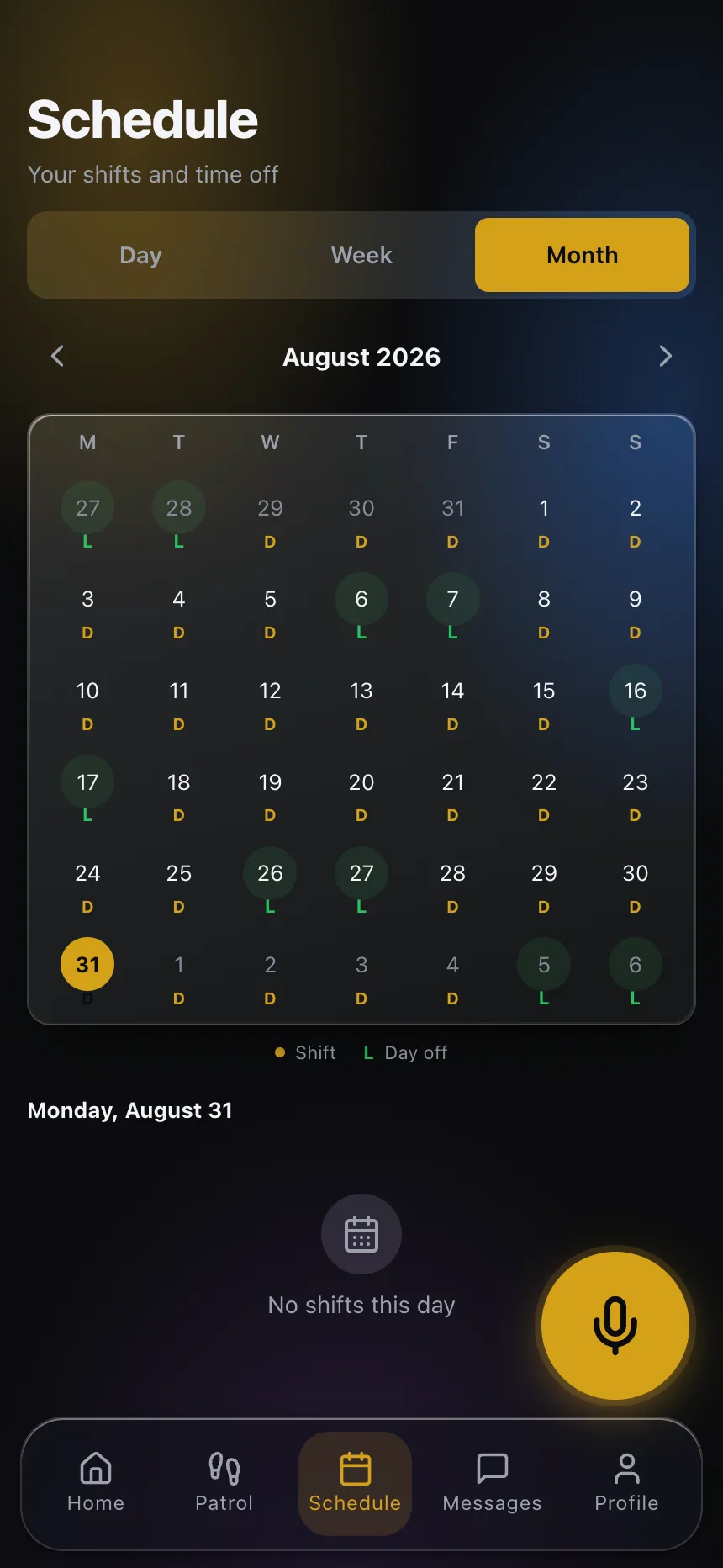
This is also the point where clock-in and attendance data needs particular care. If your spreadsheet-based process included any manual time tracking, moving to guard time and attendance tools with geofenced clock-in changes officer behavior on day one — build in a short adjustment period where supervisors are actively checking that officers understand the new clock-in process, rather than assuming it’s intuitive because it looked simple in the demo.
Getting the whole team, not just the schedulers, on board early
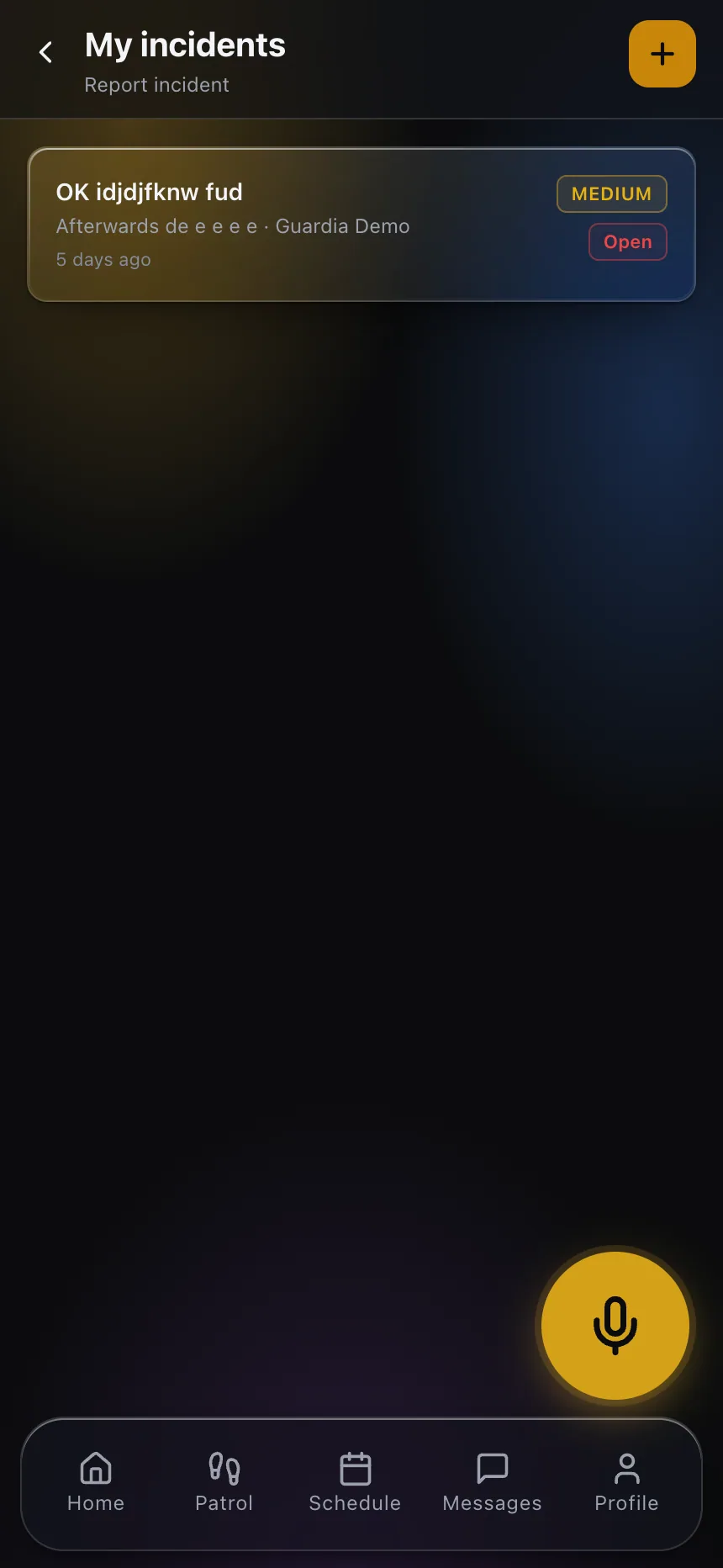
A scheduling switch that only the office team is prepared for creates confusion on the ground, because officers experience the change through a mobile app they may not have seen before their first shift under the new system. Give officers a walkthrough before go-live, not a link to figure out on their own — the fastest way to sour a team on a new system is to have their first experience with it be confusion about how to clock in for a shift that’s already started.
Before committing to any platform, it’s worth working through a structured comparison rather than a feature checklist alone — our guide on how to evaluate guard management software covers the questions that matter beyond what a sales demo shows you, and our scheduling software page covers what the platform itself needs to actually handle for a company your size.
The spreadsheet got you this far because someone smart was compensating for its gaps by hand. The switch is worth making — just plan the week itself like the project it actually is. If you want to talk through what a transition looks like for your specific roster and site count, get in touch.