Every post that’s ever had a bomb threat drill has the same laminated sheet taped near the phone: caller’s exact words, background noise, voice characteristics, a box to check for accent, another for background music. It’s a good checklist — CISA maintains and distributes the standard format, and it exists because the handful of seconds during a threat call are exactly when a person is least equipped to remember what to ask. The problem isn’t the checklist. It’s that nobody actually fills it out live, and a bomb threat checklist for security guards that gets completed from memory twenty minutes after the call is a different document with the same title.
Why the laminated sheet stops getting used
Walk into most posts and that sheet has been through the copier so many times the boxes have gone gray and the print has drifted off the lines. It’s been there since before the current officer started. Nobody’s looked at it since the last drill, if there was one. When the actual call comes in, the officer is holding a phone in one hand, trying to signal a coworker with the other, and the sheet is three feet away on a clipboard nobody thought to keep within reach. By the time anyone finds it, the caller has hung up.
What gets written down afterward is a decent reconstruction, not a real-time record. Background noise gets remembered as “some kind of noise.” The caller’s exact phrasing becomes a paraphrase. Whether there was an accent becomes a maybe. None of that is the officer’s fault — it’s what happens to memory under adrenaline within minutes, and it’s exactly the failure mode the checklist was designed to prevent by forcing capture in the moment, not after it.
What changes when the checklist lives in the phone the officer already has
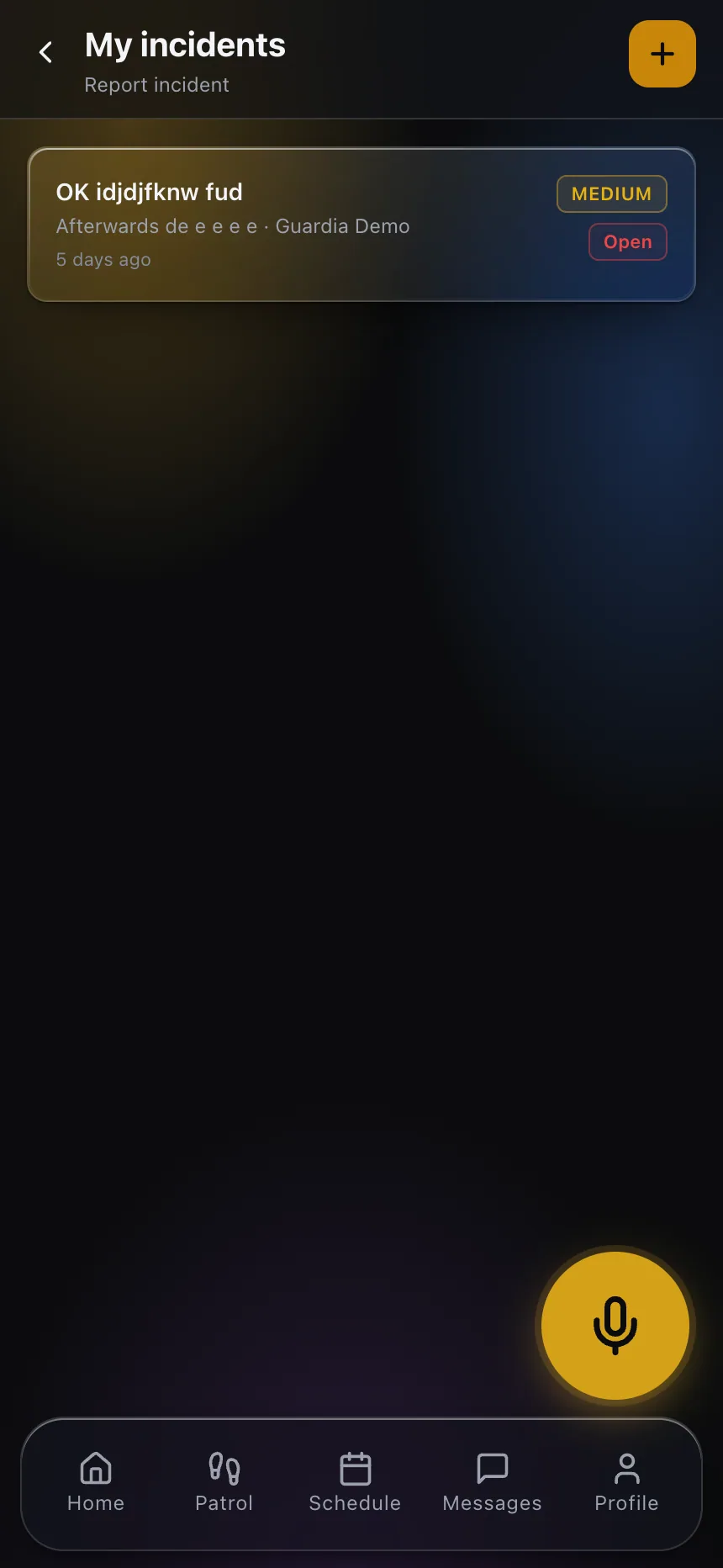
The officer on a threat call is usually already holding a phone — the same one used for post orders and check-ins. If the checklist lives there instead of on a wall three feet away, it becomes something that gets opened and typed into during the call, not recalled from afterward. That’s the entire improvement, and it’s a mechanical one, not a technological one: proximity and habit. An officer who already opens the app forty times a shift for routine tasks opens it during a threat call too, because it’s the same reflex.
A digitized version also does something the laminated sheet structurally can’t: it timestamps the entry as it’s written, which matters when police or the FBI ask what time specific details were noted relative to when the call came in and when it ended. And it routes. The moment the officer finishes — or even mid-call, if there’s a second person available — a supervisor and the client’s emergency contact can see that a threat call is in progress, instead of finding out after the officer has hung up and had to go find someone to tell.
What the digitized version still needs to get right
Digitizing a bad process just makes the bad process faster. A few things have to be true for this to actually work:
- The checklist has to open in one tap, not three. If getting to the right form takes navigating a menu, the officer will default to grabbing a pen, and now you have two incomplete records instead of one good one.
- It has to work without a signal. A threat call doesn’t wait for a data connection to catch up, and a form that fails to save because the building’s basement has no signal is worse than the laminated sheet, which at least doesn’t need one.
- It should prompt in order, not present a wall of fields. The original CISA format is sequenced deliberately — exact wording first, background noise while it’s still audible in memory, voice characteristics last, when the caller may already be gone. A digital form that respects that sequence keeps the officer’s attention where it belongs instead of scrolling to find the next field.
- Notification has to be immediate and specific. The whole point of moving this off paper is that a supervisor and dispatch know a threat call is active in real time, not from a report filed at end of shift.
A bomb threat checklist for security guards only works if it’s practiced
Moving the checklist into an app solves the access problem, but it doesn’t solve the second problem that quietly undermines most threat-response plans: an officer who has never actually walked through the checklist under any pressure, even simulated, hesitates when the real call comes in. Familiarity with where the form lives and what order it asks questions in has to be built before the moment it’s needed, and that means the checklist belongs in tabletop drills and post-order reviews on some regular cadence, not just installed on a phone and assumed to be sufficient on its own.
A short, periodic walkthrough — someone plays the caller, the officer opens the actual form and fills it out in real time — does more to close the gap between “the checklist exists” and “the checklist gets used correctly” than any amount of polish on the form itself. Companies that skip this step are betting that an officer will perform a task for the first time, under the worst stress of their career, exactly the way it’s designed. That’s not a reasonable bet, and it’s the same reason fire drills happen on a schedule instead of only existing as a posted evacuation map.
Getting the rest of the response right
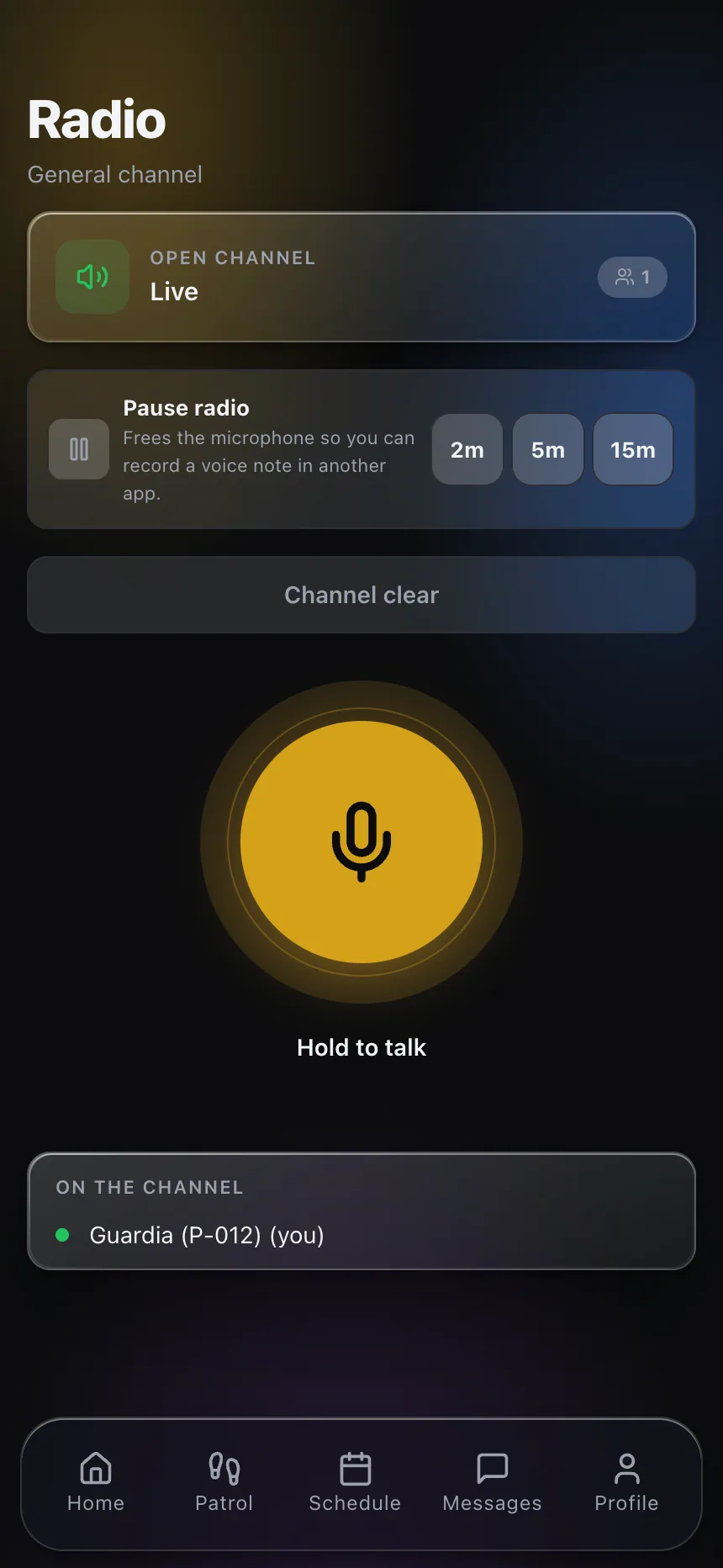
The checklist only covers the call itself. What happens next — evacuation decisions, coordination with police, whether panic button alerts fire for other officers on the property, how the radio traffic is handled during the response — needs to be spelled out in the site’s post orders well before any call comes in, not improvised afterward. A digitized checklist and a push-to-talk channel that reaches the right people immediately do more for a threat response together than either does alone; the checklist captures what was said, the radio moves people who need to make decisions about it.
This post describes the value of getting the checklist filled out live and names CISA as the source of the standard format; it isn’t a substitute for your site’s own emergency procedures, your local FBI field office’s guidance, or law enforcement coordination specific to your property. Confirm your current protocol matches what those authorities recommend.
If you want to see how a live checklist and dispatch alerting work together on a real threat-response workflow, get in touch or look at what CGuardPro covers end to end.