Security software
for bars and nightclubs
In nightlife security, the hard part is rarely the fight itself. It is the next morning, when the owner, the insurer or a lawyer asks what happened, and the only account is what the door team remembers after a ten-hour shift. CGuardPro puts the incident on record while it is still fresh — time, place, photos, who was involved and what the staff did — and keeps the team connected on the floor. Trusted by 600+ security companies worldwide.
Real product screenshots
Short answer
Bar and nightclub security software has to capture what happened in a loud, fast night: who was ejected and why, what force was used, who got hurt, and when the police were called. CGuardPro lets door and floor staff file incident reports with photos, category and severity from their phones, talk over push-to-talk channels, press a panic button when a situation turns, and gives the venue owner a portal with the night's reports.
At a glance
- Typical posts
- Front door, line, floor, VIP area, back door, parking lot at close
- Key records
- Incident and ejection reports with photos, daily activity report, pass-down
- Communication
- Push-to-talk channels and team messaging on staff phones
- Alerts
- Officer panic button, uncovered posts, missed rounds
- Licensing
- Whether door staff need a guard license depends on the state
Why nightlife contracts need a paper trail
The ejection is remembered differently
A patron says they were thrown out without reason and hurt on the way. Without a report written that night, with time, photos and witnesses, the venue has only the staff's memory against a claim.
Radios are loud, expensive and get lost
Venues buy handsets that go missing, run out of battery or cannot be heard over the music. Important calls are made and never written down.
Closing time is the risky hour
Crowds spill into the parking lot, rides are late, arguments restart outside. The parking lot patrol at close is where many incidents happen and few are recorded.
How a venue runs on CGuardPro
Incident reports from the door
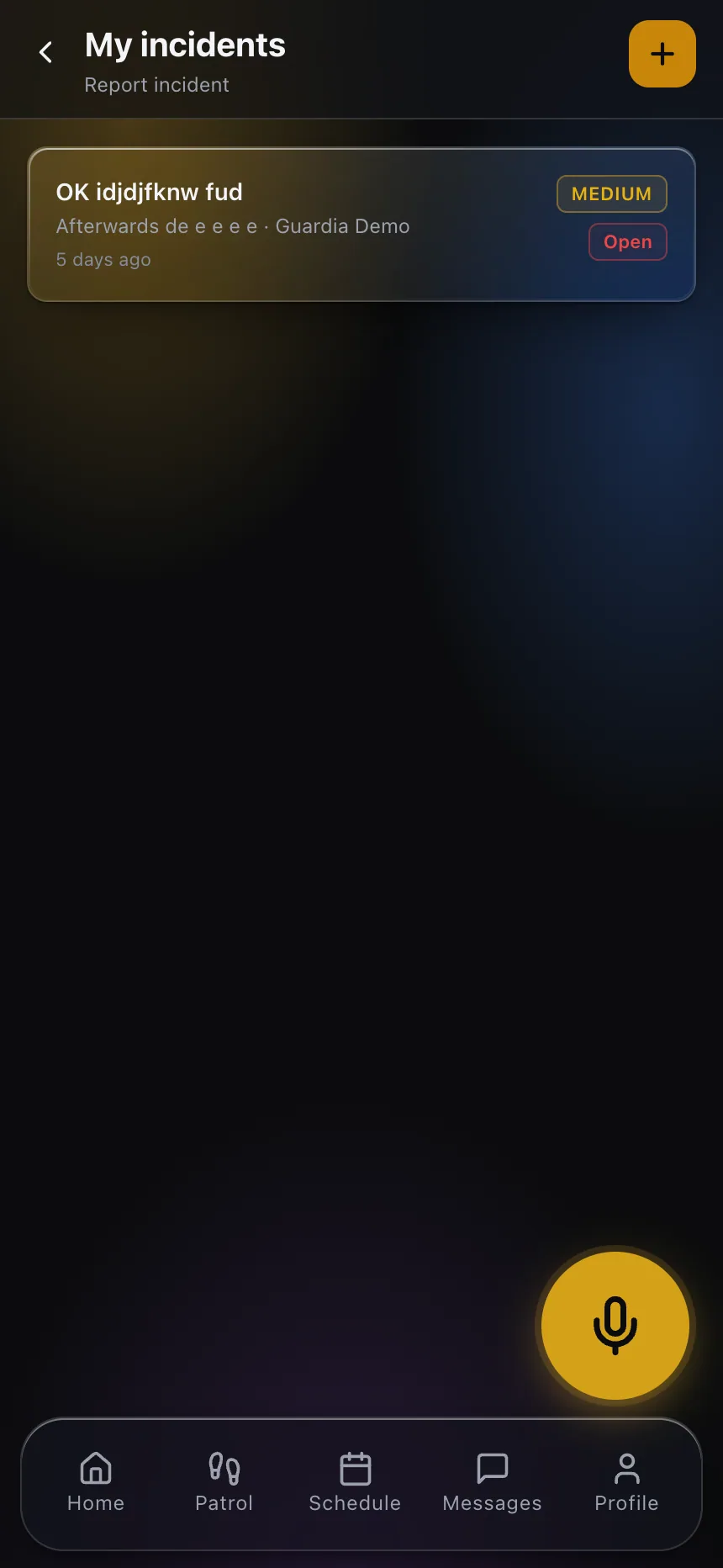
Ejections, fights, injuries, intoxicated patrons and police calls are reported from the phone with photos, category and severity, minutes after they happen, and appear in dispatch straight away.
Push-to-talk on the team's phones
Door, floor and bar security talk over the app's push-to-talk channels, and team messaging keeps the manager in the loop without shouting over the music.
Panic button for the staff
When a situation turns, a staff member can press the panic button on their phone so dispatch sees it immediately.
The owner reads the night
The venue owner gets a portal limited to their venue: incidents with photos, the daily activity report and the closing patrol. Post orders tell each post the house rules.
What the venue gets
- Incident and ejection reports with photos, filed the same night
- Push-to-talk channels and team messaging on staff phones
- Panic button on every staff member's phone
- Verified closing patrol of the parking lot and exits
- Post orders with the house rules for each post
- A portal where the owner reads the night's reports
Frequently asked questions
Do bouncers and door staff need a security guard license? +
It depends on the state, and sometimes on whether the staff are employed by the venue or by a contract security company. Check the rules for your state on our state pages and with your state licensing agency before staffing a venue.
What should an ejection report include? +
At minimum: the time, the place, what the patron did, what the staff did (including any physical contact), injuries, witnesses, whether police or medical help were called, and photos. CGuardPro incident reports carry time, category, severity, photos and the reporting officer; the narrative is written by the officer.
Does CGuardPro scan IDs or count people at the door? +
No. CGuardPro does not scan IDs or count occupancy. Use your ID scanner and clicker as before; CGuardPro covers the reports, communication, patrols and alerts around them.
We have staff at several venues. Can each owner see only their place? +
Yes. Each client portal is limited to the sites you grant, so an owner sees their venue and nothing else.
How much does it cost? +
USD 5 per user per month (anyone with a login), one plan with every feature, plus a one-time implementation of USD 299.99, with a 7-day free trial.
Run one Friday night with us
Book a demo and we set up door, floor and closing posts, file one ejection report and show what the owner reads on Saturday morning.