An officer breaks up a fight in a parking structure at 1 a.m., calls it in, writes the incident report, and the account manager forwards it to the client the next morning. Two months later, almost the same fight happens in the same structure, at close to the same hour, and the officer who responds has never heard about the first one. Nothing failed in the reporting chain — the incident report was accurate, timely, and filed. What never happened was the second document: the after-action report that asks what should be different about how this post runs now that this happened once. Most companies either skip that step or produce a version so generic it changes nothing. An after-action report template for a security incident is worth having only if it forces a specific answer to that question, not a summary of what already got written down.
Why the format usually fails
The after-action report as a form was built for emergency management and military use, where an event triggers a formal review with a distinct set of stakeholders and a mandate to update doctrine. Guard companies borrow the shape — objectives, timeline, lessons learned — without the mandate that made it work. The result is a document that restates the incident report in different language and gets filed next to it, unread, because nobody assigned it a job to do.
The second reason is timing. Incident reports get written in the minutes after an event, while adrenaline and memory are both still sharp. After-action reviews, when they happen at all, tend to get scheduled for whenever the field supervisor has a free afternoon — sometimes weeks later, once the specifics have blurred and the urgency has drained out of the conversation. By then it reads like an academic exercise rather than a decision about tomorrow’s shift.
What the incident report already covers, and what it doesn’t
It’s worth being precise about the boundary, because confusing these two documents is most of the problem. An incident report answers: what happened, when, who was involved, what the officer did, and what evidence exists — photos, witness names, times. That document needs to be accurate and fast, and it should stand on its own as a record if the incident ever becomes a claim or a legal matter.
The after-action report answers a different question entirely: given that this happened, what changes going forward? That is not a restatement of the facts. It’s a decision.
An after-action report template for a security incident, in four questions
Skip the multi-page template modeled on a federal review process. A useful after-action report for a contract guard account fits on one page and answers four questions, in this order:
1. What did the post order assume that turned out to be wrong? Most incidents expose a gap between the written post order and reality — a post order that assumed the loading dock gate stayed locked after hours, when it turned out contractors routinely propped it. Name the assumption, not just the event.
2. What would have changed the outcome if it had been in place already? This is the specific question generic templates dodge. Not “communication could be improved” — that helps nobody. Something concrete: a checkpoint added at the propped gate, a second officer required for that hour, a callout threshold lowered for that account.
3. Who owns the change, and by when? An after-action finding with no owner is a wish. Assign it to the person who can actually update the post order, the schedule, or the client conversation, with a date.
4. Did the change get made? This is the step almost every format skips entirely, and it’s the one that determines whether the whole exercise was worth the paper. Close the loop by checking, a set number of shifts later, whether the change from question three actually happened — not whether someone said they’d do it.
The parking structure fight, worked through
Back to the opening scene. The incident report already has the who, what, and when. The after-action version, done right, looks like this: the post order assumed the structure’s stairwell doors self-locked from the outside, which is why the officer’s patrol route treated that stairwell as low-priority. It didn’t lock reliably, and that’s how the confrontation started — two people who shouldn’t have had structure access came in through it. The fix isn’t “review parking structure procedures.” It’s: add the stairwell door to the checkpoint route with a physical door check, not just a walk-by, and flag it to the property manager as a maintenance item with a follow-up date. Assigned to the field supervisor covering that account. Checked again after two weeks.
That is a document that would have actually prevented the second fight. A generic “lessons learned: improve patrol coverage” would not have, because nobody could act on it.
Making the loop visible, not just written
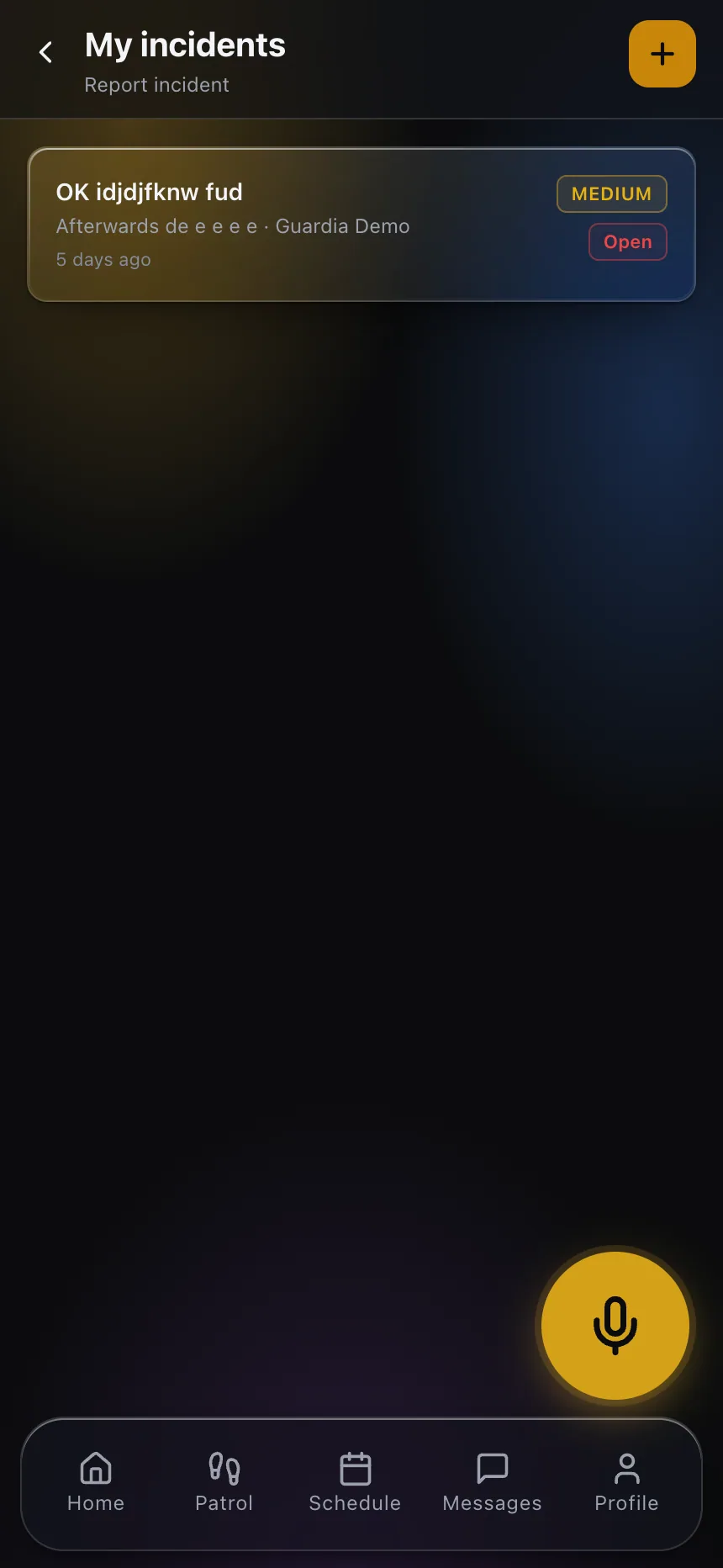
The reason this step gets skipped even at companies that mean well is that the finding and the follow-up live in different places — a memo in someone’s email, a verbal instruction at a shift briefing that the next hire never hears. Put the after-action finding where the operational record already lives: attached to the incident, and pushed into the assigned officer’s own view of that post so the change shows up the next time anyone works that shift, alongside the daily activity reports for that account, with the follow-up date tracked as an open item rather than a line in a report nobody reopens.

That visibility is what turns an after-action report from paperwork into an actual operational habit. A finding that only exists in a document gets forgotten the moment the person who wrote it moves to the next fire. A finding that shows up as an open task, tied to a specific post and a specific date, either gets closed or stays visibly overdue — and an overdue safety item sitting in front of a field supervisor every morning gets handled a lot faster than one buried in last month’s file.
Start with the incidents that repeat
Most companies don’t have the bandwidth to run a full after-action process on every incident, and they don’t need to. Reserve it for anything that draws a pattern — a second incident at the same location, a near-miss that could have gone worse, anything involving injury or police response. Run the four questions, assign the owner, and check back. Do that consistently on the incidents that matter, and the account starts accumulating real operational memory instead of a folder of reports nobody reopens.
If you want to see how incidents, findings and follow-up all live in one place instead of scattered across email threads, explore CGuardPro or get in touch.