Most contracts are lost in the eleven months nobody talks. The client stops seeing you, the officers become furniture, and then a competitor sends a proposal with a lower bill rate and there is nothing on the table to weigh against it. A quarterly business review is the cheapest insurance a contract security company can buy, and almost nobody runs one properly. The ones who do usually run it as a friendly lunch where the account manager asks “everything good?” and the client says “yeah, fine,” which is worse than not meeting at all, because now both sides believe the relationship has been serviced.
What a quarterly business review with a security client is actually for
The purpose of a quarterly business review in security is not to reassure the client. It is to surface the problems your client has not escalated yet, while they are still small enough to fix without a credit memo.
Every account accumulates quiet friction. The officer on graveyard who nobody likes. The lobby desk that got moved and now has a blind angle. The tenant who calls the property manager instead of dispatch. None of these will generate a formal complaint. All of them will be cited later, all at once, when somebody at the client’s head office asks why they are paying what they are paying.
The second purpose is to convert your operational data into something the client’s own boss can read. Property managers, facility directors and risk managers all report upward. If you give them a page they can forward without editing, you have made yourself useful in a way a lower bill rate cannot match.
Build the meeting on data you already have
The failure mode of these meetings is that they become an opinion contest. The client says response times feel slow. You say your officers are prompt. Neither of you can prove anything, so the loudest impression wins, and the loudest impression is usually the most recent bad night.
The fix is to walk in with the quarter already reconstructed. Everything below comes out of normal operations if you are capturing it digitally.
Coverage. Every scheduled post hour against every hour actually worked. Callouts, how they were covered, and how long the gap ran. If you had an unfilled shift, say so before the client does — they almost always know, and volunteering it is what buys you credibility on the numbers they cannot verify.
Tour completion. Checkpoint scans by post, by shift and by officer. This is where a client’s suspicion lives: they believe the third-floor stairwell never gets walked at 3 a.m. Either your scan record shows it did, or it shows a real gap you should already be fixing.
Incidents and activity. Volume by category over the quarter, with the trend. Not a stack of daily activity reports — a client will never read those — but a categorized picture: unauthorized access attempts, medical assists, tenant escorts, maintenance hazards found, vehicles tagged.
Response. Time from a call or alarm to an officer on scene, where you can measure it honestly. If you cannot measure it, do not claim it.

Turnover and continuity. How many different officers worked the site this quarter, and how many of them were regulars. Clients care about this more than they say. A familiar officer who knows which tenant parks in the wrong spot is worth more than an extra body.
Pulling all of this by hand takes a supervisor two days and produces numbers you cannot fully defend. When tour scans, clock-ins and reports all land in one system, the quarter is already assembled — you are choosing what to show, not rebuilding the record. That is the difference between a QBR you run every quarter and one you run once and then quietly abandon.
An agenda that works
Keep it to an hour and follow the same order every time. Repetition is the point: the client learns the format and starts preparing for it, which is when the meeting starts producing real information.
1. The quarter in numbers (10 minutes)
Coverage, tours, incidents, response. Trend lines, not raw totals. Say what changed and why. If incident volume dropped, do not claim credit automatically — sometimes it dropped because reporting got lazy, and it is far better for you to raise that possibility than for the client to.
2. What went wrong (15 minutes)
Lead with your own failures. Every unfilled post, every late relief, every missed patrol, and what you changed. This is counterintuitive and it is the single highest-value part of the meeting. A vendor who reports their own misses is a vendor the client stops auditing.
3. What the site is telling us (15 minutes)
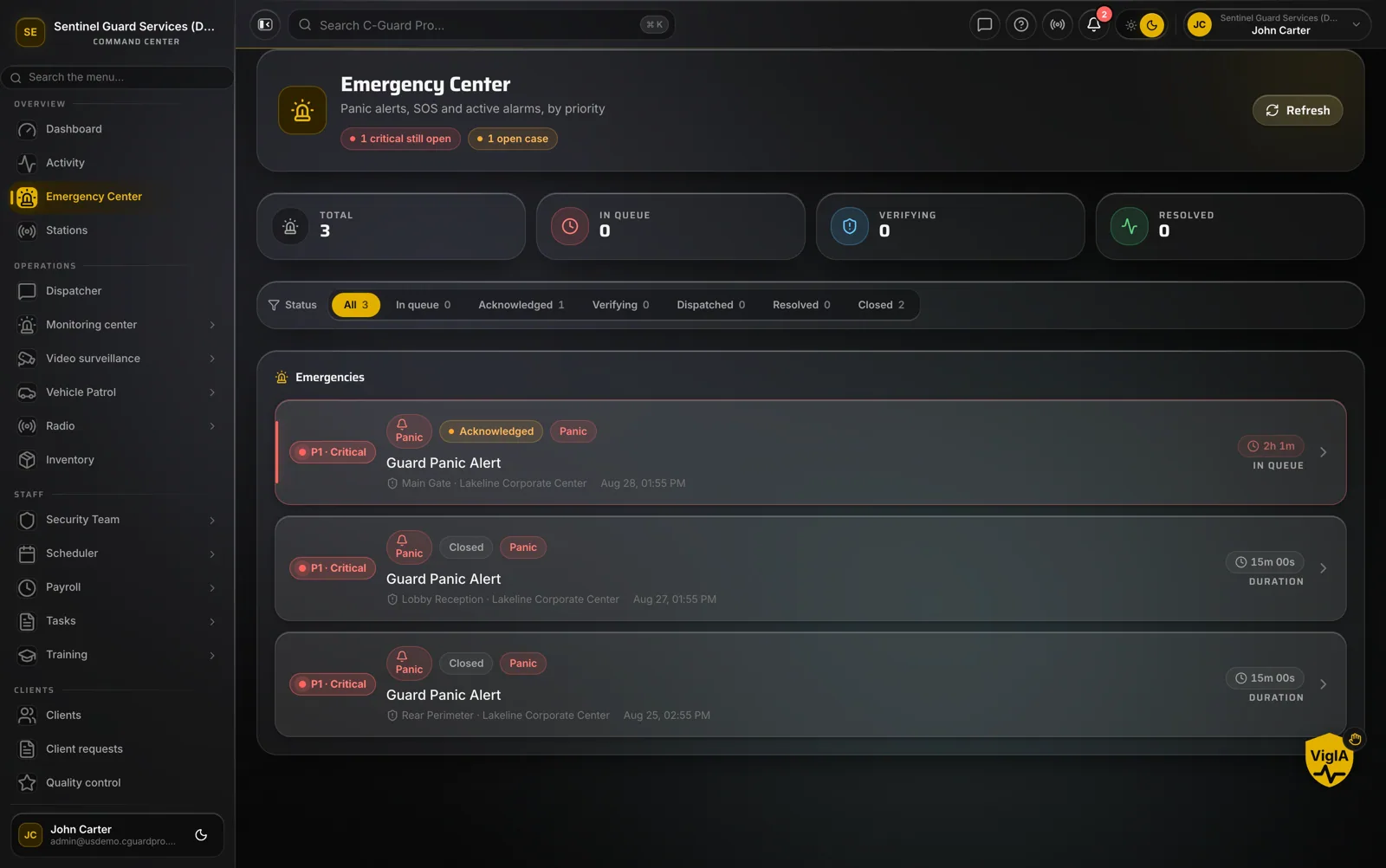
This is the analytical section and the one that separates a security company from a body shop. Take the incident data and say something about the property. Loitering complaints clustering at the north entrance after dusk. Three separate propped-door events on the same loading dock. Vehicle break-ins concentrated in one uncovered row.
Then propose something concrete: a post order change, a patrol route adjustment, a lighting recommendation, a tour checkpoint added where events cluster. Most of these cost the client nothing, which is exactly why they build trust. When you later propose something that does cost money, you have a track record of free advice behind it.
4. Post orders and standards (10 minutes)
Post orders drift. Officers get verbal instructions from tenants, procedures change after an incident, and the written document ages into fiction. Once a quarter, walk the client through what the post orders currently say and ask what should change. A five-minute review here prevents the argument where an officer did exactly what the book said and the client insists that is not the procedure.
5. What is coming (10 minutes)
Their side: construction, a tenant moving in or out, a lease event, an executive visit, a seasonal change. Your side: staffing changes, a supervisor rotation, wage pressure you can see coming. Clients hate rate conversations that arrive as a letter. They tolerate them when they were flagged a quarter in advance.
The traps
Bringing a slide deck about your company. They already hired you. Nothing about your history, your other clients or your certifications belongs in a QBR. The meeting is about their property.
Reporting only good news. A perfect quarter is not credible and the client knows it. If your report never contains a miss, they conclude you are either not measuring or not telling.
Sending the account manager alone. Bring the field supervisor who actually knows the site. Clients can tell within two questions whether the person across the table has walked the property at night.
Turning it into a sales call. If you find a genuine gap, name it and let it sit. The proposal goes out afterward, in writing. A QBR that becomes a pitch teaches the client to stop scheduling QBRs.
Making it a slide about response times you cannot substantiate. One unverifiable number poisons the credibility of the twelve verifiable ones next to it.
Make the client’s own view continuous
A quarterly meeting works better when the client is not seeing the data for the first time. If the property manager can log in during the quarter and look at tours, reports and incidents on their own site, the QBR stops being a reveal and becomes a discussion of what the numbers mean. Counterintuitively, giving clients continuous visibility through a client portal reduces the number of anxious phone calls rather than increasing them — most of those calls are just someone checking whether anyone is there.
The same applies internally. If your guard tour system and attendance records are already producing a defensible record, the QBR takes an hour to prepare instead of a week, which is the only reason it will still be happening a year from now.
Run four of these a year on your largest accounts. You will lose fewer contracts to price, because price is only decisive when nothing else is on the table.
If you want to see how the operational record behind a review like this comes together, explore CGuardPro or get in touch.