Guard scheduling software
that fills the gaps before they open
Set up each post's rotation once and CGuardPro builds the whole month: 12-hour rotations, four-on four-off, days and nights, scheduled days off and the relief officers who cover them automatically. Every guard sees their schedule on their phone and gets notified of any change.
Real product screenshots
The problem with scheduling in a spreadsheet
Coverage gaps you cannot see
One miscalculated day off and the post opens with nobody on it. In a spreadsheet nobody notices until the client calls at six in the morning.
Double-booking and overtime you never approved
The same officer assigned to two posts, rest days ignored, overtime that appears out of nowhere: the manual schedule generates conflicts every pay period.
The guard finds out too late
When the schedule lives on a sheet taped up at the post or in a group chat, last-minute changes never reach everyone.
How the CGuardPro scheduler works
Define the post's rotation
Configure each post's pattern: 12-hour rotations, four-on four-off, day and night lines, and how many officers each block needs.
Generate the full month
The engine assigns officers while respecting days off and rest periods, and works out the relief coverage each scheduled day off requires.
No double-booking, guaranteed
A universal backstop stops an officer from being assigned to two posts at the same hour — no matter how the shift was created.
Every officer sees their schedule
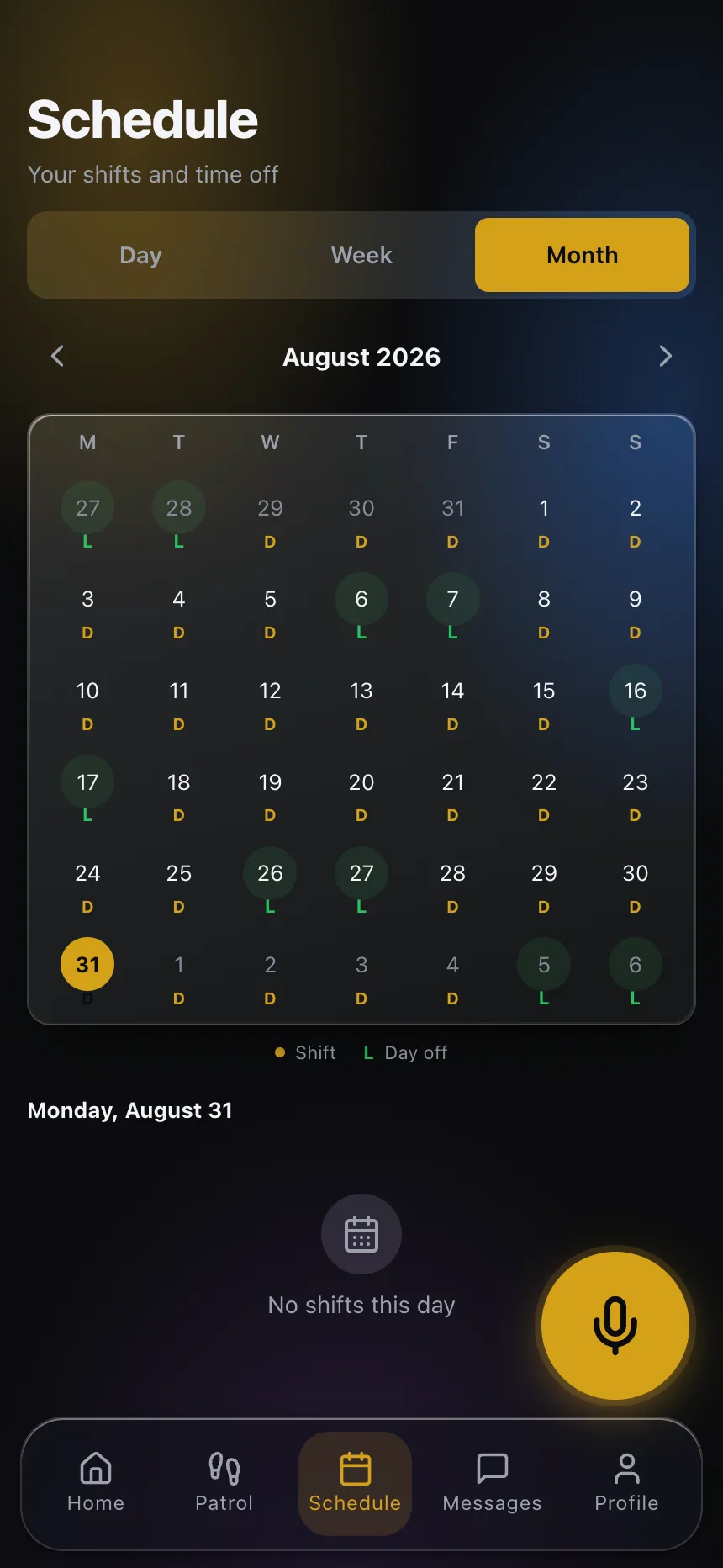
The month appears in the guard app (including overnight shifts that cross midnight) and every change arrives as a notification.
Full coverage, no surprises
- 12-hour and four-on four-off rotations generated for the whole month
- Relief coverage calculated and distributed against real days off
- Double-booking and shift overlap blocked at the source
- The schedule on every guard's phone, with change notifications
- Automatic reconciliation between the scheduled shift and actual attendance
- Shift swaps with approval, without breaking coverage
Frequently asked questions
Does it handle 12-hour rotations with relief coverage? +
Yes — it is the core case of the engine: fixed shifts with their rotation phase, rest days respected, and relief officers generated dynamically to cover each day off, distributed fairly.
What happens when a guard calls out the same day? +
You mark the absence and reassign from the dashboard; the system shows who is available without violating rest periods or creating a double-booking, and the replacement gets the shift in their app instantly.
Can guards swap shifts? +
Yes, through swap requests that go through approval. The system executes the real swap of both shifts and verifies that neither officer ends up with an overlap.
How does the guard find out about their schedule? +
In the guard app: day, week and month views, including overnight shifts that cross midnight. Changes trigger a push notification.
Does attendance reconcile against the schedule? +
Yes. Every clock-in and clock-out is reconciled against the scheduled shift, so you see late arrivals, absences and real hours by period without manual math.
Bring us your hardest schedule
In the demo we build it live: your real rotation, your days off and your relief coverage, generated for the whole month in minutes.