Digital daily activity reports:
retire the notebook at the post
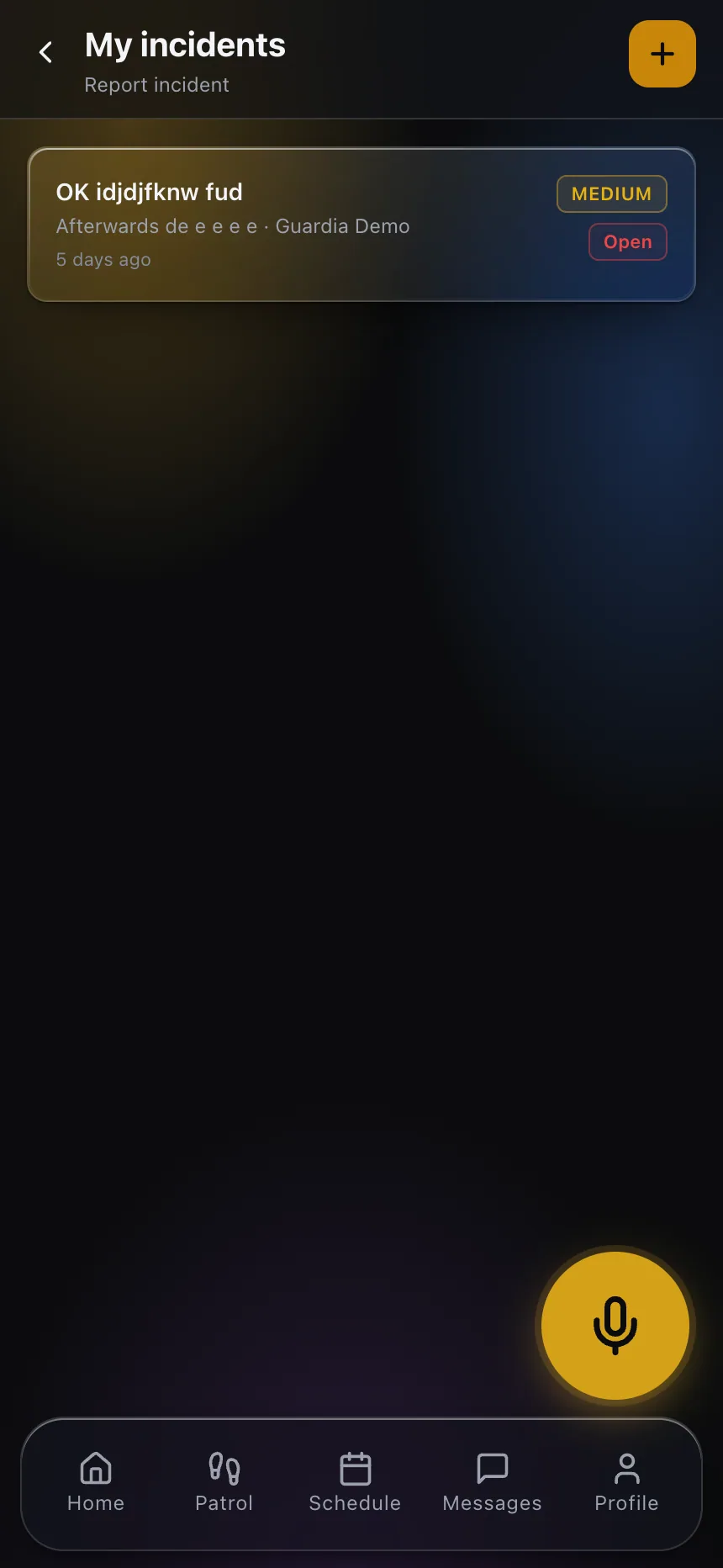
Every observation is filed from the officer's phone with photos, an exact timestamp, a location and an author — and lands in a digital log you can search by post, client and date. At shift change the pass-down reaches the incoming officer automatically: nothing gets lost between one guard and the next.
Real product screenshots
The problem with the paper DAR
Illegible, incomplete, easy to lose
Notebooks with unreadable handwriting, torn-out pages and spilled coffee. When you need an entry from three months ago for a claim, it is gone.
The relief never finds out
Post orders and open items from the outgoing shift disappear if the relief does not read (or cannot find) the book. Bad handoffs are behind half of all client complaints.
Worthless as evidence
In a loss claim or a client audit, a handwritten report with no verifiable time and no identified author carries very little weight.
How activity reports work in CGuardPro
The officer files from the app
A report with description, photos, priority and location in under a minute — from the same phone they clock in with.
Dispatch sees it instantly
Every entry appears on the operations board in real time, with alerts for high-priority items.
Automatic shift pass-down
On clock-out the officer leaves their notes and open instructions; the incoming guard receives them in their app when the shift starts — even a 'nothing to report' is recorded.
A searchable, exportable log
Everything is indexed by site, officer and date: the complete log for each post, ready for audits and client reports.
A log that actually holds up as evidence
- Every entry carries a system timestamp, GPS, author and attached photos
- Automatic pass-down between the outgoing and incoming shift
- Immediate alerts to dispatch for high-priority entries
- Search by site, client, officer and date range in seconds
- Clients see the reports for their own sites from their portal
- An unalterable history: nothing gets torn out, nothing gets lost
Frequently asked questions
Does this replace the physical DAR book my client requires? +
Yes. The digital log records more than the notebook ever did (photos, GPS, system time, verified author) and can be exported by period to hand to the client or any body that requires it.
What is the shift pass-down and how does it work? +
On clock-out the officer records the shift's notes and any open instructions. The system delivers them automatically to the incoming officer in their app, with acknowledgment. If nothing happened, the 'nothing to report' is itself on the record.
Can reports include photos and location? +
Yes — photos taken at that moment, priority, description and the location of the entry. All stamped with system time, not the phone's clock.
Can a guard file a report with no signal? +
Yes. The entry is stored on the phone and sent automatically when the connection returns, keeping its original time.
Can my client see the reports for their property? +
Yes, from the client portal they see the reports and incidents for their sites as they happen — the kind of transparency that renews contracts.
Turn your DAR book into real evidence
Book a demo and watch the whole flow: a report filed with a photo on the phone, the alert in dispatch, and the automatic pass-down to the relief.