Security guard software
for gated communities
Residential contracts are won and lost at the gate and at the board meeting. Visitors and contractors are logged as they arrive, the rounds through the community are verified point by point, and the board can read all of it themselves — which is a very different meeting from one where you arrive with a printout and hope.
Real product screenshots
How a community contract goes wrong
The gate book is unreadable and unsearchable
A resident asks who let a contractor in on Thursday. The answer is somewhere in three pages of handwriting, and by then nobody believes the answer anyway.
'The guard was asleep at four in the morning'
One complaint at a board meeting, no evidence either way, and the contract is suddenly under review over something nobody can check.
A board that only sees the invoice
If the only thing the community sees of your service is a monthly bill, the renewal is a price negotiation and nothing else.
How a community runs on CGuardPro
A gate log that can be searched
Visitors, contractors and deliveries are registered with the resident who authorised them and the vehicle plate — the app can read it from a photo — with entry and exit times.
Rounds through the community, verified
QR checkpoints at the perimeter, the pool, the clubhouse, the parking areas and the back gates, scanned from the officer's own phone and validated against the route and its hours.
Incidents documented as they happen
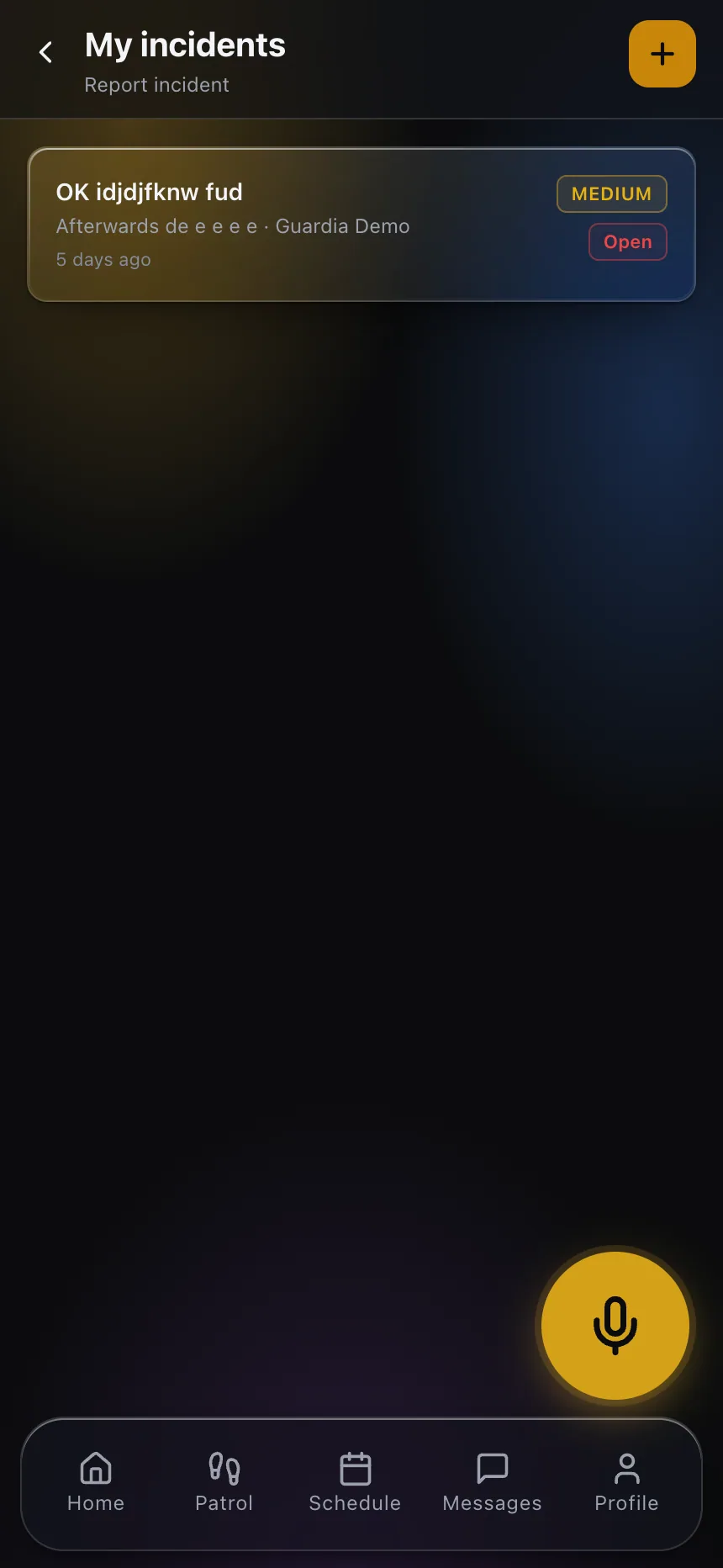
Photos, category, severity and location, filed from the phone — so the account of what happened on Saturday night exists before Monday.
The board reads its own service
Their portal shows the rounds completed, the reports filed and the incidents raised, and several people from the community can have their own login.
What the community gets
- A searchable log of visitors, contractors and deliveries with plates and times
- Verified rounds with time, position and the identified officer on every scan
- Alerts when a round is missed or a post is left without cover
- Incident reports with photos, available the same night
- Panic button for the officers, wired into your monitoring center
- A board portal that answers the questions before the meeting
Frequently asked questions
Can the board see the rounds themselves? +
Yes. Their portal is limited to their community and shows the completed rounds with verified times, the reports filed and the incidents raised. Several people from the board can each have their own login.
A resident says the officer was asleep. How do we settle that? +
By reading the shift. Checkpoint scans carry time, position and the identified officer, so a round that was walked can be shown point by point — and one that was not shows up as missed rather than being argued about.
Can we record who authorised each visitor? +
Yes. Each entry records the visitor or contractor, the resident or office that authorised it, the vehicle and its plate, and the exit time, and the log stays searchable afterwards.
Are we too small a contract for this? +
Billing is per user per month, so a community covered by a handful of officers pays for a handful of officers. Nothing in the product assumes a large operation.
What happens if the night officer does not turn up? +
The missing clock-in raises the alert by itself, so you are reassigning the post while it is still dark rather than explaining it to the board later.
Do residents get access as well as the board? +
That is your decision. A client can have several users — a board president and a property manager, for example — each with their own account, and you choose what is exposed to them.
Turn the board meeting around
Book a demo and we show the gate log, one verified night round and the portal the board would be reading before they ever call you.