Security guard software
for office buildings
In a corporate building the service is judged at the lobby desk and in the after-hours rounds nobody sees. Both are recorded: visitors and contractors logged as they arrive, patrols verified floor by floor, and a property manager who can read all of it without waiting for a monthly report.
Real product screenshots
What a property manager complains about
A lobby book nobody can search
Handwritten visitor sheets are illegible within a week and worthless the day someone needs to know who came into the building on a specific afternoon.
After-hours rounds taken on trust
The building is empty, the round is unwitnessed, and the only evidence it happened is that nobody said otherwise.
Requests that die between three people
The manager texts 'check the loading dock door' to your account manager, and the officer on shift never hears about it.
How an office building runs on CGuardPro
The lobby keeps a searchable log
Visitors and contractors are registered with who they came to see and who authorised them, and vehicles with the plate, so entry and exit times exist as records rather than handwriting.
Rounds verified floor by floor
QR checkpoints on the floors, the stairwells, the mechanical rooms, the loading dock and the garage, scanned from the officer's phone and validated against the route and the hours it applies to.
Requests that reach the shift
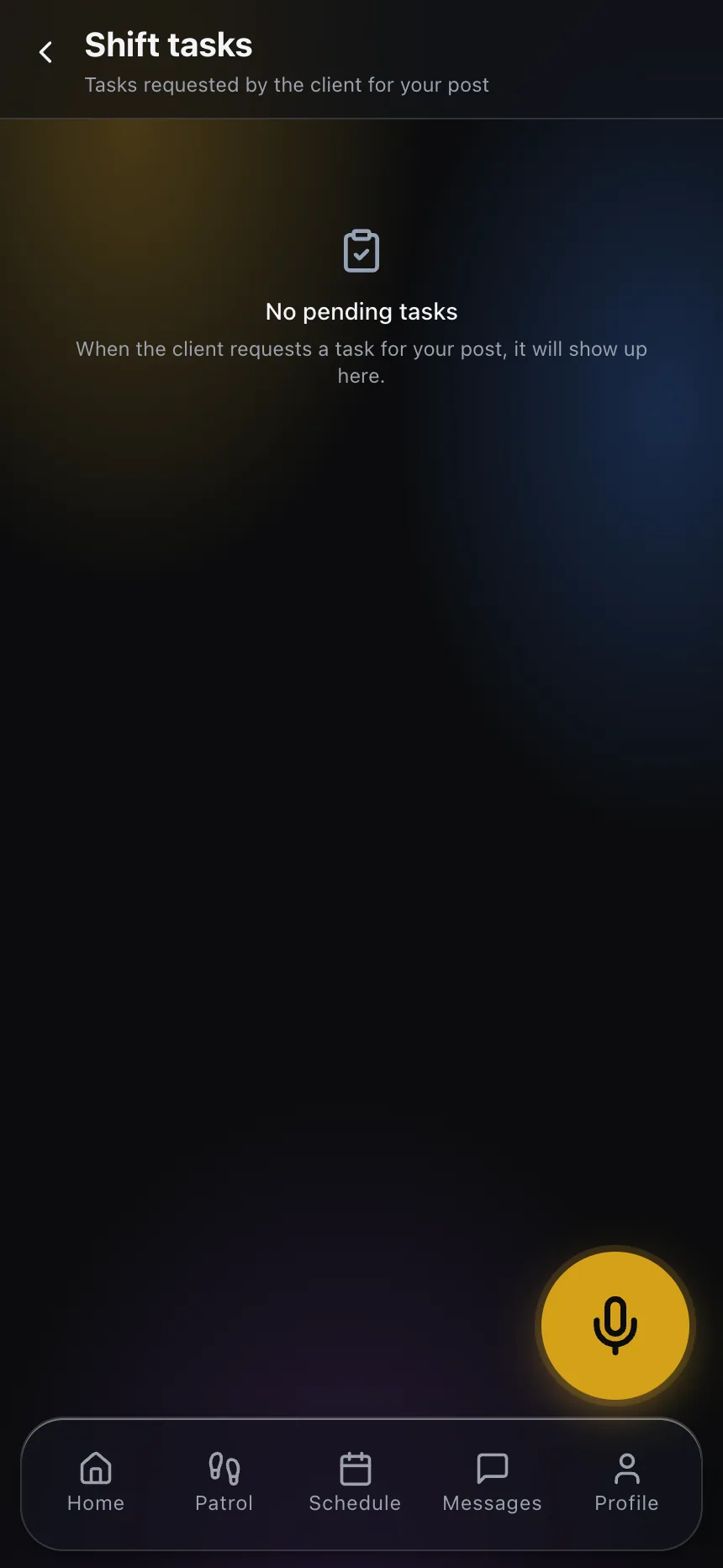
The property manager files requests in their portal; once your dispatch approves them they land as tasks in the officer's app, with status and follow-up.
The pass-down survives the shift change
At clock-out the officer leaves the hand-over for whoever comes in, so the night shift starts knowing what happened during the day.
What the building gets
- A searchable visitor and contractor log with entry and exit times
- After-hours rounds verified with time, position and identified officer
- Client requests that become tracked tasks on the officer's shift
- Automatic notices when the officer at the building clocks in and out
- Incident reports with photos, filed from the floor where it happened
- A history the property manager can consult without calling you
Frequently asked questions
How does the manager know the after-hours round really happened? +
Every checkpoint scan carries the time, the phone's position and the identified officer, verified when it reaches the system. The round reads as a whole afterwards — what was covered, what was skipped, how long it took — and the manager can see it in their own portal.
Can the property manager ask our officer for things directly? +
They file the request in their portal. Your dispatch approves it, and only then does it reach the officer on shift as a task with a status. You keep control of the channel instead of losing it to text messages.
Can we manage several buildings from one place? +
Yes. Every building is a site in the same operation, with its own posts, routes and rules, and the live board filters by client, by building or by the supervisor covering an area.
What if the officer on the desk does not clock in? +
The uncovered post raises its own alert, so dispatch sees an empty lobby before the tenants do, and can reassign from the same screen.
Do we need to install anything in the building? +
No. Checkpoints are printed QR codes or NFC tags, and officers use their own phones. Nothing has to be wired, mounted or maintained by the property.
How does the night shift know what happened during the day? +
The officer files a hand-over at clock-out and it is delivered to whoever takes the post next, so the shift change is a written record rather than a conversation in the lobby.
See the building from the manager's side
Book a demo and we show the lobby log, the after-hours round and exactly what your property manager would be reading the next morning.