Body cameras arrive on a contract security account the same way most technology does: a client asks for them, a competitor mentions them in a proposal, or an incident goes sideways and somebody says “if only we had video.” Then a box of cameras shows up, officers are told to wear them, and nobody has answered the questions that actually determine whether the program helps or hurts. A body camera policy is not paperwork you write after deployment. It is the thing that decides what the cameras are for, and without it you have bought a liability generator with a charging dock.
This post is about the decisions to make before the purchase order. It is general operational guidance, not legal advice — recording law, employment law and client contract terms vary by state and jurisdiction, and you should confirm anything here with your own counsel and, where applicable, your state regulator.
Start with the question the camera is supposed to answer
Vendors sell body cameras as a general good: accountability, evidence, deterrence. Operationally, they only pay for themselves when you can name the specific dispute you are tired of losing.
That dispute is usually one of three. He said, she said with the public — a tenant, a patron, a trespasser claims the officer was aggressive and there is no way to check. Client disputes over what the officer did — the client says the officer never responded, the officer says they did. Internal conduct — you suspect an officer is not doing what the DAR claims and coaching has not fixed it.
Those three lead to very different programs. Public-contact disputes justify cameras on the posts with contact — lobby, retail, hospital entrance, event work — and argue for a policy where the officer activates on contact. Client-dispute problems are often better solved by verified patrol records and location data than by video, because the client’s real question is “was anyone there,” not “what did they say.” Internal-conduct problems are the worst reason to buy cameras: the program becomes a surveillance tool aimed at your own workforce, adoption collapses, and you still have the underlying supervision gap.
Write down which of the three you are solving. If you cannot, you are not ready to buy.
Consent and recording law: the part that varies most
Audio is the complicated half. States differ on whether all parties to a conversation must consent to a recording or whether one-party consent is enough, and the analysis can turn on whether the conversation carried a reasonable expectation of privacy. Some jurisdictions treat a lobby, a parking garage and a private office very differently. Signage requirements, notice requirements and what counts as implied consent are all things that vary — and they can vary within a single client’s property.
None of that is something to resolve from a blog post. The practical takeaway is structural: your policy has to specify where recording is permitted, where it is prohibited, whether audio is captured, how notice is given, and who decides. Restrooms, locker rooms, medical treatment areas and residential interiors are the obvious exclusions in most programs; many operations also exclude client executive offices and anywhere the client’s own policy says no. Get the client’s written agreement to the recording program as part of the post orders, not as a verbal nod from a facilities manager.
Activation: always-on is not the answer you think it is
Continuous recording sounds simple and is operationally miserable. It maximizes storage, maximizes the chance of capturing something the policy said you would not capture, and puts an officer’s entire shift — including their breaks, their phone calls home, and every conversation with a client employee — into your custody.
Event-based activation is harder to enforce but easier to defend. The policy names the triggers: any dispatched response, any contact with a subject, any use-of-force situation, any medical event, any alarm, any refusal-of-entry. It also names the deactivation point, which people forget. An officer who activates on a trespass contact and forgets to stop recording ends up capturing the next two hours of nothing.
Two failure modes deserve planning. The first is the officer who does not activate during exactly the incident that later matters. Treat non-activation as a documentation gap to be explained, not automatically as misconduct — the escalation was fast, the camera was knocked loose, the battery died — but require an explanation in the incident report every time. The second is the officer who activates and then narrates. Cameras make some people perform. Coaching that out is a supervision task, not a hardware setting.
Retention, storage and the cost nobody budgets
The camera is the cheap part. The recurring cost is storage, the labor to manage it, and the labor to respond to requests for it.
Retention policy is a balance. Keep footage too briefly and you lose the clip a client asks for three weeks later, or the clip that would have answered a claim filed after the fact. Keep everything forever and you accumulate an ever-growing archive that you are obligated to search whenever a subpoena arrives, and that becomes a breach liability if it is ever exposed.
Most workable policies use tiers: a short default retention for routine footage, and a much longer hold for anything flagged to an incident, a use-of-force event, an injury, or a known claim. The flagging has to be easy and it has to happen at the time of the incident, because nobody goes back a month later to find the clip. That means the officer’s incident report and the footage need to reference each other — the report identifies the recording, and the recording is held because the report exists.
Also decide, in writing: who can view footage, who can export it, whether the client can view it directly or must request it, whether an officer may review their own footage before writing the report, and what happens to footage when the account ends. That last one surprises companies, and it is far easier to settle in the agreement than in an email after termination.
Footage cuts both ways
The honest case for body cameras is that they resolve disputes. They do not resolve them in your favor. They resolve them in whichever direction the video points.
That is worth saying out loud internally, because a program sold to officers as protection and used as prosecution will not survive. If the first three times footage gets pulled it is used to discipline an officer, the message is unmistakable and activation rates will quietly drop. Programs that last tend to pull footage for both purposes visibly — clearing an officer of a false complaint gets the same attention as the ones that go the other way.
Where the camera fits in the reporting chain
A body camera is not a report. It is an attachment to one. The narrative, the time, the location, the subject description, the disposition and the notification still come from the officer, and they are what the client, the insurer and the court actually read first.
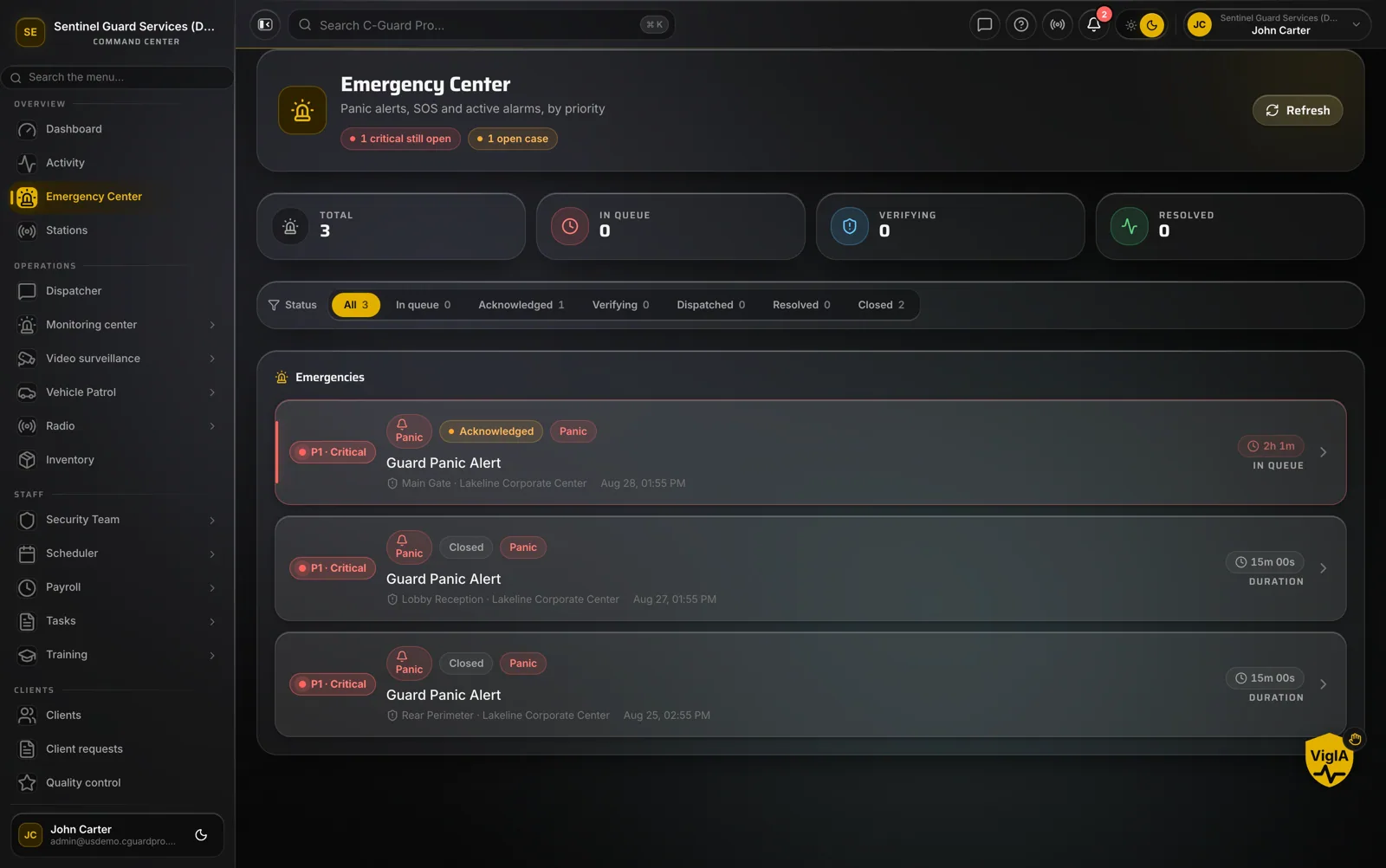
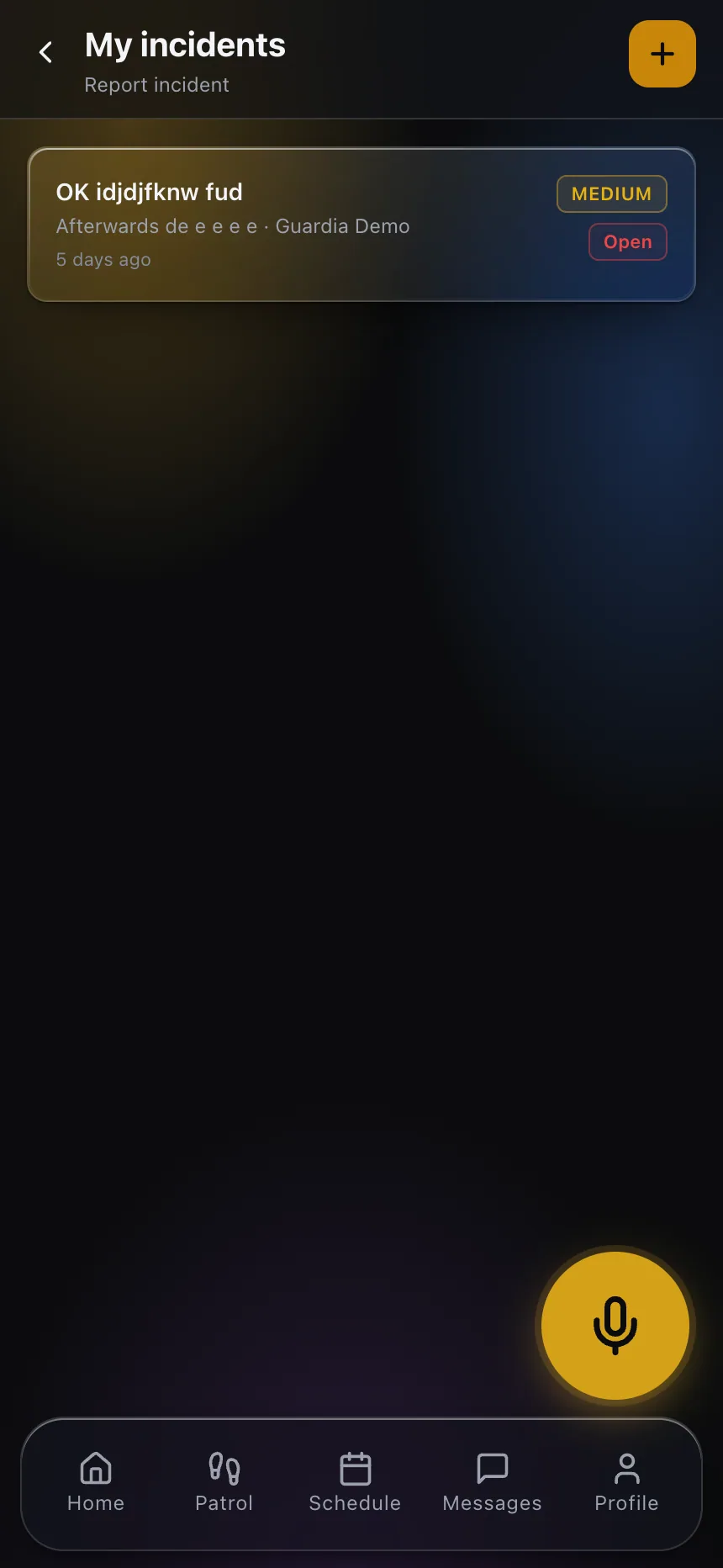
Practically, this means the camera program should be built around the reporting workflow you already have rather than beside it. When an officer files an incident from the mobile app, that record is what dispatch reviews, what triggers notification, and what a supervisor attaches the footage reference to. If video lives in one system and the narrative lives in another with no link between them, you will have both and be able to find neither. The same logic applies to what the client sees: give them a consistent view of incidents through the client portal and treat footage as evidence you produce on request, not as a live feed you hand over.
The body camera policy checklist before you buy
Run the checklist honestly. Which dispute is this solving? Have counsel reviewed recording and consent for the states you operate in? Has the client agreed in writing? What are the activation triggers and exclusion zones? What is the retention schedule and who pays for storage? Who can view and export? How does a clip get tied to an incident report? What happens to footage at contract end? How will officers be told the program protects them, and will the first uses back that up?
If you have those answers, the hardware decision becomes a minor one. If you do not, no camera on the market will fix what you are actually missing.
To see how incident reports, evidence and client-facing records fit together in one operation, explore CGuardPro or get in touch.