Most overtime problems in contract security are not created in payroll. They are created weeks earlier, on the schedule board, when somebody builds a rotation that mathematically cannot fit under the weekly threshold and nobody prices it that way. By the time the hours show up on a timesheet, the money is already spent. FLSA overtime security exposure is, more than anything else, a scheduling design question that gets misfiled as an accounting question.
What follows is general orientation for operators, not legal or payroll advice. Wage and hour rules — how the workweek is defined, what counts as hours worked, what must be included in the regular rate, which exemptions exist and how they are applied, and what state law adds on top of federal requirements — vary by jurisdiction and change over time. Several states impose daily overtime rules, meal and rest period rules, or reporting-time pay that federal law does not. Verify current obligations with the Department of Labor, your state labor agency and employment counsel before you build policy on any of this.
The workweek is a decision, not a description
The single most useful thing an operator can understand about wage and hour compliance is that the workweek is something you define, in advance, and then live with. It is a fixed and regularly recurring period. It does not have to match your billing cycle, your client’s calendar, or the pay period. But once you set it, you cannot slide it around to make a particular week look cheaper.
This matters in guard work more than in most industries because our schedules do not respect calendar weeks. A four-on/four-off rotation drifts through the week. A Panama schedule alternates. An officer picking up a callout Sunday night is working into a period that may or may not belong to the week you think it does. If your defined workweek starts Monday at midnight and a twelve runs from Sunday at 6 p.m. to Monday at 6 a.m., those hours split across two workweeks, and each half counts toward its own total.
Operators get burned here in a specific way: they build the schedule against a “week” that means Monday-to-Sunday in their head, run payroll against a different period, and then cannot reconcile why the overtime number is higher than the schedule predicted. The fix is boring. Write down the workweek, publish it, and make sure the schedule view and the timesheet view use the same one.
Hours worked is broader than hours on post
The second concept that catches security companies is what counts as compensable time. Post-to-post travel during a shift, mandatory briefings, required equipment draw and return, court appearances for an incident the officer responded to, and mandatory training all raise questions. So does the classic pattern of an officer arriving fifteen minutes early to receive pass-down from the outgoing shift because your post orders effectively require it.
The general shape of the obligation is that time the employer requires or permits an employee to work is generally compensable, and unauthorized-but-known work is a problem. That means “we have a policy against early clock-in” is not a defense if supervisors watch it happen every day and say nothing. The practical control is a time record that reflects reality plus a supervisor who enforces the policy in the field, not a rule in a handbook nobody reads.
The regular rate is not the pay rate
The concept that surprises most owners is the regular rate. Premium pay is generally calculated on the regular rate, and the regular rate is not simply the hourly wage on the offer letter. Depending on the rules that apply to you, certain additional forms of compensation may have to be folded in before the premium is calculated.
Think about what a typical guard company actually pays beyond base wage: shift differentials for nights and weekends, site premiums for a difficult account, non-discretionary bonuses for perfect attendance or for picking up open shifts, hazard or armed-post differentials, and sometimes retention bonuses. Some of these categories may increase the regular rate. Others may not. The distinction turns on details — whether a bonus is truly discretionary, how it is announced, how it is earned — and it is exactly the kind of question to put to counsel rather than to guess at.
The operational lesson is simpler than the legal one: every incentive you invent to fill open shifts may carry a cost beyond its face value. Before you announce a bonus for covering callouts, know what it does to your premium hour cost, because the shifts it fills are disproportionately the ones already over the threshold.
Why twelves create overtime on purpose
Twelve-hour rotations exist because they cut handoffs, reduce the number of officers who need site knowledge, and give officers long blocks of time off. They are popular with clients and often popular with officers. They also generate premium hours structurally.
The arithmetic is unavoidable. A rotation built on twelves alternates between weeks with fewer shifts and weeks with more. The heavy weeks land above the weekly threshold; the light weeks land below it. Because the threshold is weekly and not averaged across the rotation, the light weeks do not offset the heavy ones. You do not get to net them out. Twelve-hour coverage on a continuous post produces a predictable, recurring block of premium hours, week after week, forever.
That is not a failure. It is a cost of a coverage model, and the correct response is to price it. The failure is quoting a bill rate that assumed straight time and then discovering the shape of the schedule in month three. Any post that runs around the clock has to be built and priced with its actual hour distribution in view — including relief, including the vacation and callout coverage that a real rotation needs.
Where the money actually leaks
Three patterns account for most unplanned premium hours in a guard operation:
Callout stacking. The same reliable officers take every open shift because they answer the phone. Their hours climb, and every extra hour is at premium. Spreading callouts across a wider pool costs more phone calls and less money.
Holdover. The relief is late, the officer on post cannot abandon it, and the shift runs long. Ten minutes of holdover per shift across a large account is a real number by the end of a month, and it is invisible unless your time record captures the actual out-time rather than the scheduled one.
Ghost coverage. An officer works a post that was never assigned to them, the supervisor knows, and nobody updates the schedule. Payroll pays it because the time record shows it. Nobody billed it.
All three are visible if you look at scheduled hours against worked hours as a routine, and invisible if you only look at payroll totals. Accurate time and attendance that captures the real in and out at the post is the raw material; the schedule is where you act on it.

Building the schedule with the cost in view
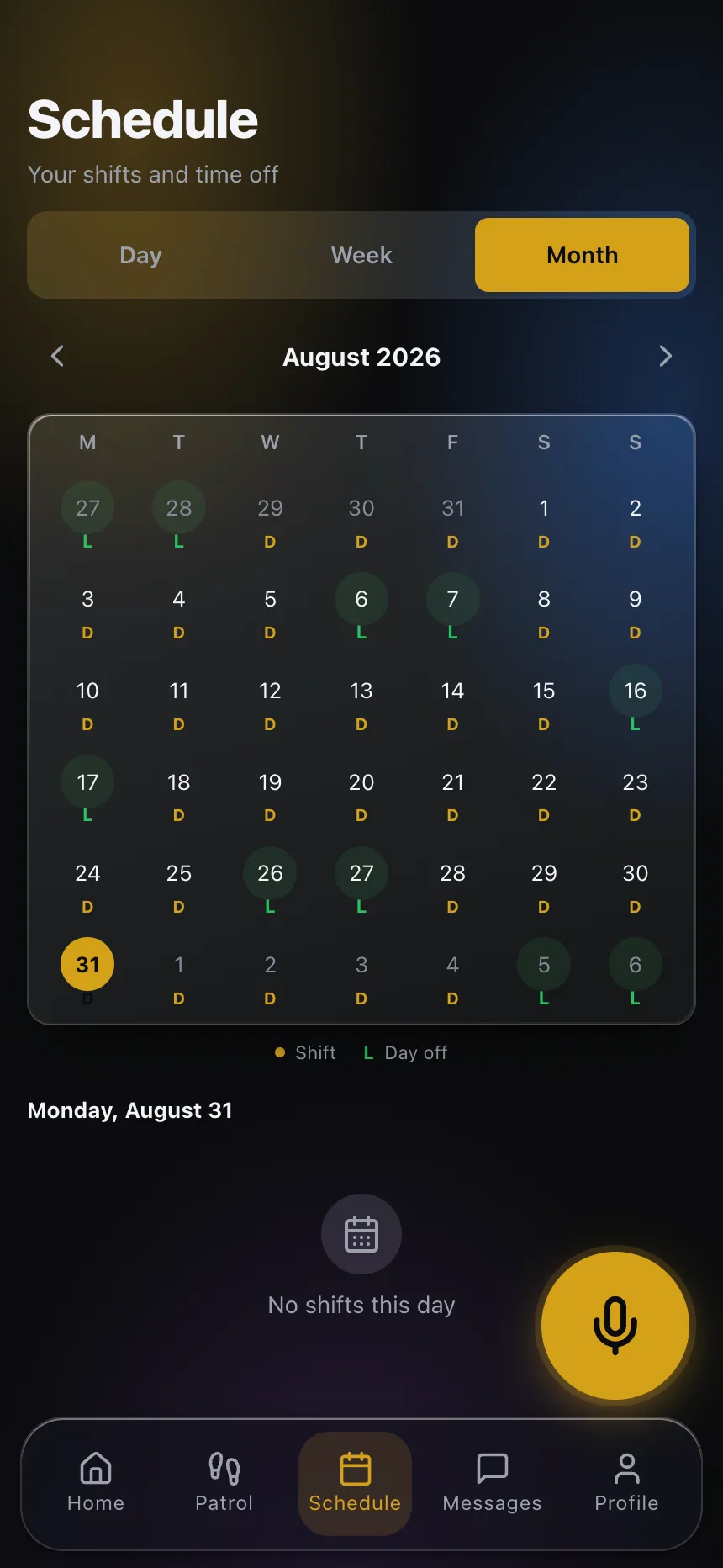
The practical control is to make the projected hour total visible while the schedule is being built, not after it is worked. When a scheduler drops an officer into an open shift, the question “does this push them over” should be answerable in that moment. Scheduling software that shows running weekly totals per officer, against the workweek you actually defined, turns overtime from a monthly surprise into a decision someone makes deliberately.
Sometimes the right decision is to accept the premium hours. A trained officer who knows the post is often worth more than a cheaper body who does not. But that should be a choice with a number attached, made by someone who knows the bill rate on that account.
Keep the records. Time records, schedule history, the written workweek definition, and the pay policies that create differentials and bonuses. Wage and hour disputes are won and lost on documentation, and the documentation has to exist before you need it.
If you want to see how scheduling, real time records and the officer mobile app work together, explore CGuardPro or get in touch.