There is a predictable arc to a daily activity report template. Version one is a page with a time column and a blank space. Then a client asks for weather. Then an incident happens and someone adds a vehicle section. Then the safety manager wants a hazard checklist. Two years later the DAR is four pages with thirty-one fields, and the officers have quietly agreed to type “N/A” into all of them. The report got longer and the information got worse.
A good DAR template is a design problem, not a coverage problem. Every field you add costs attention that comes out of the fields that matter.
The length paradox
A form that takes twelve minutes to complete on a busy post does not get twelve minutes. It gets four minutes and a lot of defaults. Officers are not lazy; they are triaging. A patrol officer with eight scheduled rounds and a form that demands weather conditions, temperature, uniform condition and vehicle mileage on every entry will start pre-filling the boring fields at the start of the shift so they can concentrate on the real ones. Now your template has taught them to fabricate.
The reverse failure is real too. A blank page with a time column produces “0200 – patrol, all secure” for eight hours, because nothing prompts the officer to record anything else.
The template’s job is to prompt for exactly the things that will be needed later, and to get out of the way for everything else. Which means you have to decide what “needed later” actually means.
The test for whether a field earns its place
Ask three questions about every field on the form:
- Will someone read this? Not “might it be nice to have.” Name the person and the situation. If nobody can name a scenario where the field is read, delete it.
- Does it change over the shift? Site address does not. Weather sometimes does. Fields that are constant belong in the header, filled once, not in every entry.
- Can the system capture it instead of the officer? Time, GPS location, officer identity, checkpoint scans and photo timestamps can all be recorded automatically. Every one of those you automate is a field the officer does not have to type and cannot get wrong.
That third question kills more fields than the other two combined. A paper template needs the officer to write the time; a digital one already knows it.
The core template: header, body, close
Header (filled once, mostly automatic)
- Site name and address, exactly as it appears in the post orders and the contract.
- Date and shift designation (e.g., “Sunday 08/24, 1800–0600”).
- Officer name and license or badge number, as required in your jurisdiction. Licensing and identification requirements vary by state — verify what must appear on a client-facing report with your regulator and counsel. This is not legal advice.
- Post or patrol assignment, where a site has more than one.
- Equipment received: keys, radio, vehicle and unit number, access card. This one field prevents a remarkable number of arguments.
- Pass-down received from the previous officer.
Body (the actual log)
The body should be a single chronological stream, not separate sections for patrols, visitors and incidents. Splitting them destroys the one thing that makes a DAR useful in a dispute: sequence. When you need to establish what the officer knew at 0342, you need every entry in one timeline.
Each entry needs time, location, observation, action taken and outcome. That is the whole schema. Everything else is a prompt to help officers remember to log a category of thing:
- Tours and patrols — start time, end time, route, exceptions found.
- Access control — deliveries, contractors, after-hours entries, denied entries.
- Alarms and system events — what activated, response time, condition found, reset.
- Persons contacted — description, nature of contact, outcome.
- Maintenance and hazard observations — the ones that become the client’s problem before they become yours.
- Client contact — who called, what they asked, what you did.
Close
- Equipment returned and condition.
- Pass-down to the relieving officer: open items, ongoing situations, anything unresolved.
- Relief time and relieving officer’s name.
- Officer signature or verified electronic sign-off.
The pass-down is the field most often left blank and most often needed. “Contractor crew from Aurora Mechanical still on Level 2 as of 0545, expected out by 0700” is worth the rest of the form.
Fields that look useful and usually are not
Weather, on every entry. It matters on a slip-and-fall, a storm response or an outdoor event. On an interior lobby post it is noise. Put it in the header if the site is exterior; leave it off otherwise.
Free-text “comments” at the end. It either duplicates the log or collects opinions you do not want in a permanent record.
“All clear” checkboxes per round. A checkbox is the cheapest thing in the world to click. It records that a box was clicked, nothing more. If you need proof the round happened, capture it at the checkpoint — a QR guard tour scan at a physical tag produces a record the officer had to be present to create, which a checkbox does not.
Numeric ratings of anything. “Rate the condition of the site 1–5” produces a 4 forever.
Fields that duplicate the incident report. If something is significant enough to need a full narrative, witnesses and photos, it belongs in an incident report with a reference number, and the DAR entry should point to it. Do not build a second incident form inside the daily log.
Per-account variants without ten separate forms
Different accounts genuinely need different prompts. A construction site needs gate logs and equipment counts. A hospital campus needs escort logs. A retail center needs opening and closing verifications. A vacant property needs a condition check of specific vulnerable points.
The mistake is maintaining a separate document per account, which guarantees drift and version confusion. The better structure is one core template plus a short account-specific block, defined in the post orders and inherited by the report. When the client changes what they want, you change it in one place and every officer’s form updates on the next shift.
Conditional fields: the reason digital templates win
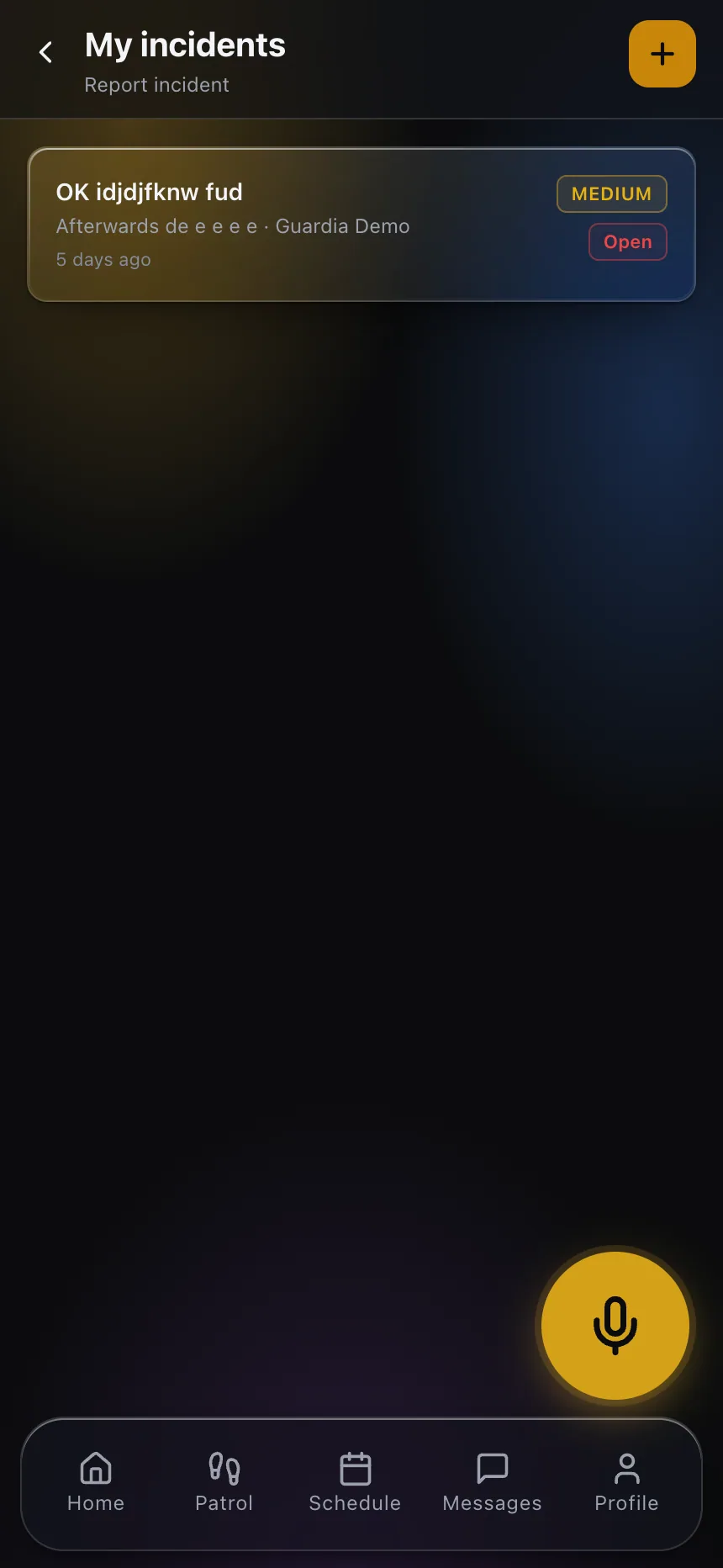
On paper, every field must exist for every shift, which is what makes long forms unavoidable. On a phone, fields can appear only when they are relevant. Choose “Person contacted” and you get description, contact type and outcome. Choose “Routine patrol” and you get none of them.
This is the single largest quality improvement available in DAR design, because it lets you have a short form and a thorough one at the same time. The officer sees four fields on a routine entry and eleven on the one entry that needs eleven.
It also lets you make fields genuinely required where it counts. A required field on paper is a suggestion. A required field that will not let the entry close is a rule — used sparingly, on the two or three things you truly cannot lose, like the location of a hazard or the outcome of a person contact.
Design for retrieval, not just for capture
The reason a template exists is so that someone can answer a question later. “How many times has that gate been reported unsecured this quarter?” “What time did our officer first observe the water on the floor?” “Which contractor was on site the night the copper went missing?”
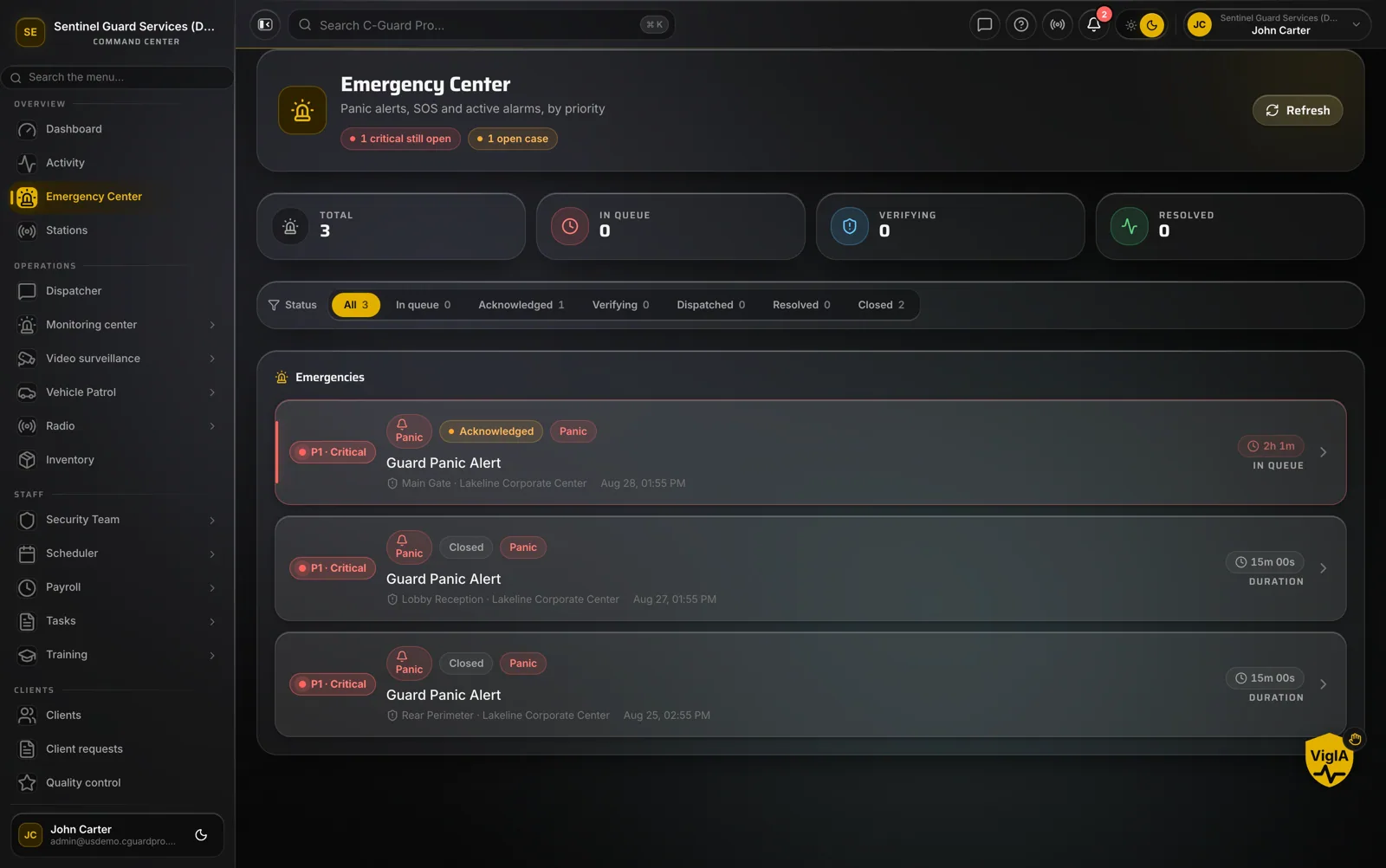
Those questions get answered from structure. Free text in a scanned PDF cannot be searched across sites and dates; consistent fields can. That is the practical case for building daily activity reports as structured records rather than documents — the same information, organized so it can be found under pressure.
It also changes what you can show a client. A client who can open a portal and read last night’s report without asking anyone stops treating reporting as a favor you do them and starts treating it as part of the service they bought.
Start by deleting
If you already have a DAR template, do not redesign it. Print the last thirty reports from one account and mark every field that was filled with real information. The fields that are empty, “N/A,” or identical on all thirty are the ones to cut. What remains is close to the template you actually need — and the reports will get better the week you shorten it.
If you want to see how a configurable DAR looks in the field and in review, explore CGuardPro or get in touch.