Almost every commercial building your officers work in has an access control system, and almost none of them have anyone reading it. The panel records every badge presented at every door, every day, forever, and that record sits untouched until something goes wrong — at which point somebody exports three weeks of it and tries to find the answer in a spreadsheet with tens of thousands of rows. Access control logs are the most underused security asset in the industry, and turning them from a passive archive into an active daily check is one of the few improvements an officer can make that costs nothing but attention.
Why nobody reads them
It is worth being honest about the reason, because the fix depends on it.
Access control logs are unreadable by design. They record every event with equal weight: a badge granted at the garage door at 8:04 a.m. looks exactly like a badge granted at the server room at 2:47 a.m. The volume is enormous and the signal-to-noise ratio is terrible. Handed a raw log and told to “review it,” a reasonable officer will skim it, see nothing, and mark the task complete. That is not laziness. It is the correct response to an impossible instruction.
The second reason is that access control is usually somebody else’s system. The panel belongs to the property, is administered by a third-party integrator, and the guard company is often given read-only access as an afterthought or no access at all. Officers do not feel ownership of a system they cannot configure.
The fix for both problems is the same: replace “review the log” with a small number of specific, named checks that produce a yes or no answer. An officer can execute a specific check. Nobody can execute a vague one.
The four checks that catch almost everything
1. After-hours grants
Define after-hours per site — it is not the same at a law office and a distribution center — and pull only the events in that window. This list should be short enough to read.
For each entry, the officer asks: is this person expected? Do they normally badge at this hour? Is the door consistent with their role?
What you are looking for is not a criminal. It is an anomaly worth a note: a badge that has never appeared at night suddenly appearing at 1 a.m., a badge at a door the holder has no business at, a credential active for someone whose name the account supervisor knows was let go last week. That last one is the highest-value finding in this entire article, and it is remarkably common. Termination processes routinely fail to revoke credentials, and the person best positioned to notice is the officer who reads the after-hours list against the site’s employee roster.
2. Repeated denials
A denied badge is not necessarily interesting. A badge denied eleven times at four different doors in twenty minutes is very interesting.
The benign explanation covers most cases: a demagnetized card, a new employee with the wrong access level, a contractor whose credential expired. Those still deserve a note, because they create the tailgating problem described below — a person whose badge does not work will get in some other way.
The non-benign pattern is a credential being tested against doors it was never assigned to. That is somebody probing, and it is invisible unless denials are pulled out and looked at as a group.
3. Doors held or forced
Most panels record a door-held-open alarm and a door-forced alarm as distinct events. These are the closest thing an access control system has to a genuine alert, and they are routinely ignored because they fire constantly at loading docks and smoking doors.
Do not ignore them; baseline them. Which doors produce these events routinely, and at what hours? Once the officer knows the normal pattern, a door-held event at a door that never produces one becomes meaningful. Baselining is the work that makes alerting possible, and it takes a week of attention rather than a project.
4. Credential inventory drift
Periodically — weekly at a small site, more often at a large one — compare the list of active credentials against the current roster of people who should have them. Contractors whose jobs ended. Temporary badges issued and never deactivated. Cards assigned to a suite that changed tenants.
This check almost always finds something, because deactivation is nobody’s job at most properties. Bringing your client a list of active credentials belonging to people who no longer work there is the single most credible thing an account manager can do in a quarterly review. It is a finding, in the client’s own system, that they did not know about and can act on immediately.
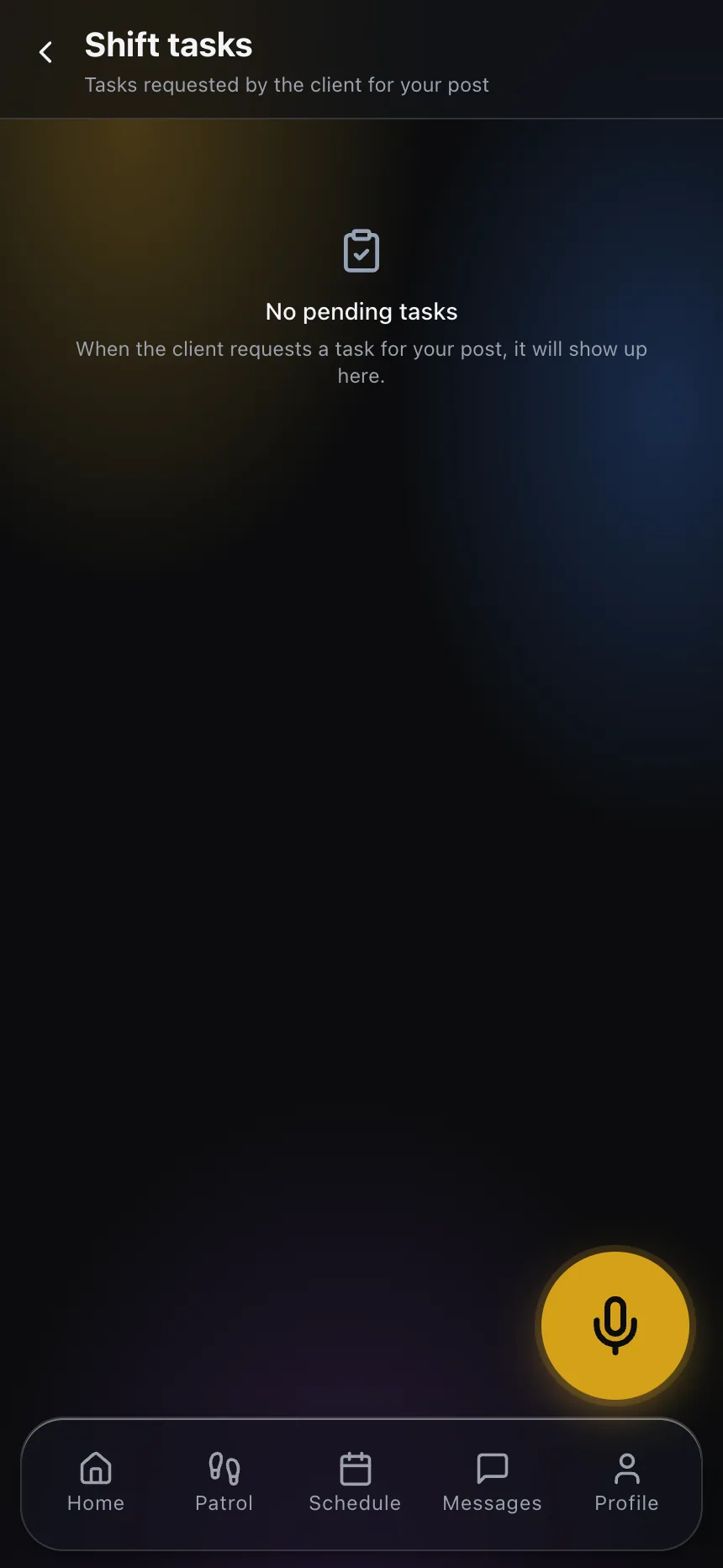
Put these four checks on the officer’s task list with a required response, not in a paragraph of post orders. A task that says “after-hours grant review — record any entry you cannot account for” gets done. A post order that says “monitor the access control system” does not, because it does not define completion.
Tailgating: what the log cannot see, and what it hints at
Tailgating — a second person entering on someone else’s badge — is the most common access control failure and the one the log is worst at detecting. The panel records one grant. Two people walked through. There is no event for the second person, because from the system’s point of view nothing happened.
That means tailgating is an officer problem, not a data problem. But the logs do produce indirect evidence:
Exit without entry. At sites with badge-out readers, a person badging out who never badged in got in some other way. This is one of the cleanest tailgating indicators available and it exists only where the property has configured exit readers — worth recommending to a client who is considering an upgrade.
Denials followed by nothing. A badge denied at a door, with no subsequent grant for that credential anywhere, and the person is later observed inside. They got in behind someone.
Timing clusters. A cluster of grants at a single door within seconds, at a site with low headcount, may be normal shift arrival or may be a propped door with people badging politely one at a time while the door never closes.
The countermeasure remains physical: an officer at the point of entry during high-traffic windows, mantraps or turnstiles where the client will fund them, and — crucially — a culture where employees challenge. Officers can build that culture more than they think. An officer who politely asks each unbadged person to badge, every time, without exception, changes the norm of the lobby within weeks. An officer who asks selectively creates resentment and changes nothing.
Log what you observe. A tailgating observation that lives only in an officer’s memory is worthless; the same observation recorded in the shift’s daily activity report, three times in a month at the same door at the same hour, is a documented pattern the client can act on.
Turning findings into something the client can use
The output of this work should not be “we reviewed the logs.” It should be specific, dated, actionable findings, delivered in a form the property manager can forward to their integrator or their HR department.
That means each finding needs: the date and time, the credential or door involved, what was observed, what the officer did, and what the officer recommends. Three lines. Written at the time, not reconstructed at the end of the month.

When those findings accumulate in the same system as the rest of the account’s activity, two useful things happen. Supervisors can see a pattern across shifts that no single officer would notice, because officers only see their own eight or twelve hours. And the account review stops being a conversation about whether the officer was awake and becomes a conversation about what your team found in the client’s own systems — which is a completely different commercial position.
Where physical verification comes in
Access control logs tell you a badge was presented. They do not tell you the door actually latched, that the reader is aimed correctly, that the door closer still works, or that someone has not defeated a strike with tape. Those are physical conditions, and they are found by walking.
Tie the log review to the tour. If the after-hours list shows repeated activity at a rear door, the next patrol includes a physical check of that door. If a door-held alarm fires nightly at the loading dock, the officer inspects the closer and photographs what they find. Running checkpoint scans at the doors that matter — through a QR guard tour system or whatever tour method the site uses — creates the second half of the record: the panel says what the system saw, the tour says what the officer saw. Together they are evidence. Separately they are each half a story.
Start with one site and one check
Do not roll out a log review program across a portfolio. Pick the account where you have the best access and the most engaged property manager, and start with the after-hours grant review alone. Run it for a month, write real findings, and bring them to the client.
If the findings are good — and on most sites the first month produces at least one credential that should have been revoked — the client will ask for more, and you will have earned the access you need at other properties. That sequence works far better than proposing a program in the abstract.
If you want to see how officer tasks, tour records and reporting fit into one operation, explore CGuardPro or get in touch.